currently play with the
ESP32-C6
and revisit
Micro Python
but if use it for something like
smart home
want try the combination of
Home Assistant
ESP Home
Setup RPI3
add ESPHome to HOME ASSISTANT
ESPHome to ESP32-C6
Setup RPI3
update RPI4
find
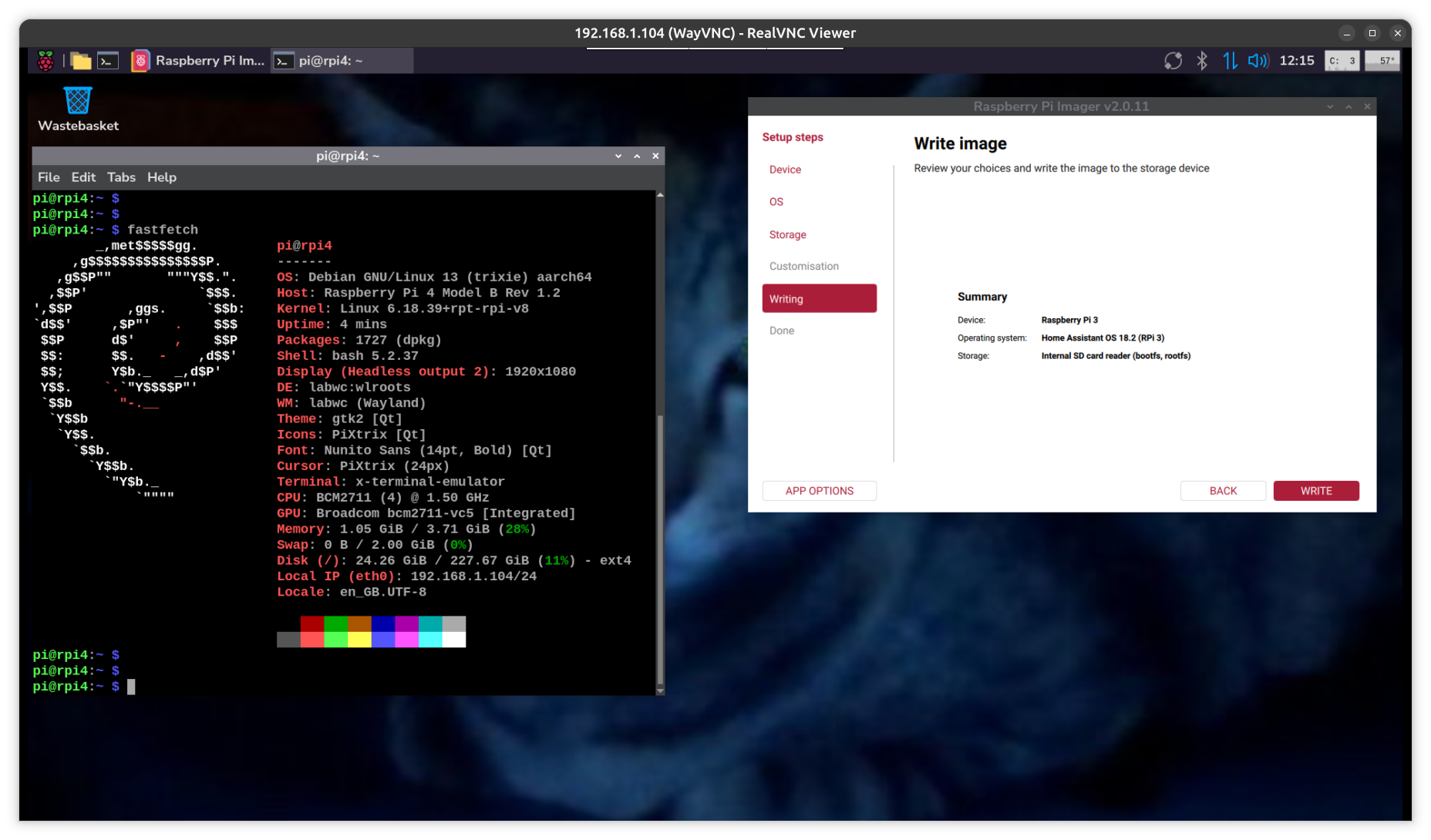
Raspberry Pi Imager v2.0.11
Home Assist as OS
put in a old 32GB uSD card
* RPI3
* Other specific-purpose OS / Home Automation / Home Assistant / HOME ASSISTANT OS 18.3 (RPI3) 0.3GB
* 32GB uSD
boot uSD in RPI3 ( add HDMI / Ethernet / Keyboard )
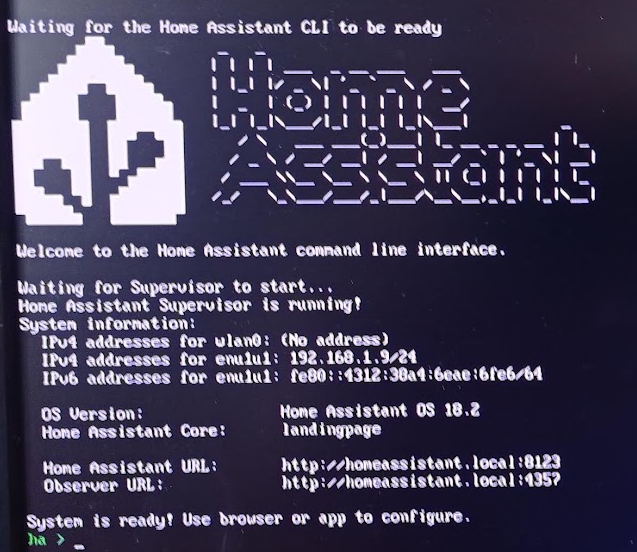
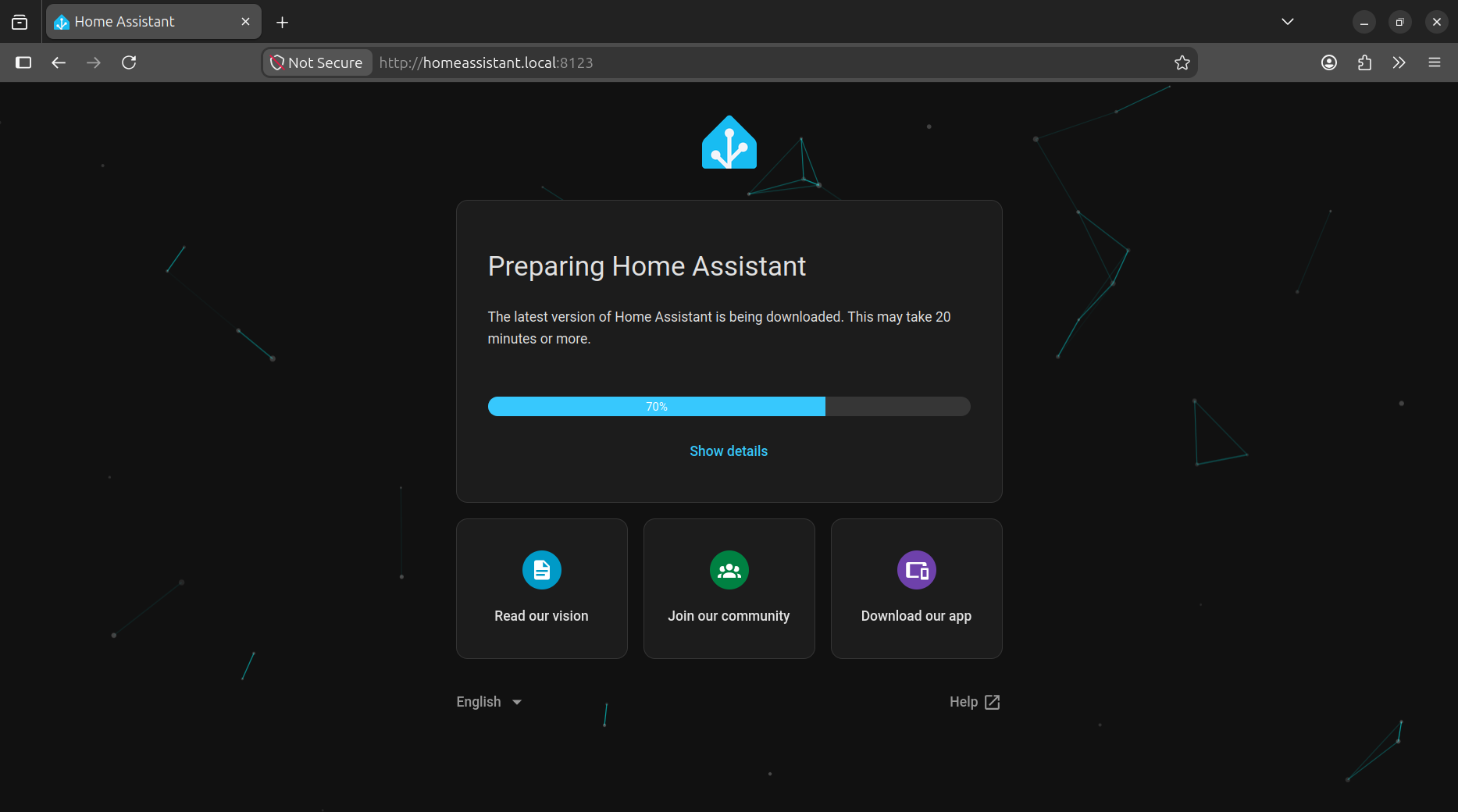
setup:
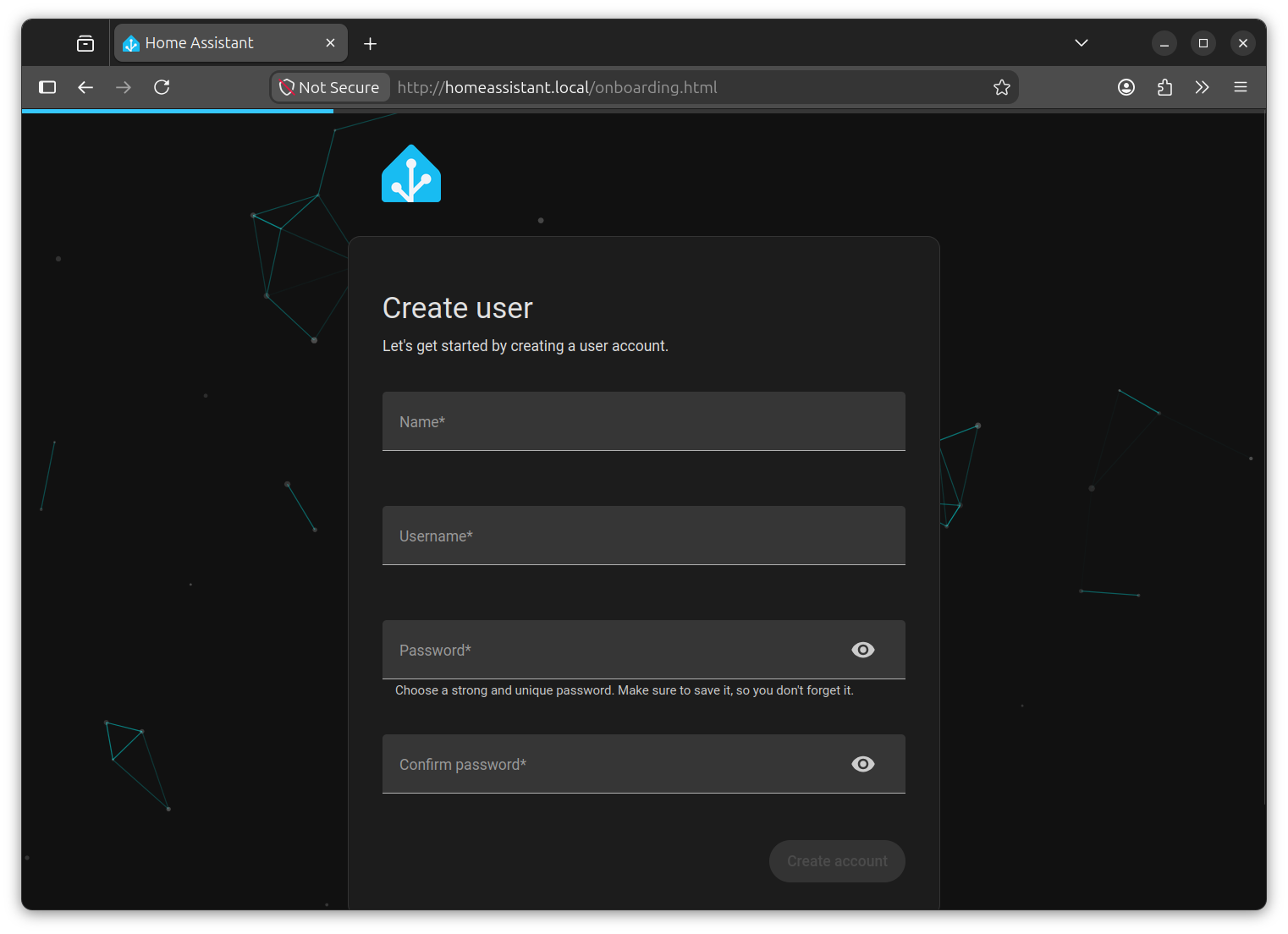
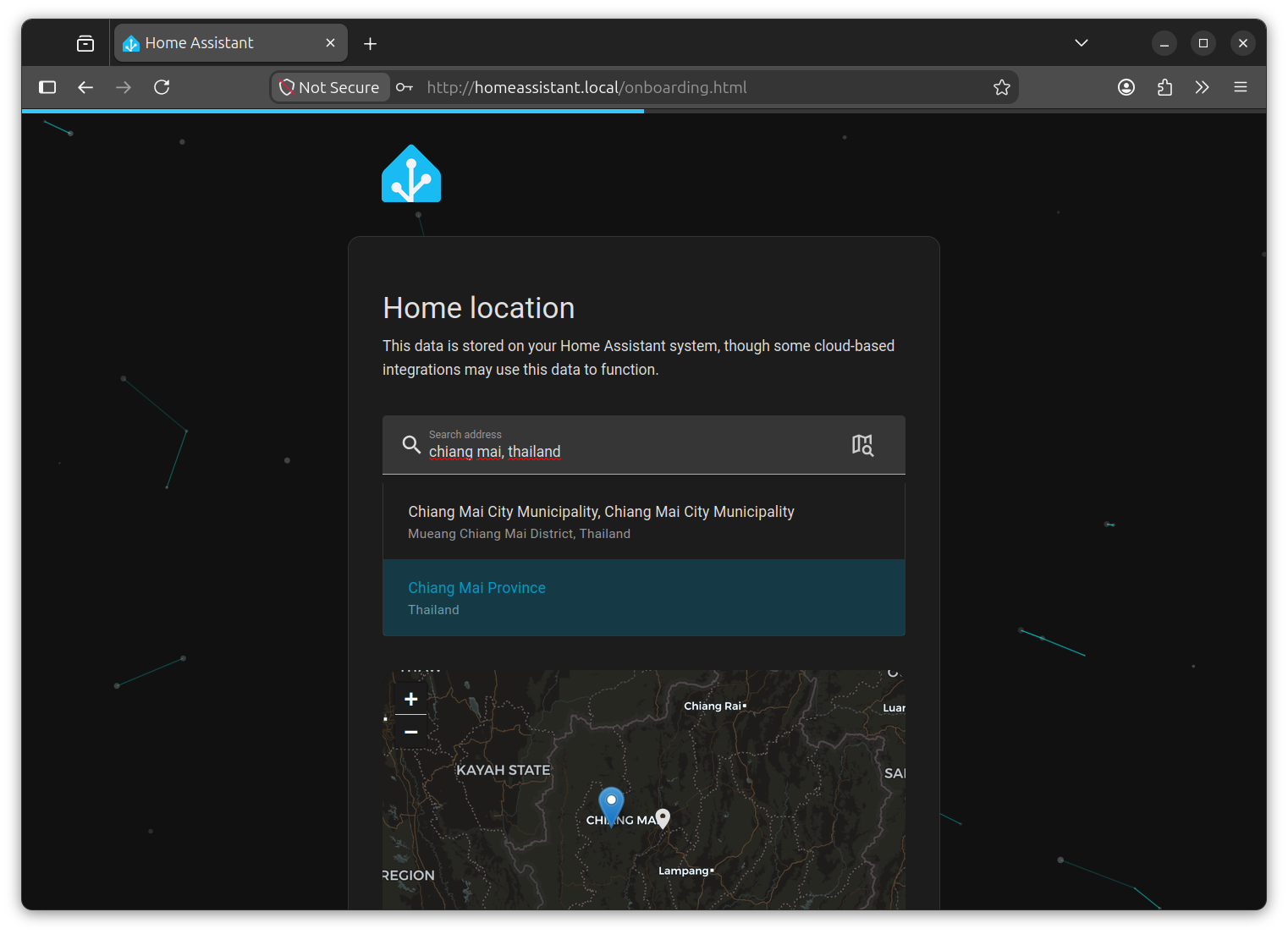
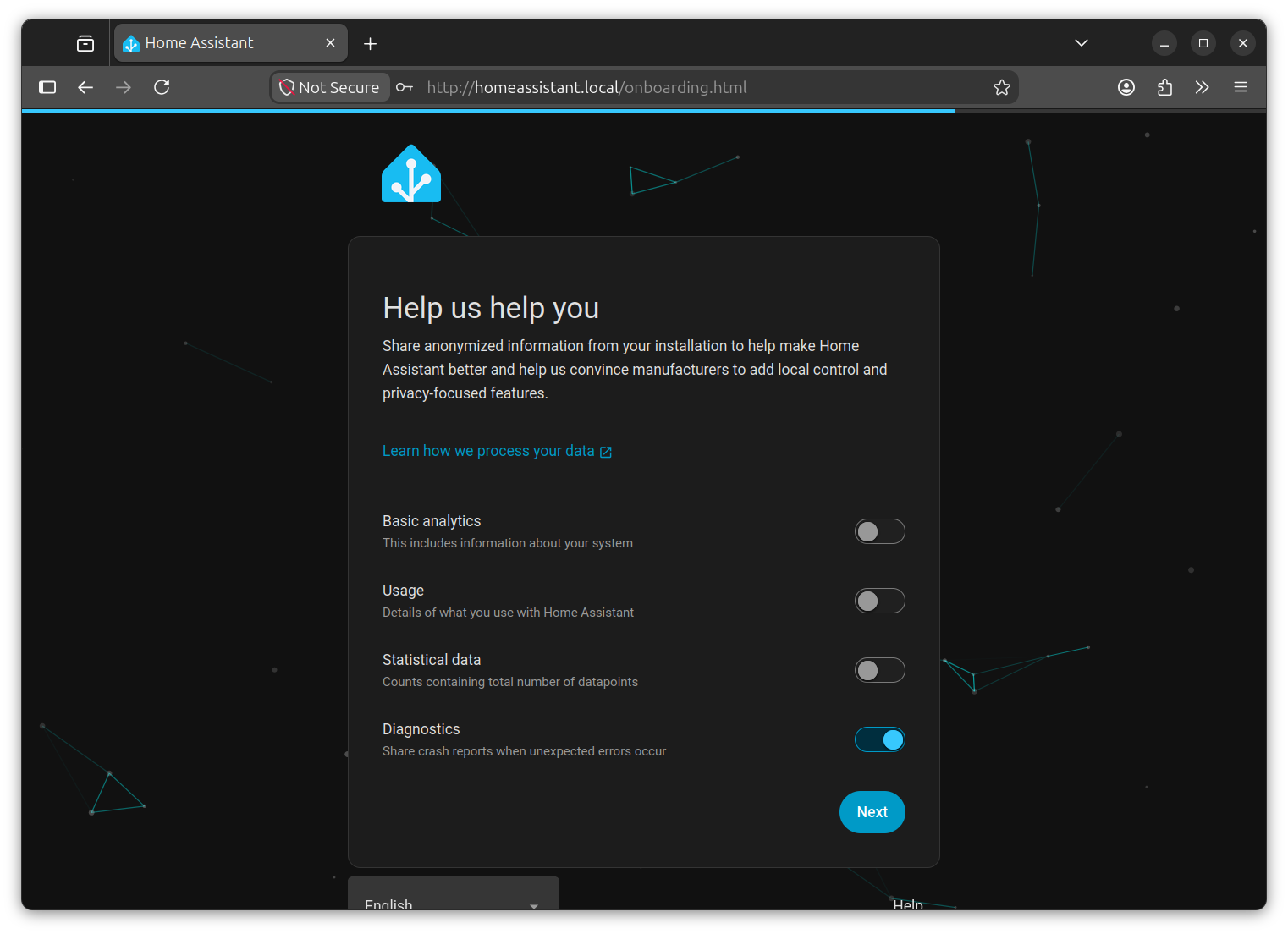
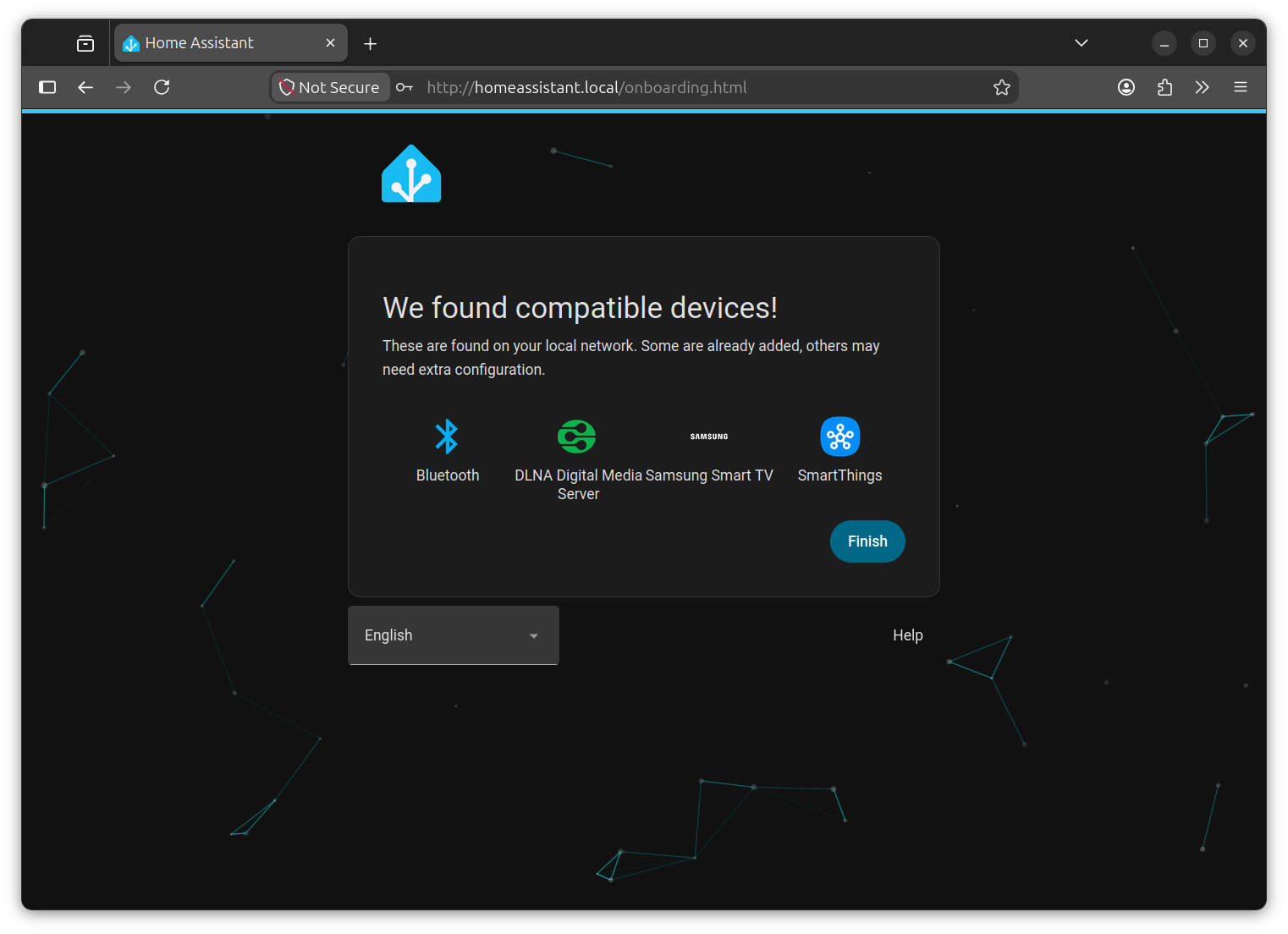
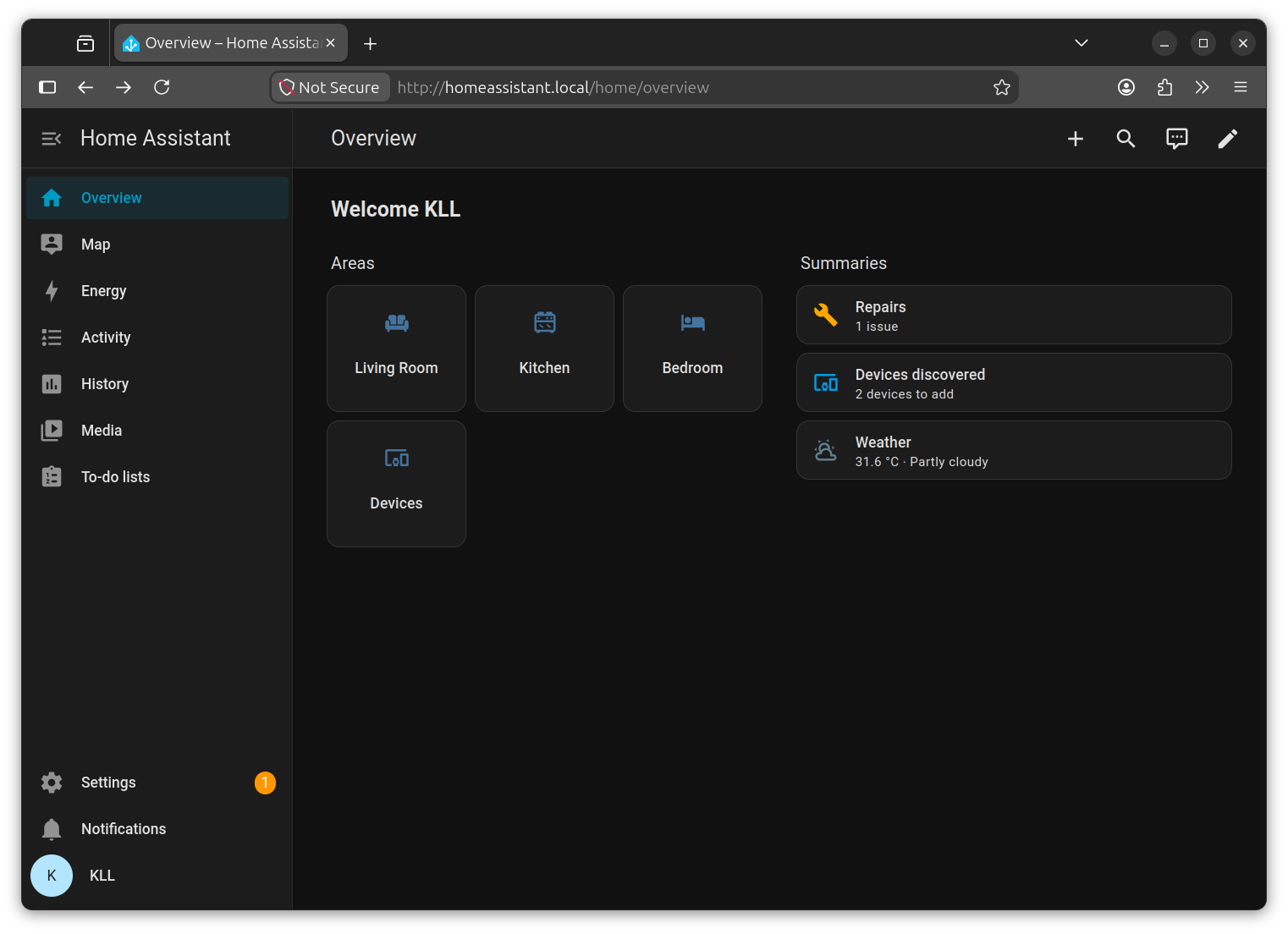
add ESPHome to HOME ASSISTANT
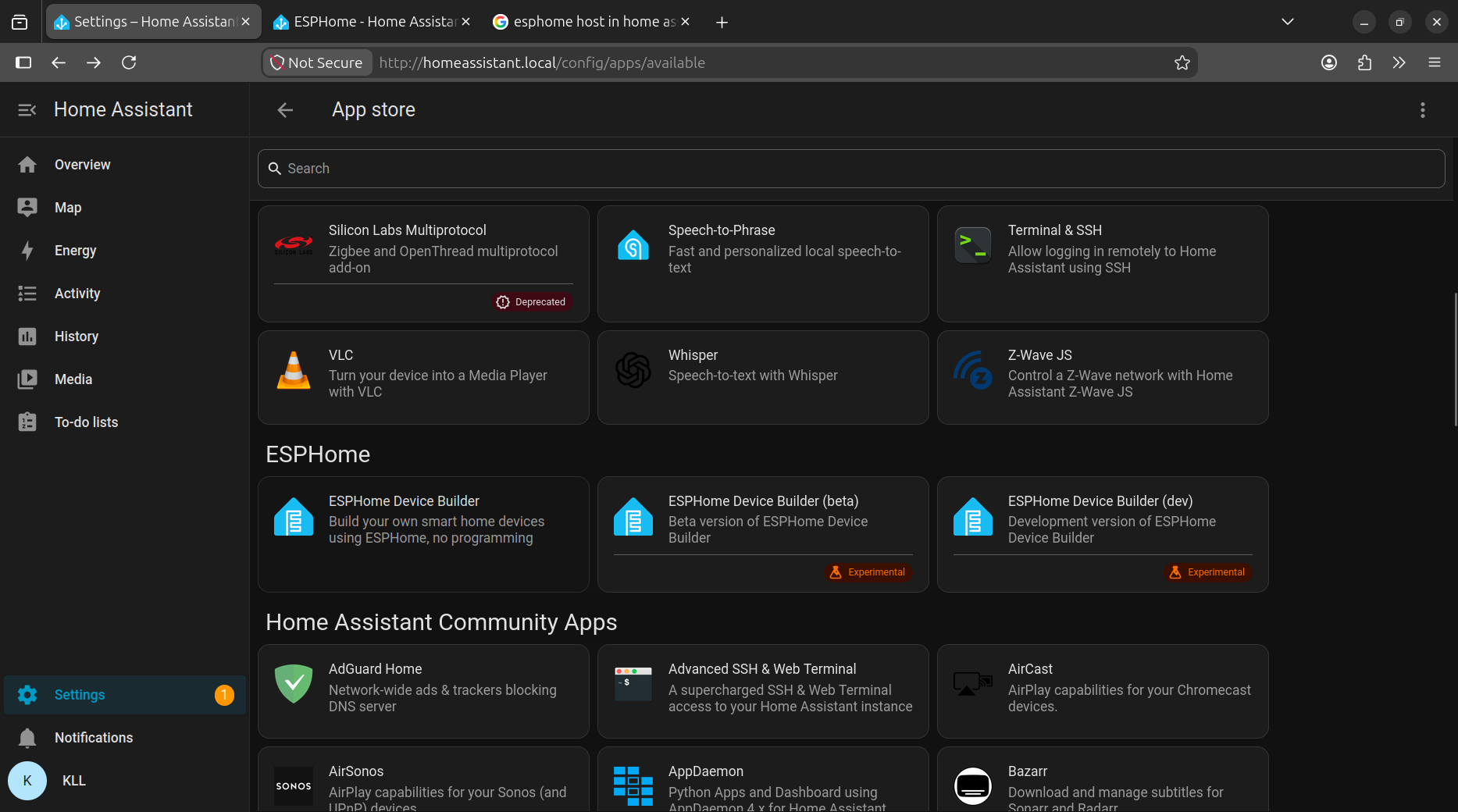
now to install ESPHome i got lost somewhere about 'INTEGRATION'
need to be at
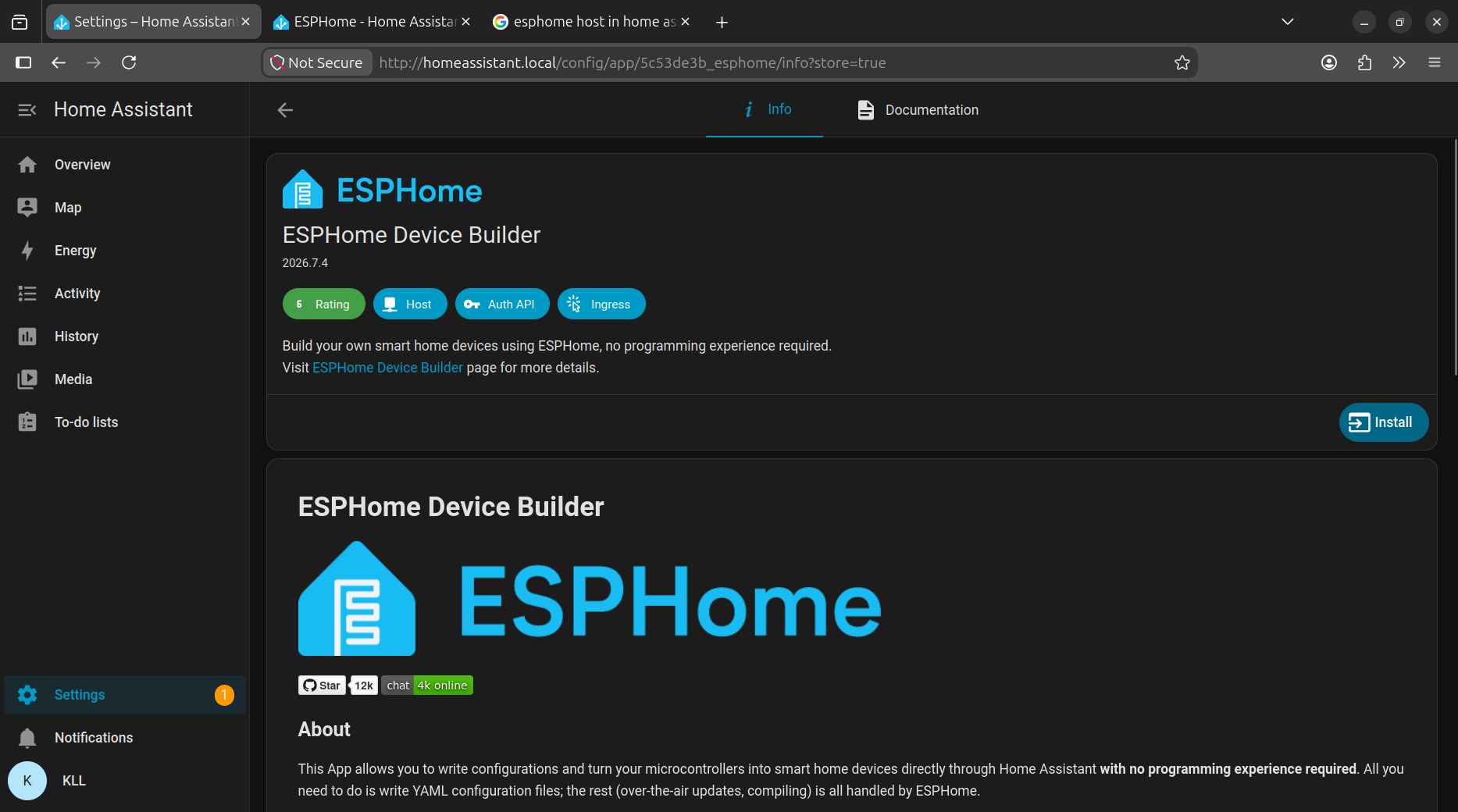
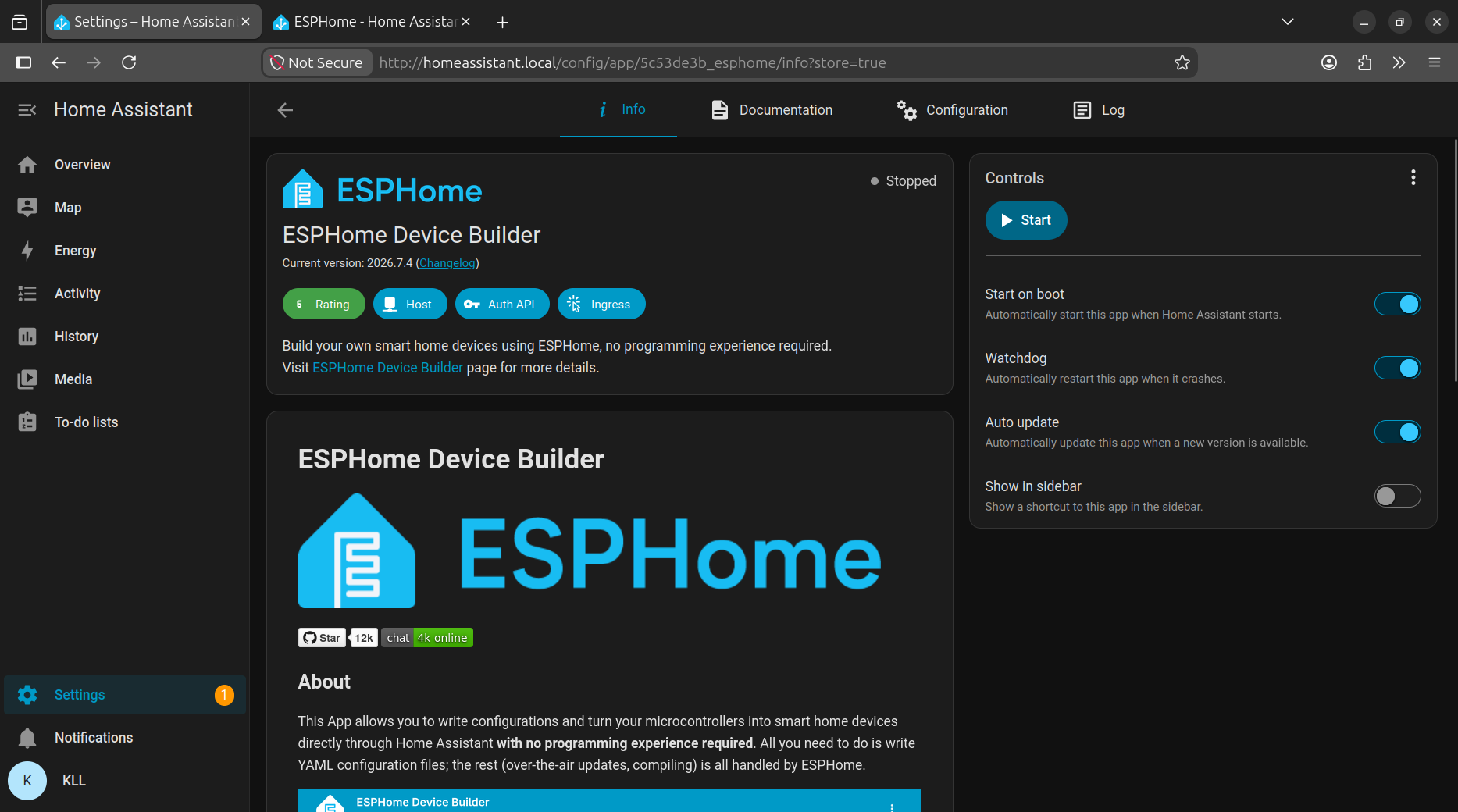
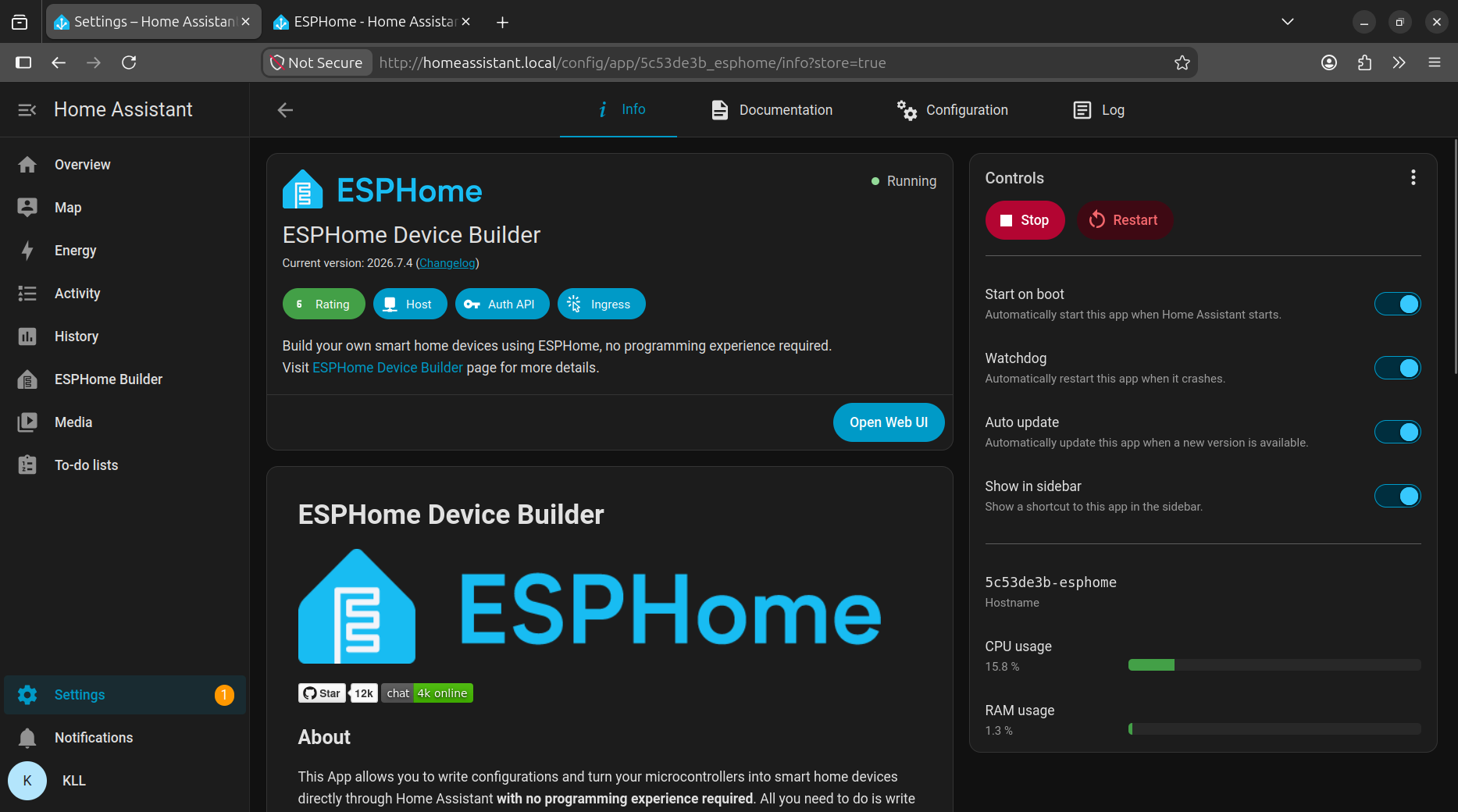
App store to install
ESPHOME
better watch that
youtube video first
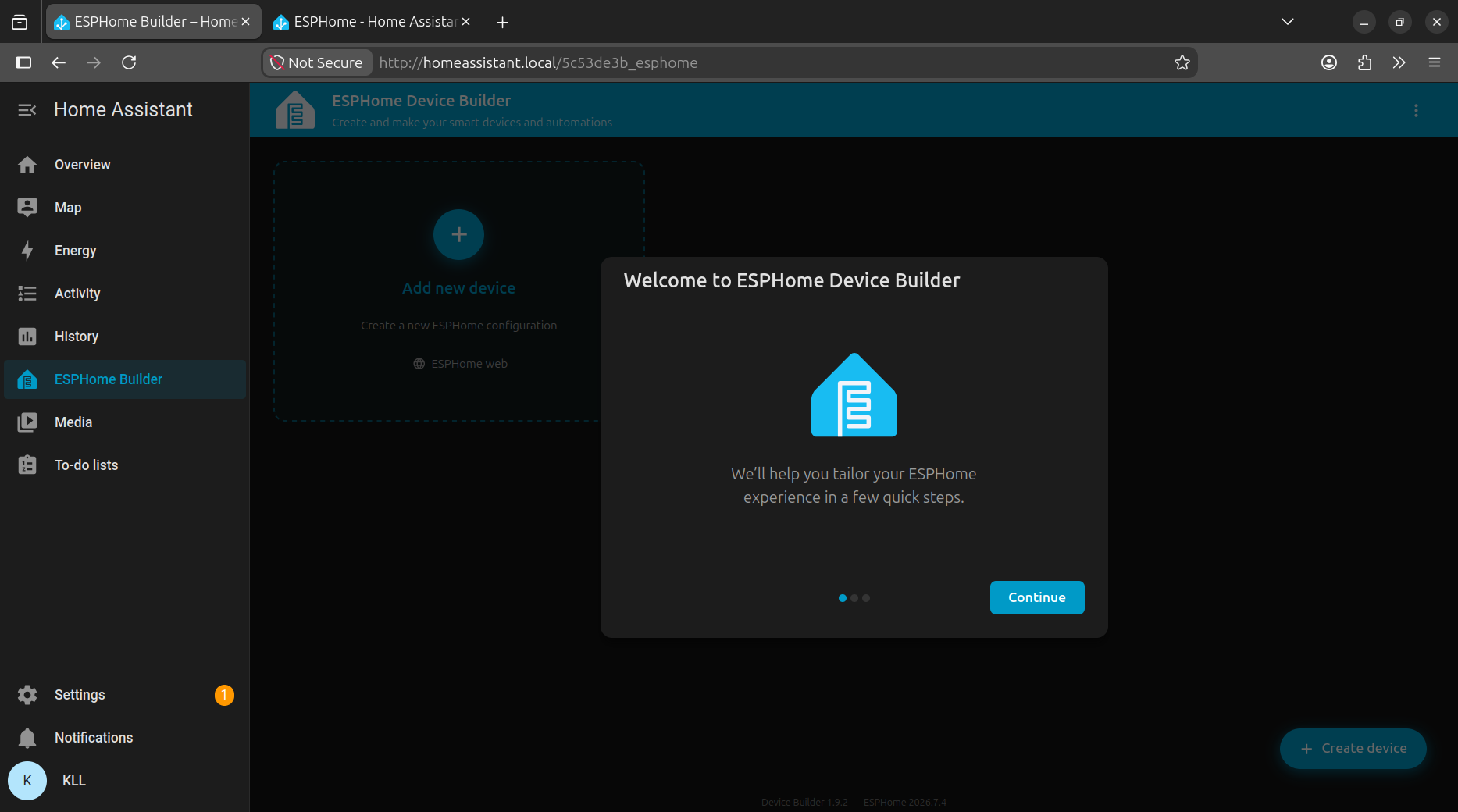
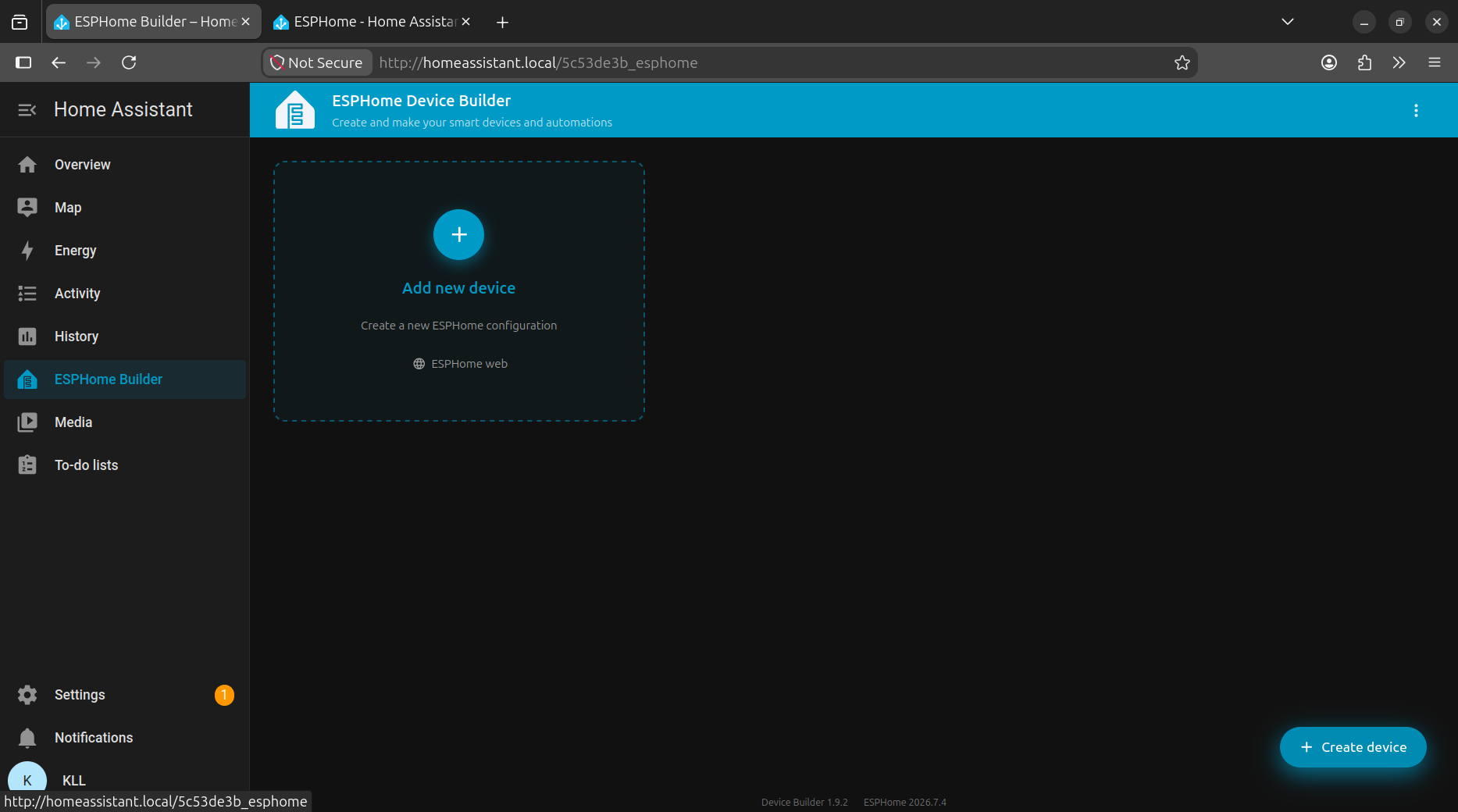
long time later i resume play with this,
power up the RPI3
but the link
http://homeassistant.local
not work
so check with
nmap ( alias fastnmap='nmap -sP 192.168.1.0/24' )
and find homeassistant 192.168.1.9
and now try ( use BRAVE browser )
http://192.178.1.9
and login ( admin password )
- - ok, the question is if i can set a fix IP for that RPI3 with homeassistant?
/ Settings / System / Network / IPv4 /
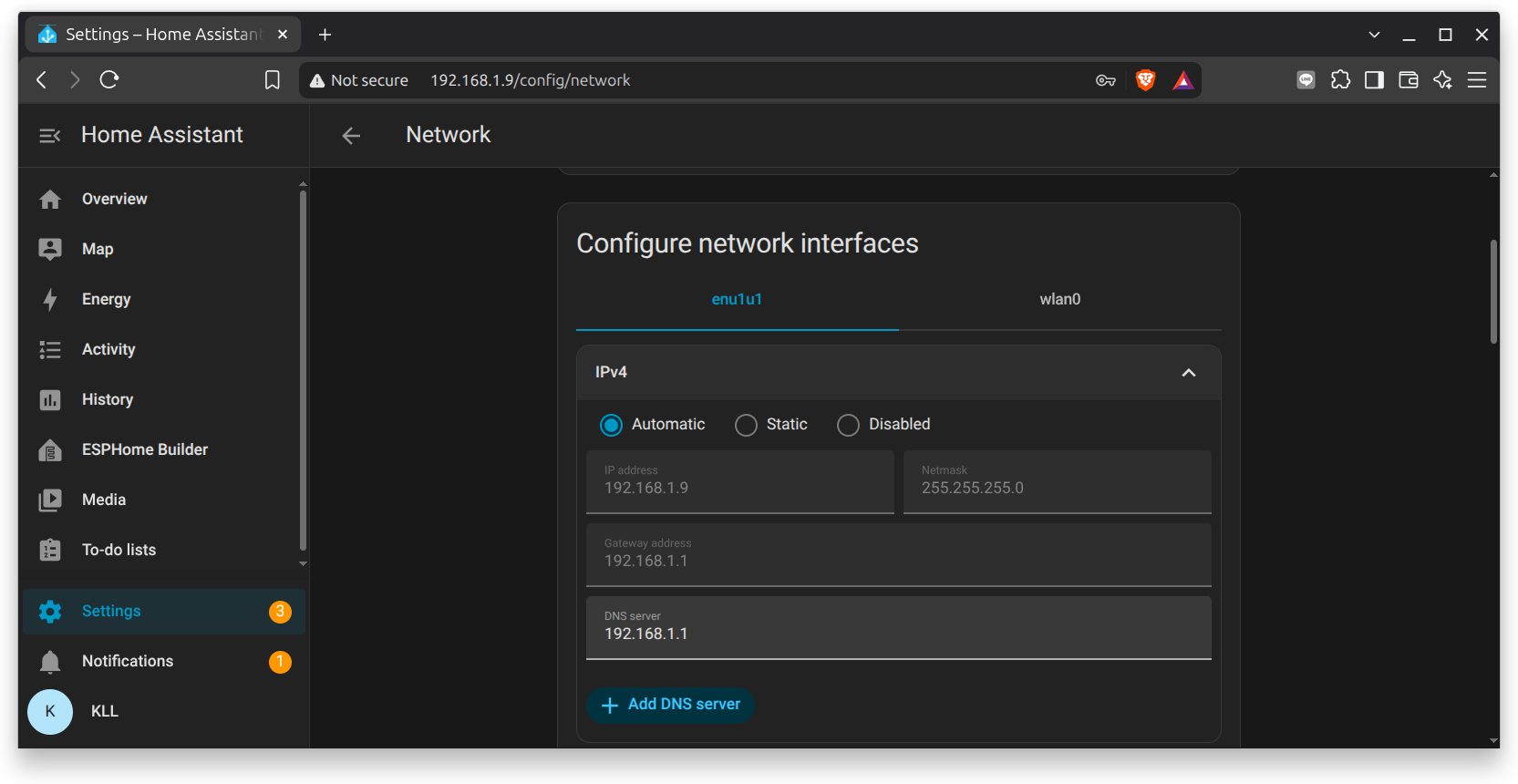
and reboot
ESPHome to ESP32-C6
this will be the step where i try to configure that ESP32-C6 device via USB cable to RPI3
with
ESPHOME
first try:
USB cable: left ( if wifi antenna UP )
press BOOT button
plug cable in RPI3 USB
in homeassistant
ESP home builder
+ add new device
create configuration
[ create new project ]
[ ESP32-C6 ] [ connect your board ]
ESP32-C6 detected — pick your specific board
i try with Espressif
ESP32-C6-DevKitM-1
name: my_esp32-c6
Wi-Fi network name (SSID) and Wi-Fi password
[finish setup]
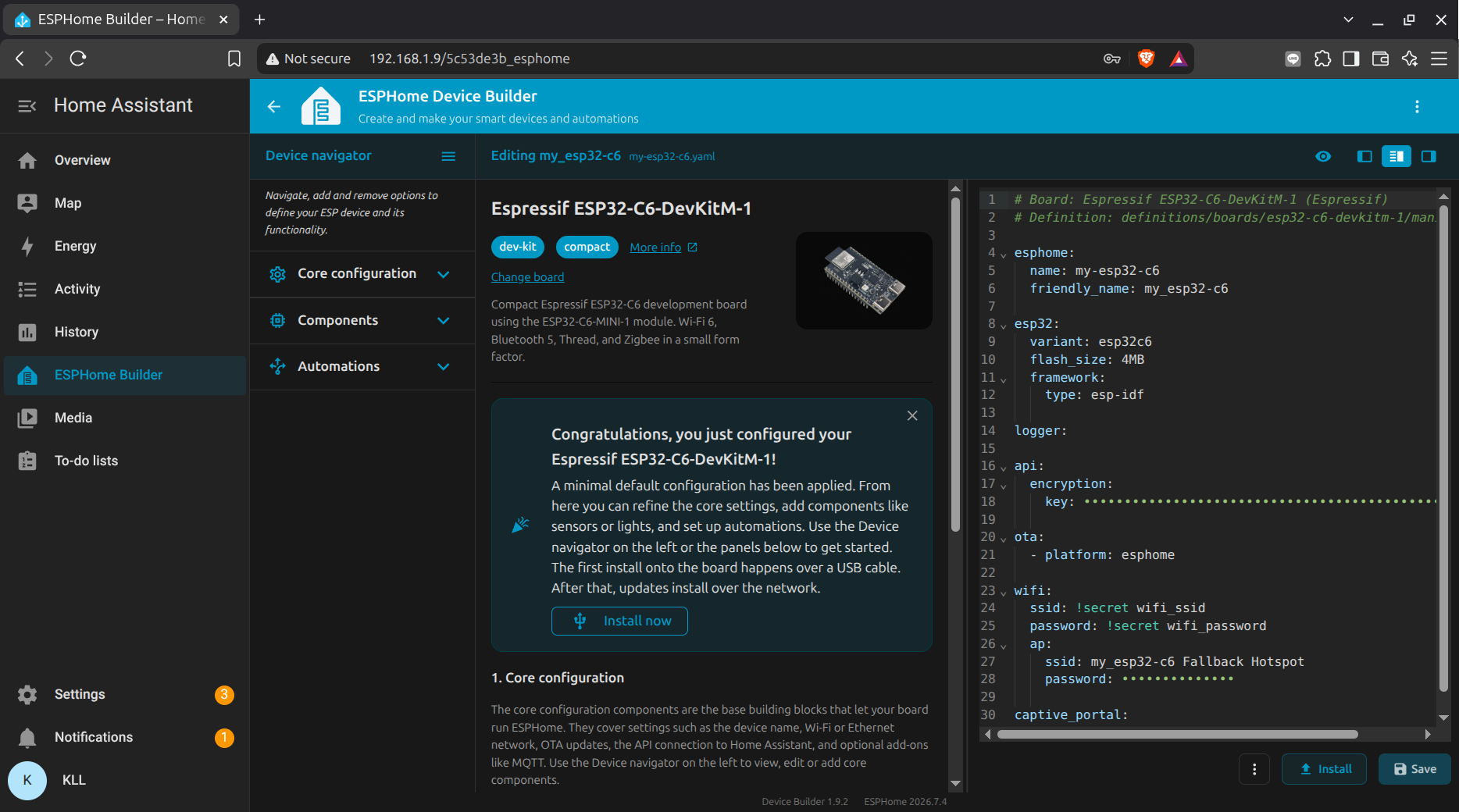
but that was only the minimal device setup inside the ESP home builder
to talk to / flash the device need lots of more tools installed ( and that is slow on RPI3 first time: 1h30m [ so recommend a RPI5 for ESP home ] )
[ install ]
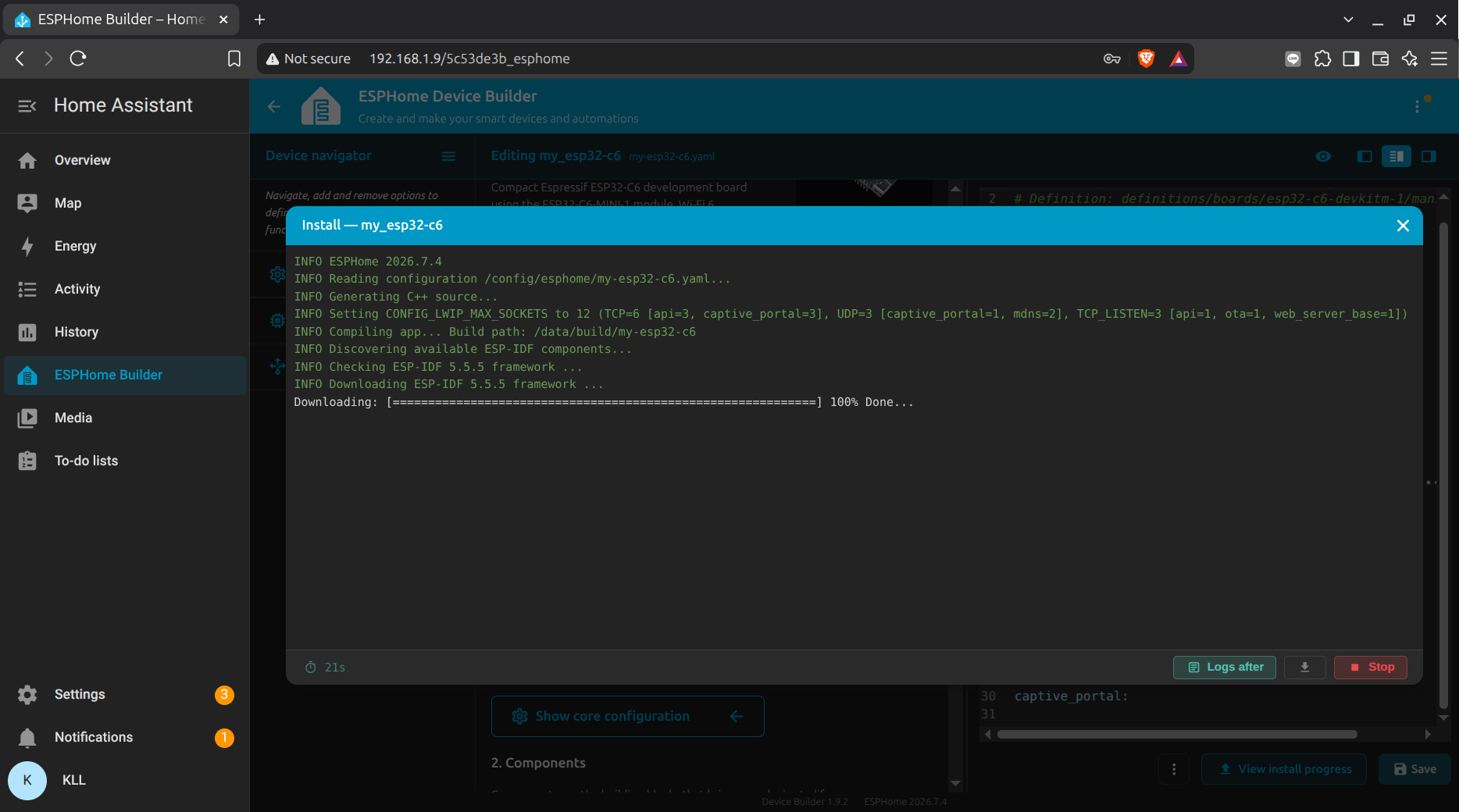
about 20 min install ESP IDF tools
about 10 min setup project source generate compile
about 1 h build
after [install] back to ESPhome builder
i find the device but
OFFLINE
so i try disconnect from RPI3 and power from charger and see
ONLINE
( and like see a 'log' from it )
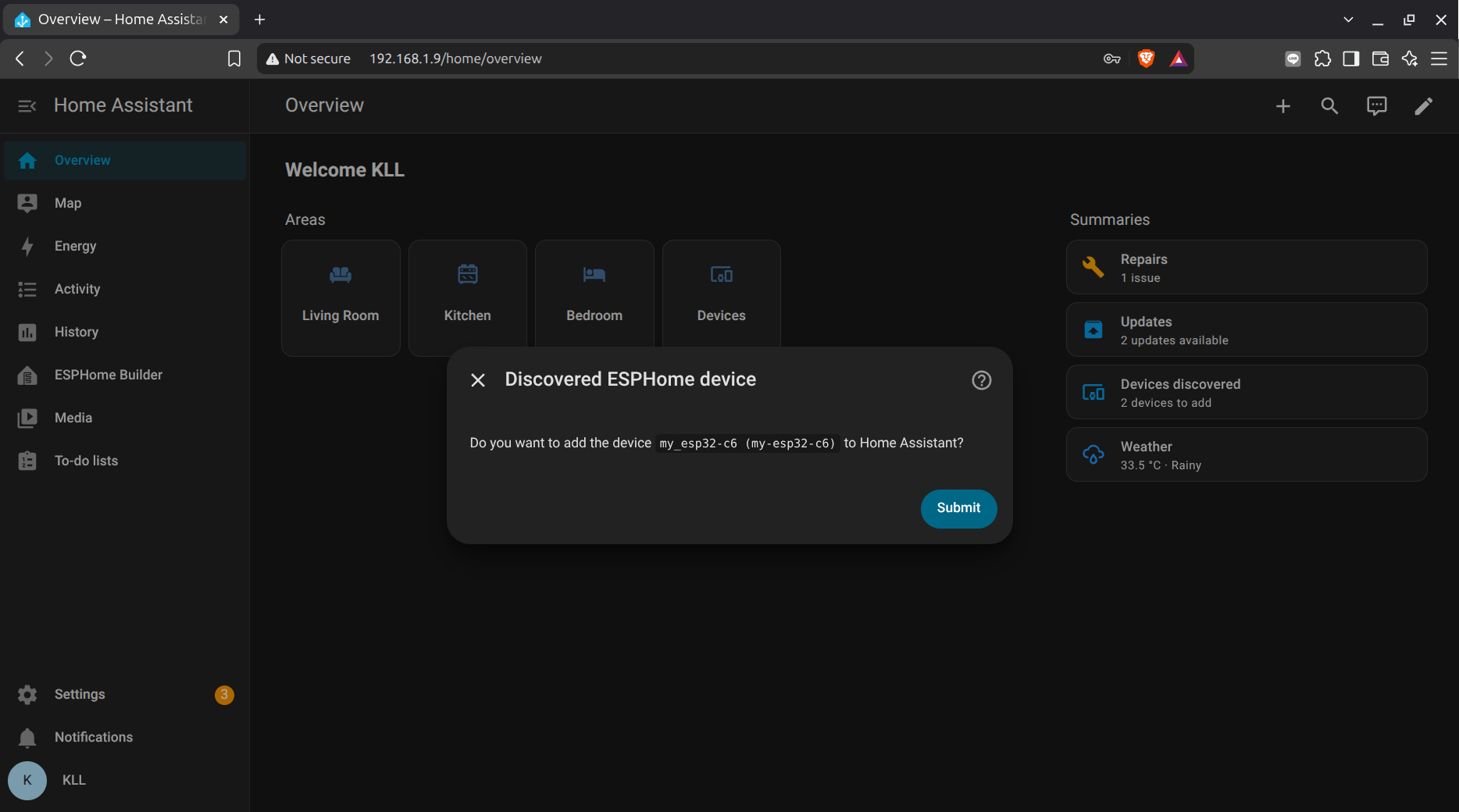
but as that device is blank / no activity
i not find how to add it to Home Assist ( dashboard... )
but first run a update ( of home assist and esp home ) ( and reboot )
later i see that that requires a ESP IDF update to ESP-IDF 5.5.6 framework
now i try to give the ESP a job? like:
+ 1 Ain
+ board RGB LED
+ 1 Din ( PushButton ? [boot PB?] )
+ 1 Dout ( Relay )
+ 1 PWM out ( Dimmer )
and flash it again
and hopefully can configure it in home assistant
now in
ESP Home
Device: my_esp32-c6
select [Components]
( only 961 components available!)
select
Binary Sensor ( only 77 available! )
try: GPIO Binary Sensor · Binary Sensor
GPIO9 might be Boot button ( so i not need wires... my board still have no pins soldered, and for this need more bread-boards )
[SAVE]
[UPDATE]
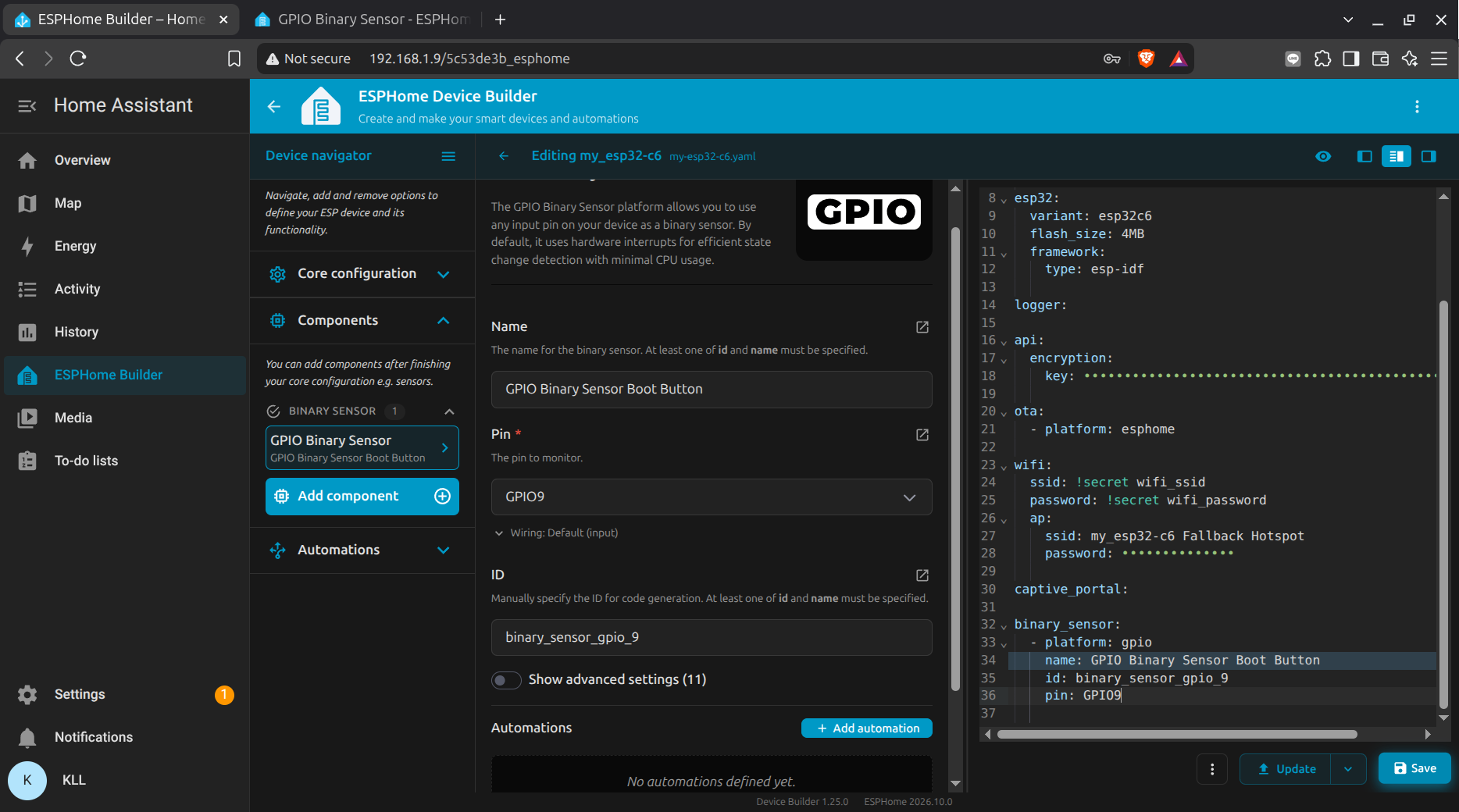
after 41min connection lost???
after reboot RPI3
and reconnect ESP32 USB [boot PB]
try again and connection lost.
here i stop this project
