running Ubuntu 25.10 on my ( new ) AM5 PC some time now, see
here
today, when i do a update, i got the option to upgrade to new
Ubuntu 26.04 LTS (Resolute Raccoon)
ok, i try ( even little bit worried as not have a backup of my latest data )
short history:
on my old AM4 PC i setup on a extra M2-SSD with Ubuntu 25.10 ( newest at that time, noticing too late that that is NOT a LTS version )
when i got a new AM5 PC hardware setup in a shop on 14.10.2025
i just plug that M2-SSD in and it worked even with
- different CPU / motherboard / and now NO graphic card ( but still nvidia software installed.. )
at a update on 21.5.2026 there was a option to upgrade to 26.04 LTS
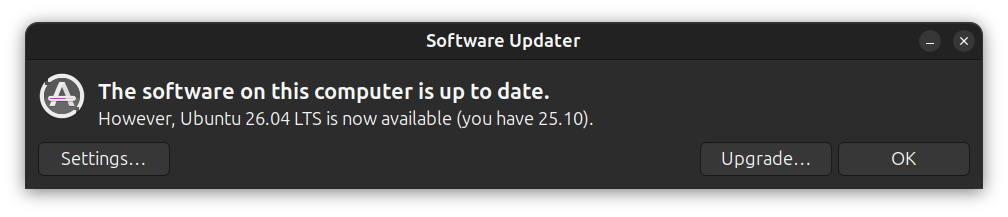
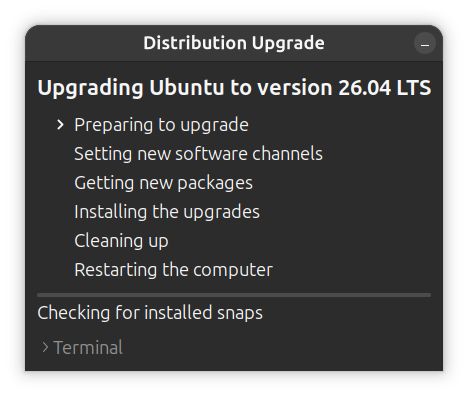
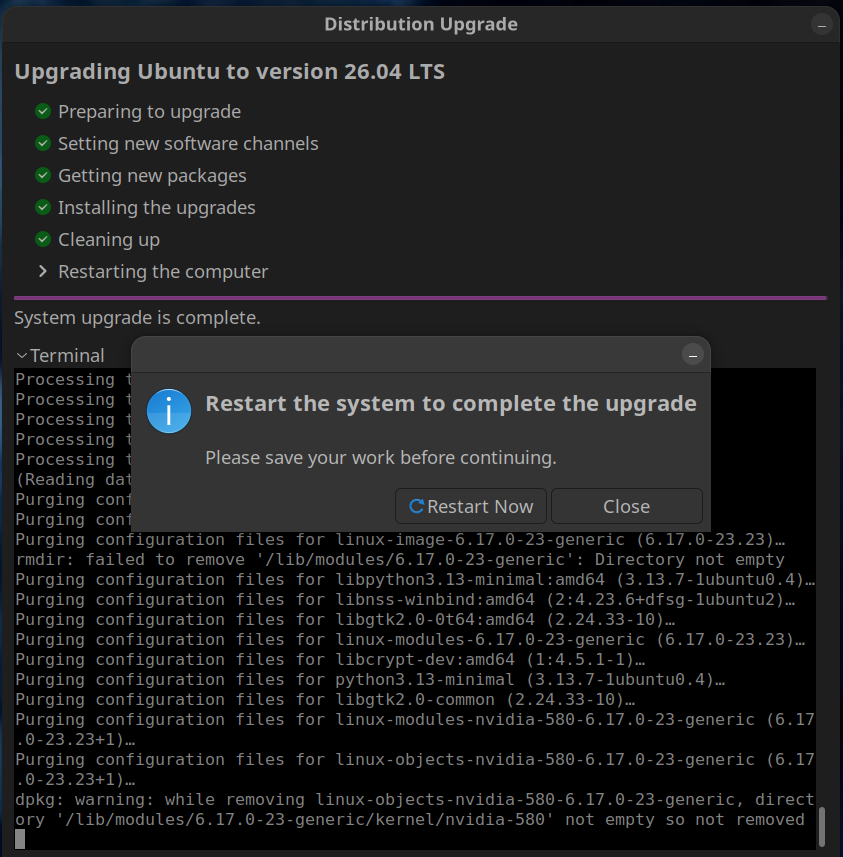
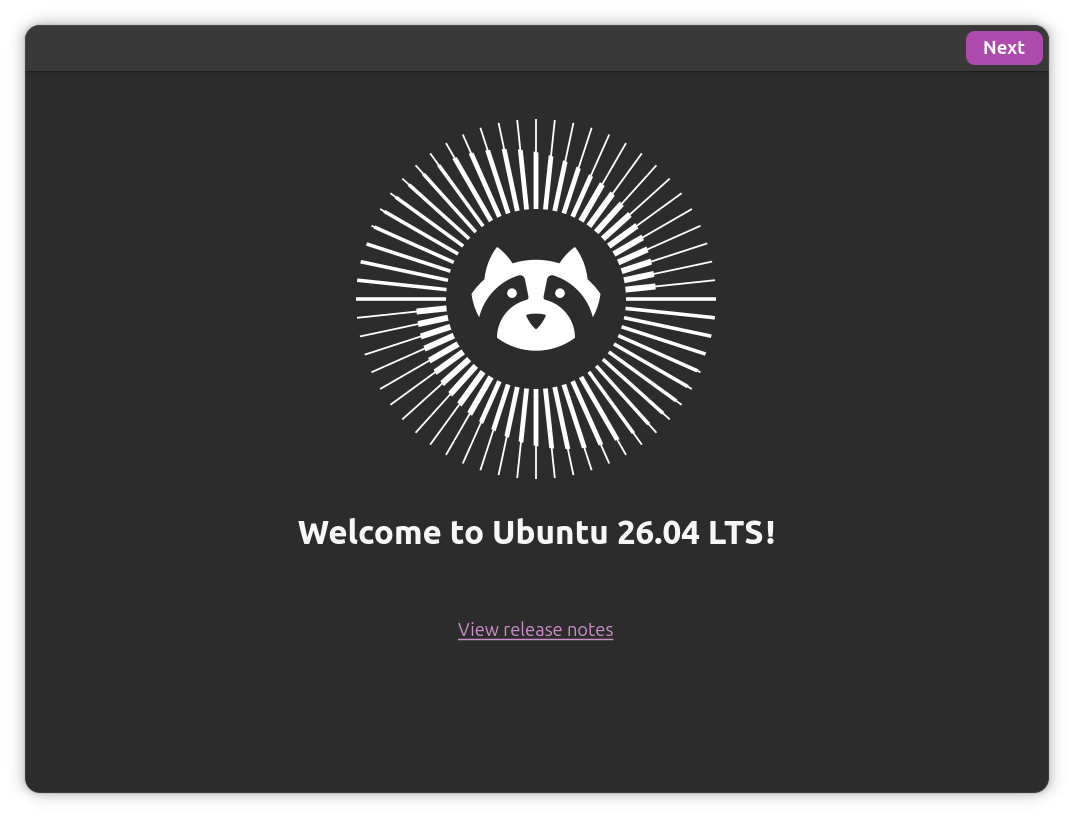
see fastfetch
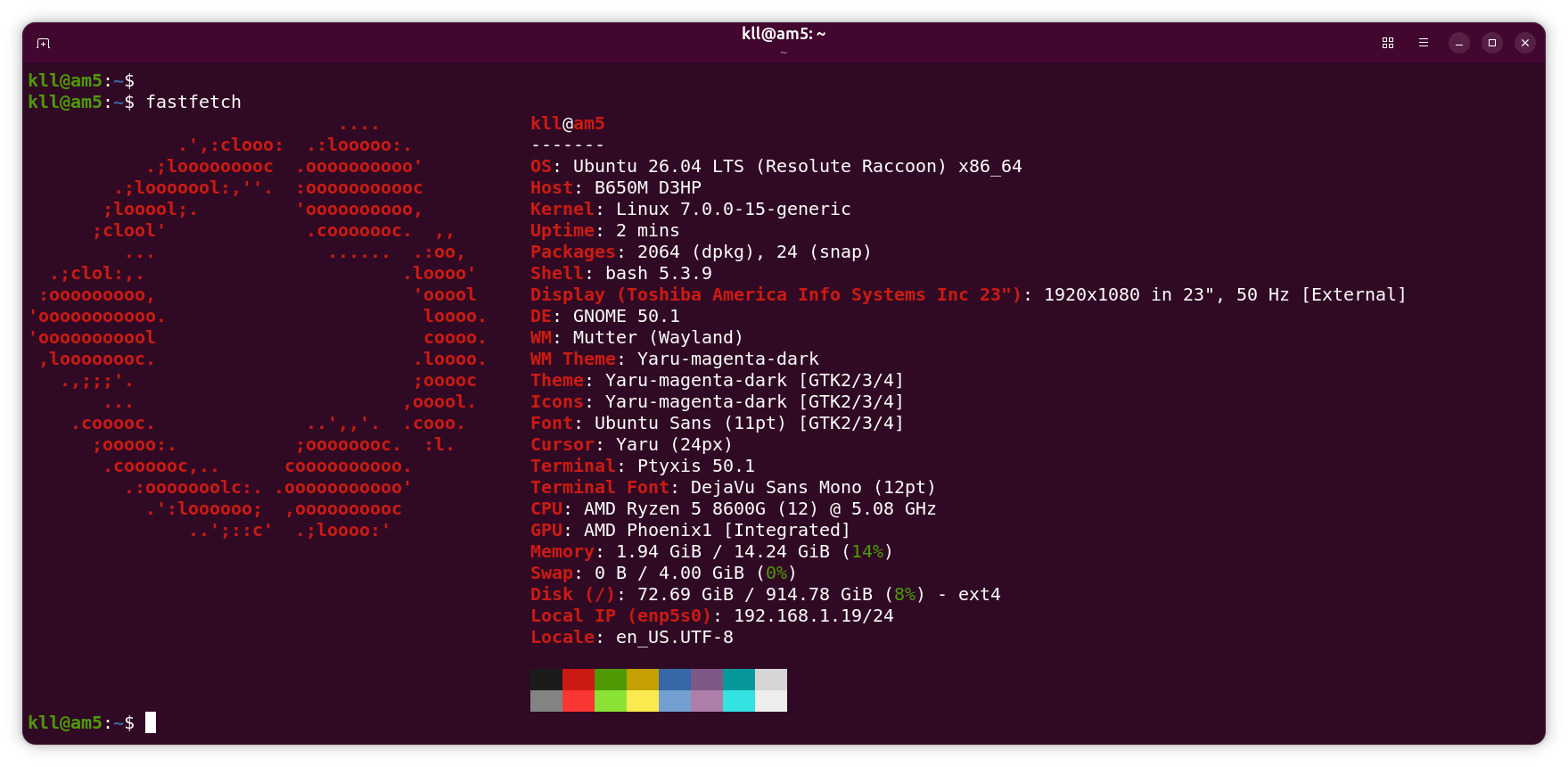
update 29.7.2026
now in a time where because of the RAM and SSD prices ( AI SCAM )
it is openly recommended
* NOT to buy a new PC in 2026
* or try AM4 Motherboard and DDR 4 RAM
it is a shame to have my old PC unused.
yes, AM4 / PCIe3 and only 8GB RAM
but: AMD Ryzen 5 3600 (12) @ 4.21 GHz CPU
( and a GT 1030 graphic card (sure not for gamer ))
is still a respectable office PC
as it has a M2 SSD ( on the B450M DS3H / PCIe Gen3 x4 M.2 GIGABYTE motherboard )
HIKSEMI CITY HS-SSD-E3000 256GB
last time i play i install
UBUNTU 24.04 server ( no desktop ) on a 120GB SDD for like a NAS
and LMDE 7 on that M2 SSD ( as a test )
and a very old SATA drive with music and movies
but when i now checked on it again
there was grub booting into LMDE 7 instead on the fileserver
when remove M2 SDD grub not boot at all ?panic
when i got the SSD booting it not connect to ethernet ??
so i disconnect all drives and install
Ubuntu 26.04 desktop LTS (Resolute Raccoon) x86_64 ( same like on the 'am5' )
on the 'am4' M2 SSD ( using a updated VENTOY USB stick )
install: ssh samba mc hdparm fastfetch nmap net-tools
( and enable Thai keyboard for the kids )
drive speed check ( read only ):
sudo hdparm -t --direct /dev/nvme0n1p2
/dev/nvme0n1p2:
 Timing O_DIRECT disk reads: 8564 MB in 3.00 seconds = 2854.58 MB/sec
and compare with
/dev/nvme0n1p2:
 Timing O_DIRECT disk reads: 16 MB in 0.01 seconds = 3184.71 MB/sec
on my
am5 PCIe Gen4 PC
that does not sound like a 'old' PC
see fastfetch

OPEN: fighting with the
AM5:
remmina
RDP login to am4?
it not connect ? port ? credentials ?
even i make sure i logout desktop ( and remote ssh )
but still have it on the same Monitor where i can switch HDMI port.
after reboot both computers,
'remmina' ask for password and connect to
'am4 RDP' ( not via standard port 3390, 3389 instead ?? ) and
'am4 SSH'

but background and popup text missing,
mouse mostly not show and laggy
try in browser the SCRATCH coding for the Thai kids again

17.08.2026
also install it on a 14year old Samsung laptop ( already with 120GB SSD )
( and wipe its KDE system )
very responsive now.
