long time not play micro controller
( and last, and still open project, was RPI PICO W )
but despite so many pending work with the BLOG 'old article transfer'
i want stay up-to-date.
see a video to check:
https://www.youtube.com/watch?v=-nhDKzBxHiI
( i use
BRAVE browser to watch as it skips all the ads )
about ESP and newest setup way
and i want try that with my ESP32-S3
a older model but still one of the most powerful micro controller
it's a
YD-ESP32-23 2022-v1.3 board
a copy of
this clone
not clear who is that maker
GIT
ESPConnect
ESPConnect Web-app
( pls. use BRAVE browser not Firefox )
let's try it anyway
at
ESPConnect Web-app see
ESPConnect v1.01
now there is always the question:
* what USB port to use ( my board has 2 )
* do i need to press any button to connect
when wifi antenna UP use right USB port type C ( cable to PC )
and
+ small red power LED ON
+ BIG white RGB LED on ( by my last code ? )
in Web-app press
[Connect]
get a device list and click
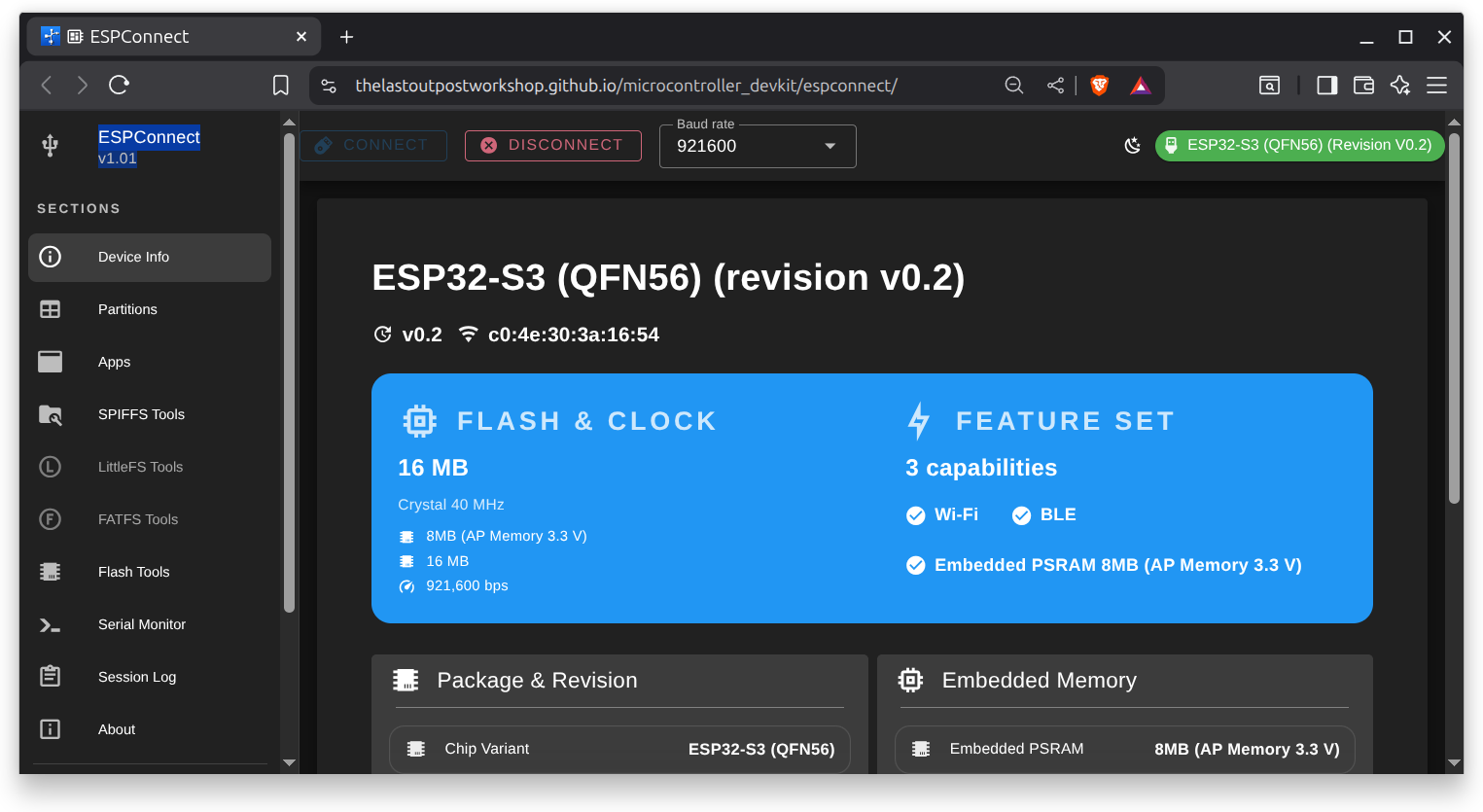
and check even serial monitor: ( whats actually disconnects above tool)
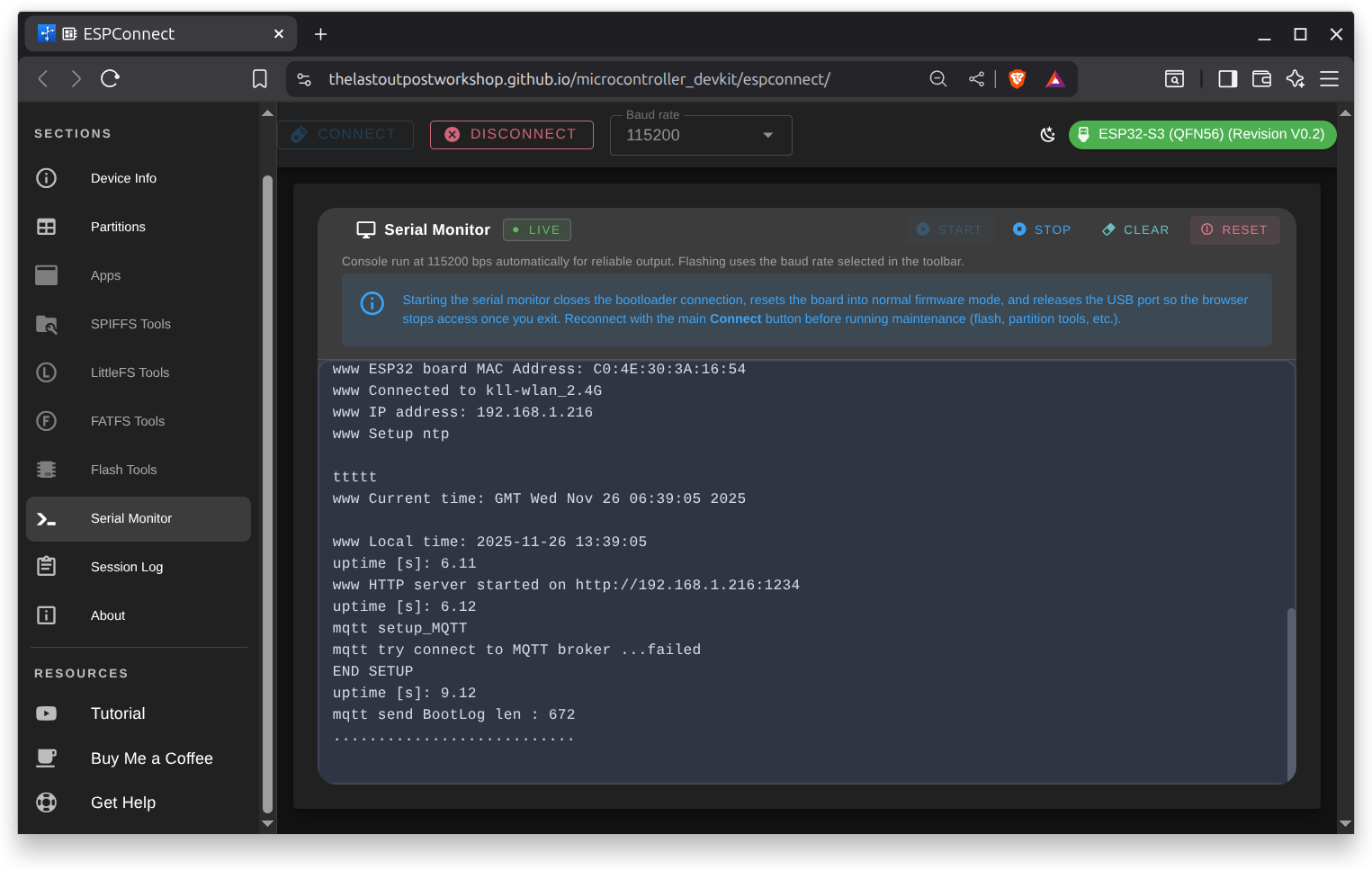
Connection
to recheck i try both port:
right USB [connect]
USB Bridge
WCH (CH34x) - CH343 Bridge (0x55D3)
left USB [connect]
USB Bridge
Espressif - USB JTAG/Serial (0x1001)
