RPI TWISTER OS
watch
video
download from
TWISTER OS
TwisterOSv3-1-0.img.xz 3.9GB
looks like some great SKIN's
+ Twister OS
+ Win 95 XP 7 10 11
+ Apple I IX
+ Plasma
as i work headless i always have problems play with other OS for PRI
but here i want try
and hope i can do SSH ? already by RPI Imager?
and VNC later from config
using RPI Imager and burn image file to 16GB USB stick
boot in RPI4 headless
try find IP and login
ssh pi@192.168.1.5
ssh: connect to host 192.168.1.5 port 22: Connection refused
kll@am5:~$ ssh pi@192.168.1.5
ssh: connect to host 192.168.1.5 port 22: No route to host
not work.
so i work desktop HDMI / keyboard mouse and try:
sudo raspi-config
enable VNC ( installs )
enable rpi connect ( installs )
install mc
now try again from PC
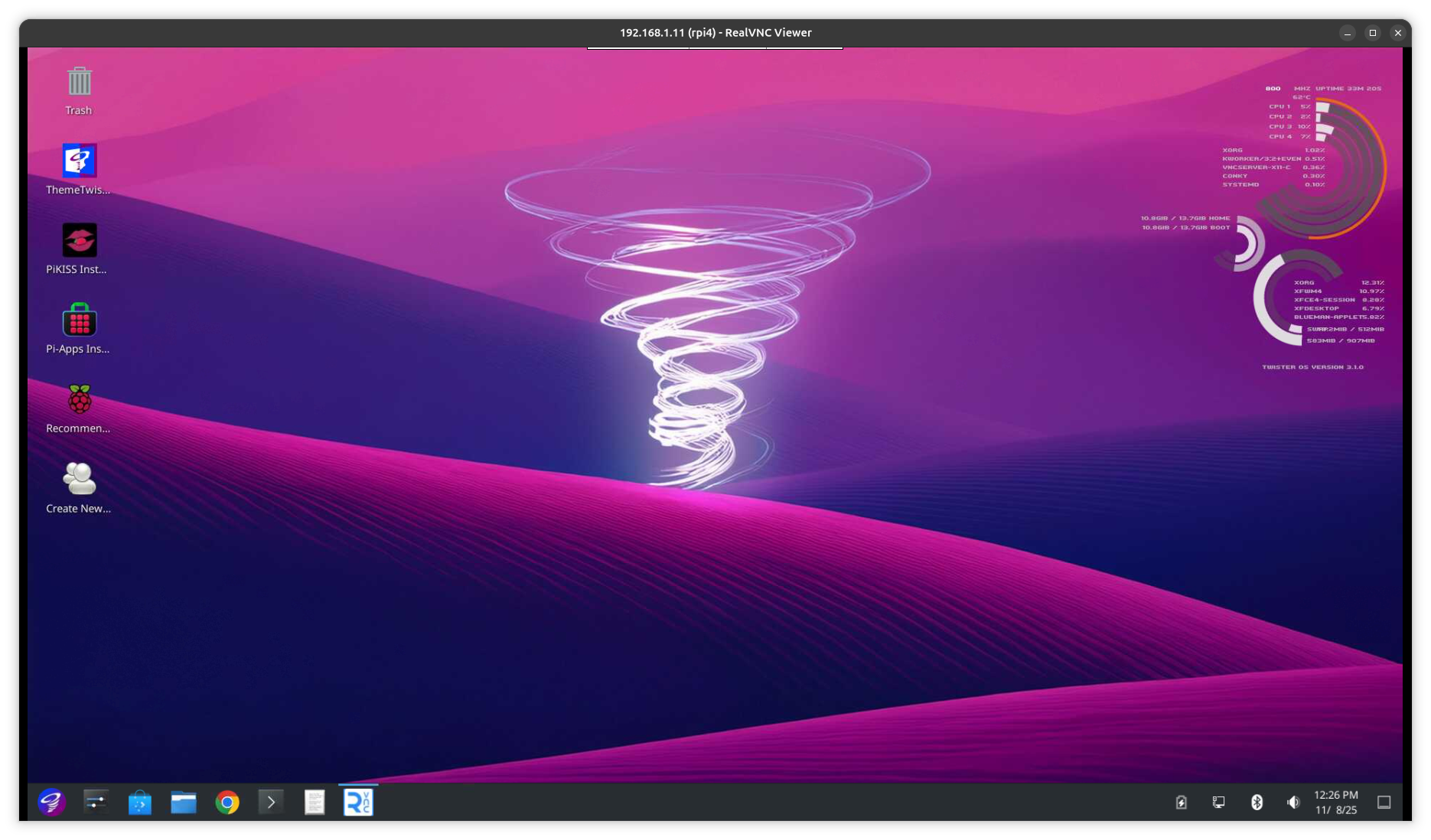
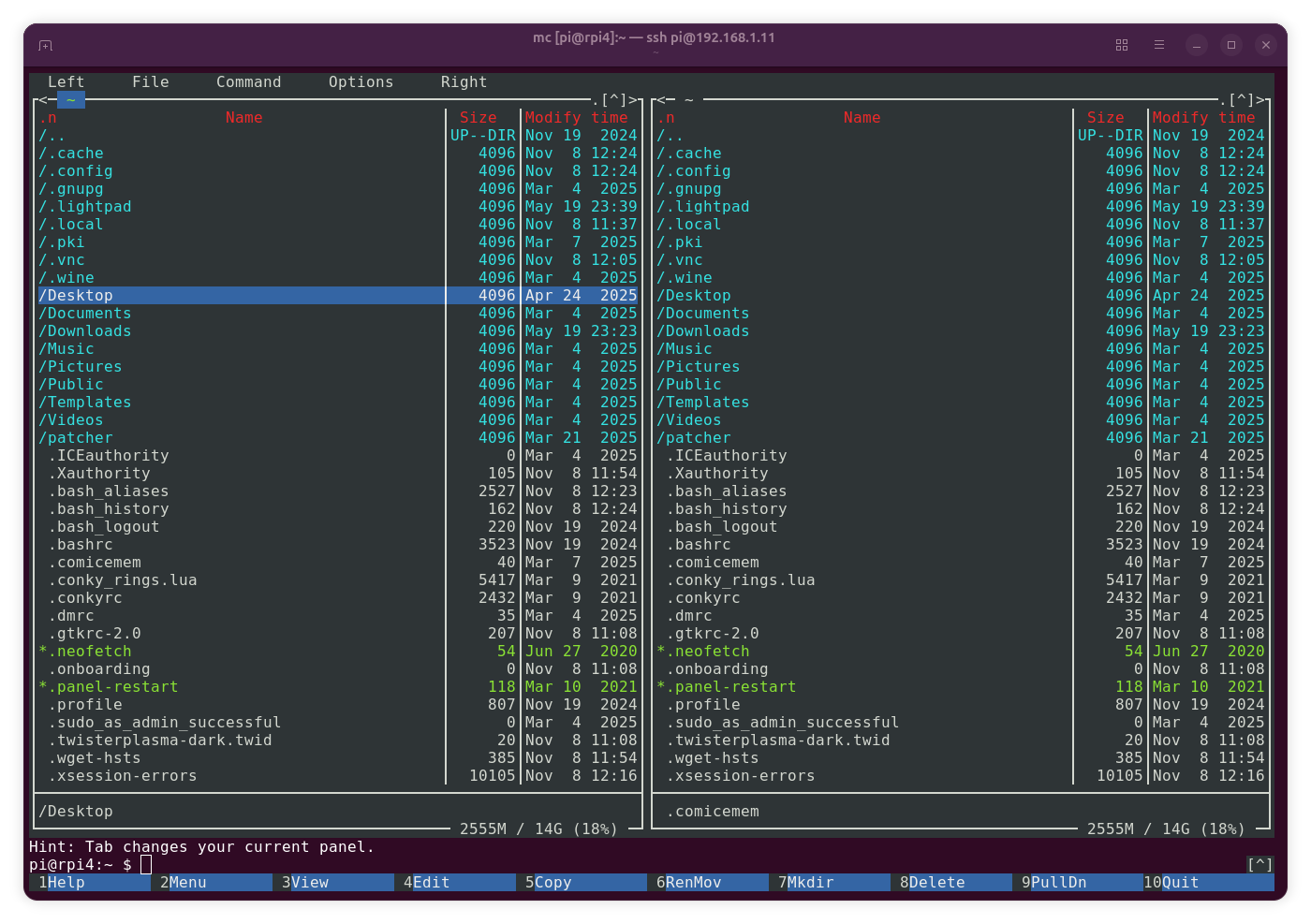
first it is not only 'bookworm' old, it's an old version of it
second when i run it on RPI3 the swap was active and the desktop ( even mouse and keyboard ) unusable, so ? memory unfriendly?
also 2 times at apt run into 'timeout'
ok, i try again this morning:
RPI4
download twister 3.1.0 image
start RPI imager and burn it with usual settings ( SSH enable ... ) to 32GB uSD
uSD out in
edit boot:cmdline.txt
add: ' ip=192.168.1.104 '
reboot ( my RPI4 boots default uSD if available )
remote ssh:
ssh pi@192.168.1.104
sudo raspi-config
set vnc resolution
enable rpi-connect ( see installs ) OK
enable vnc ( see installs ) OK
reboot
VNC login
again, i think after i try theme change
VNC gets slow ( like a RPI2 )
( while ssh terminal all ok )
