
PROCESSING and CS file store
49 PROCESSING and CS file store
PROCESSING and CSV file store
i was asked why a processing sketch can not save arduino data to a CSV file?
but as i checked on the code i got
and i compared it with the examples
and the Processing reference
it was obviouse that the file was never closed correctly.
For this you need any event / here a keyboard operation and file close and program exit is done.
But to test it all i needed first update on
Processing to 2.0.3
Arduino to 1.5.3
write a short arduino sketch ( with a ugly delay function )
running on ARDUINO UNO
and as EXCEL use the new OPEN OFFICE 4.0 spreadsheet
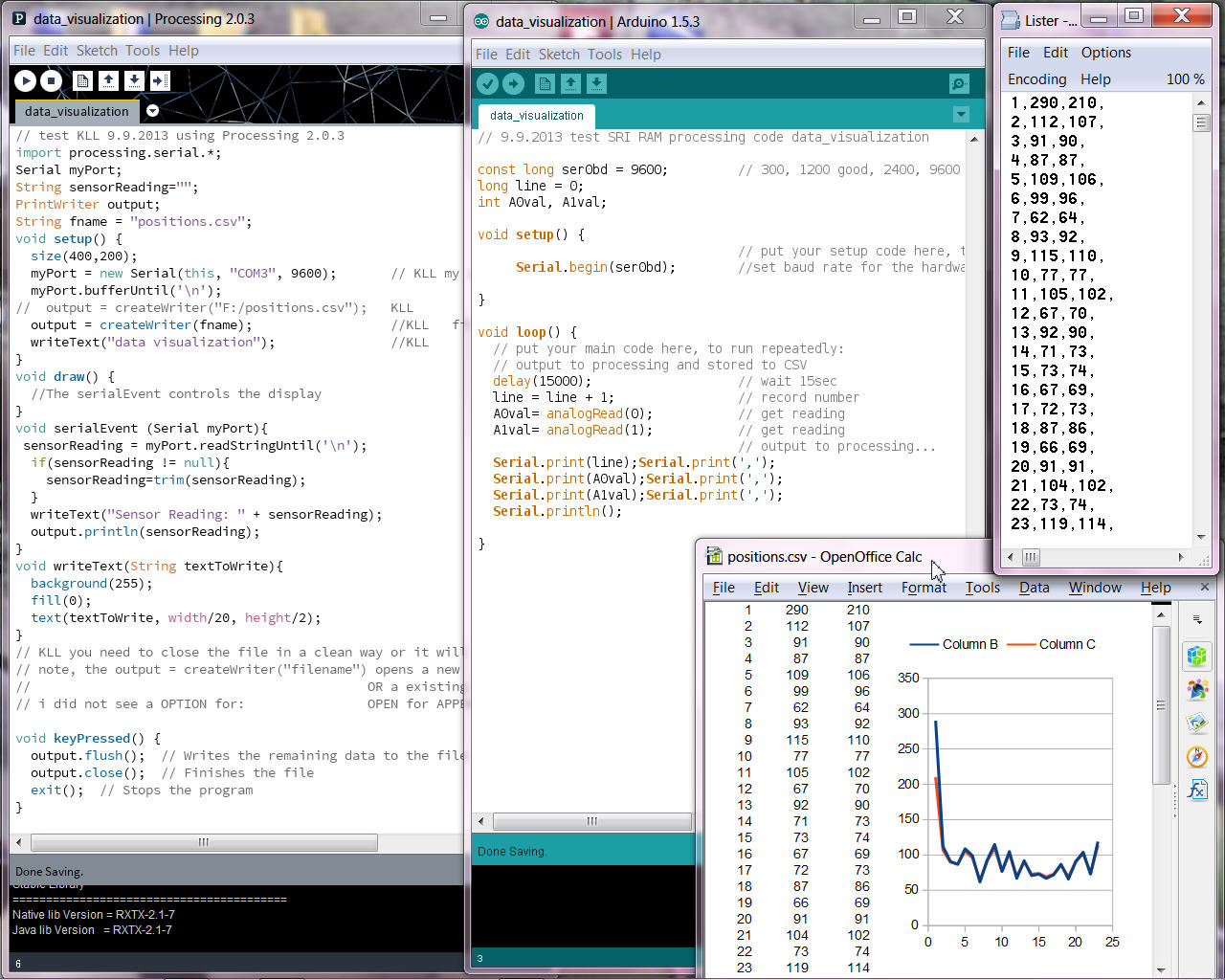
here you see it all works fine now.
( pls use context menu ( mouse over picture / right mouse click / view image ) for full view)
but with processing there are 2 issues i see,
-1- each time you start the program / start communication
with arduino it is resetted ( record counter starts from 1 )
-2- each time you start the program the data file is over written.
now for this i found some java tool to make a append to existing file
and also to make a open / write / close, for each record from arduino,
tested only up to a speed of 5sec.
With that you sure not loose the data ( by a unclean program stop )
and you are able to read / copy the datafile while processing still runs.
-3- every datacollection should have a time reference,
arduino can not provide because there is no RTC.
but processing can use your PC time to add a timestamp
to the arduino value string.
In a small revision (V02 ) i improved the arduino sketch:
with a 5sec timer( so there is lots of freetime to do other things )
and send all 6 Ain readings.
and the Processing sketch with the file open / append / close
and adding a time stamp to the data record.
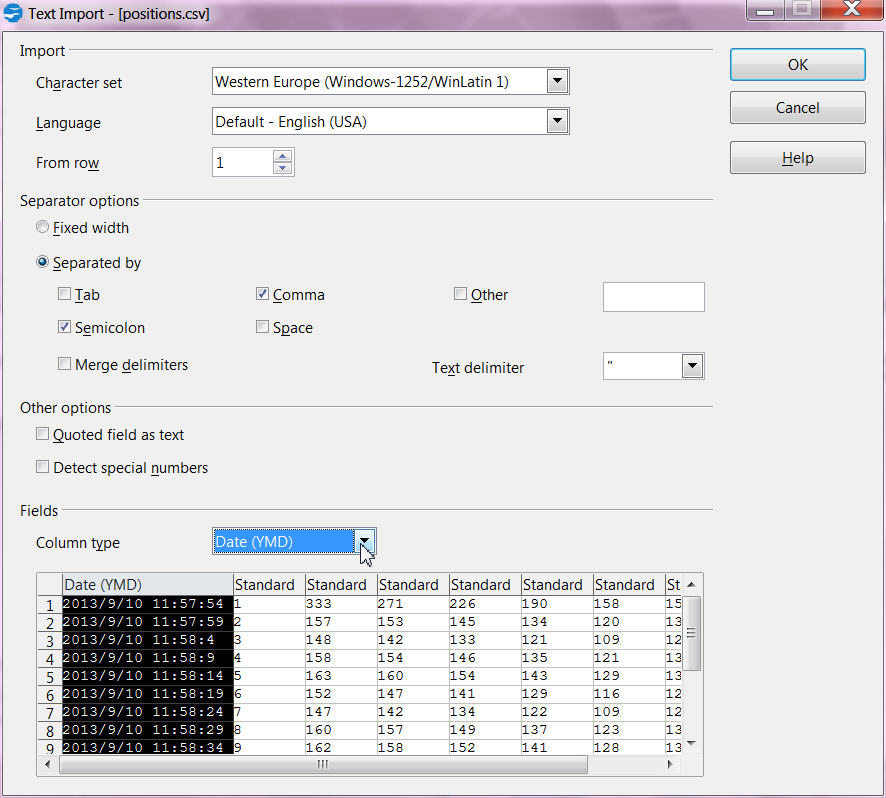
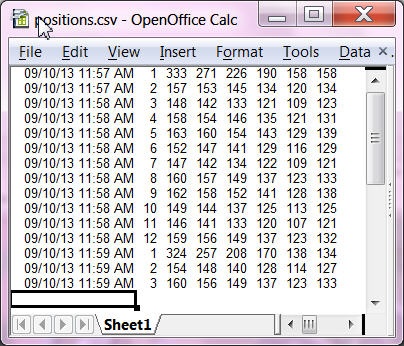
when you open the csv file with excel you must specify that the first column is a date string of type Y/M/D
and here all the code for download.
but the data can not only be collected / stored, also be visualized by processing ( actually its original job )
pls. read on PROCESSING: 3.5D graph and EXCEL tool