
RASPBERRY PI: NOOBS VS BERRYBOOT
45 RASPBERRY PI: NOOBS VS BERRYBOOT
update: 8.8.2014
i send a friend a copy SD card for his RPI, hoping he save that 4 hours setup
but post EMS was unexpected slow ( 3 days )
first login ok, and then the card went bad???
that same image as ZIP i send him again via SKYPE, need also more than a day.
with a new SD card 8GB class 10 sandisk ( uSD with adapter ) for 290THB
i want setup a new system,
download NOOBS v1-3-9 ZIP 1.4GB in 2 hours
broken so do from the ethernet router connected desktop again
format SD card with SDFormatter
and unzip NOOBS to SD card ( and there still 1.4GB ) about one more hour.
here i write about my first usage of the console cable
this i want now test if i can use it on the uninstalled noobs for a headless installation??
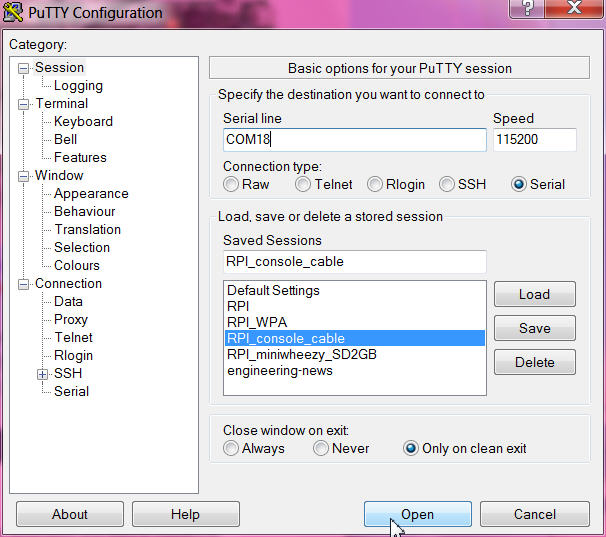
USB console cable connect to PC ( on COM18 ) and black 3, white 4, green 5, RED NOT CONNECTED as RPI is powered
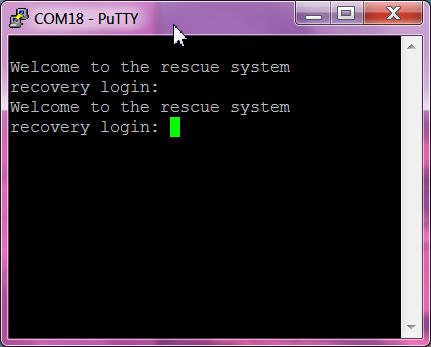
after ENTER see a login
here find that user is root and password is raspberry
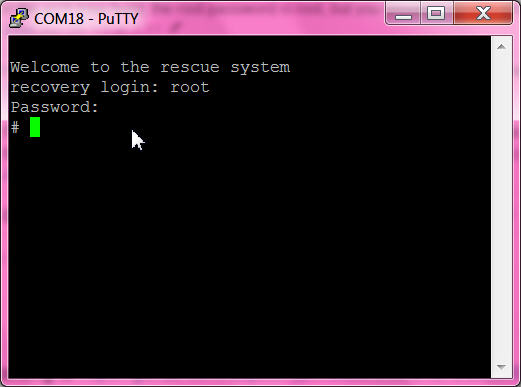
now see a # AND DON'T KNOW WHAT TO DO.
also not find info related to this OS.
so... i must go down to the TV to finish the installation of NOOBS.
- install the debian raspbian
- set US keyboard, asia bangkok, SSH, desktop
reboot
- start wifi config ( not work but after reboot ok )
- start PUTTY laptop
( AND my wife can look TV again )
when i say TV i mean TV or monitor with HDMI
just to get that clear,
- newest DEBIAN RASPBIAN image ( SSH enabled already now!) install need
- - computer, cardreader, to make SD card
- - ethernet cable router - RPI
- NOOBS full
- - computer, cardreader, to make SD card
- - TV, RPI with keyboard and mouse
- - wifi adapter for RPI OR ethernet near the TV
- NOOBS light
- - computer, cardreader, to make SD card
- - TV, RPI with keyboard and mouse
- - ethernet near the TV
update 15.8.2014
now also want to recheck on a updated BERRY BOOT
but first had some issues.
a good 8GB card in the cardreader i used long time, can not be opened by windows.
it says need format ( but when try can not ) ( recheck, it still boots the RPI ! )
also SDFormatter tool say it not support that card format
lucky my laptop also have a SD cardreader slot, there the card is ok and can be format...
check with external cardreader still say can not read. so bad luck, must be the device!
download from berryboot-20140814.zip 30MB in a few seconds
and unzip to SD card.
again i want try a headless installation and check if there are updates:
here a tip about the VNC client adjustment required:
PC VNC to FULL COLOR ( that i change and it might be that, why it never worked b4)
and the file cmdline.txt on the SD card change to
smsc95xx.turbo_mode=N elevator=deadline quiet bootmenutimeout=10 vncinstall ipv4=192.168.1.101/255.255.255.0/192.168.1.1
one line, separator is "space",
but i think i did exactly that several times and got connection error??
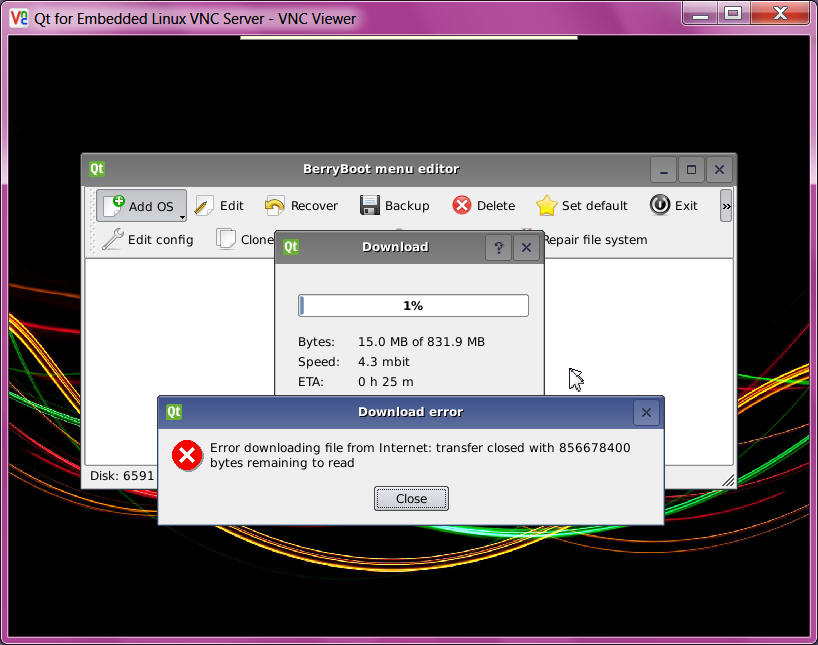
now this headless is working and the debian download 850Mb is running 1 hour / UPS problems, must start download ( selects other mirror) again / second time download stopped / must select OS again ...
now way???
ok lets take a look at that new
WEBBROWSER SNOWSHOE OS
also try 2 times but then download 45MB ok
(
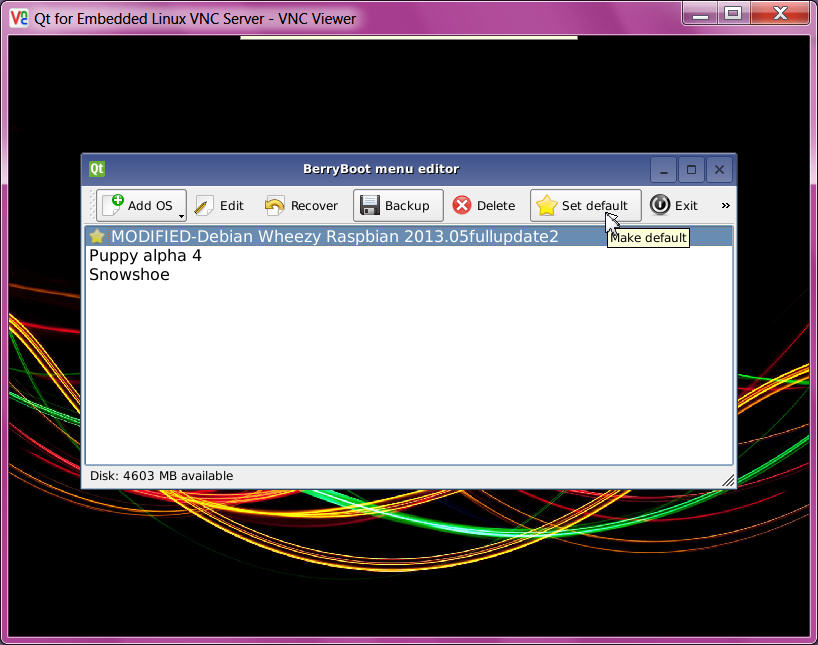
for headless reboot start PC VNC first ( or a second after ) powerup RPI and can see the berryboot bootmenu again, to go to EDIT mode.
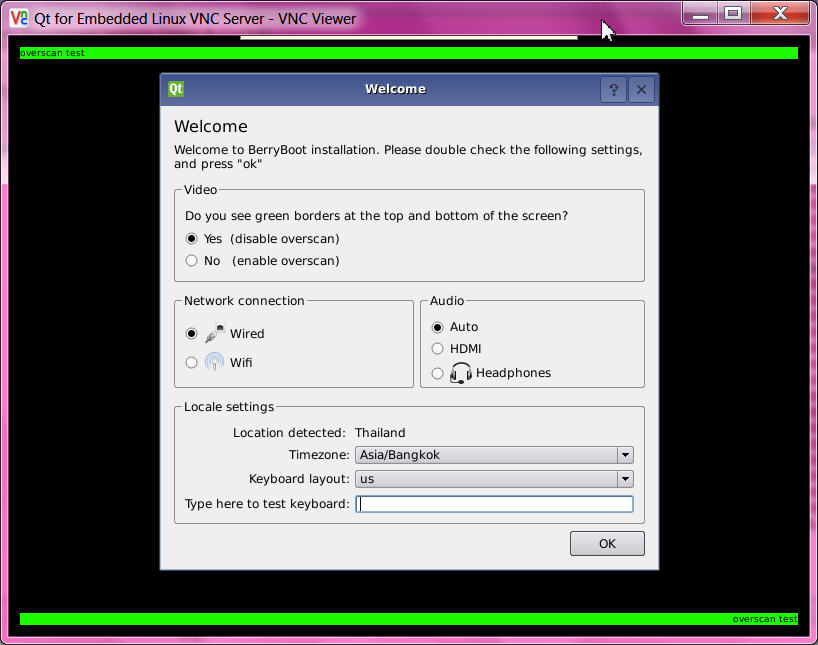
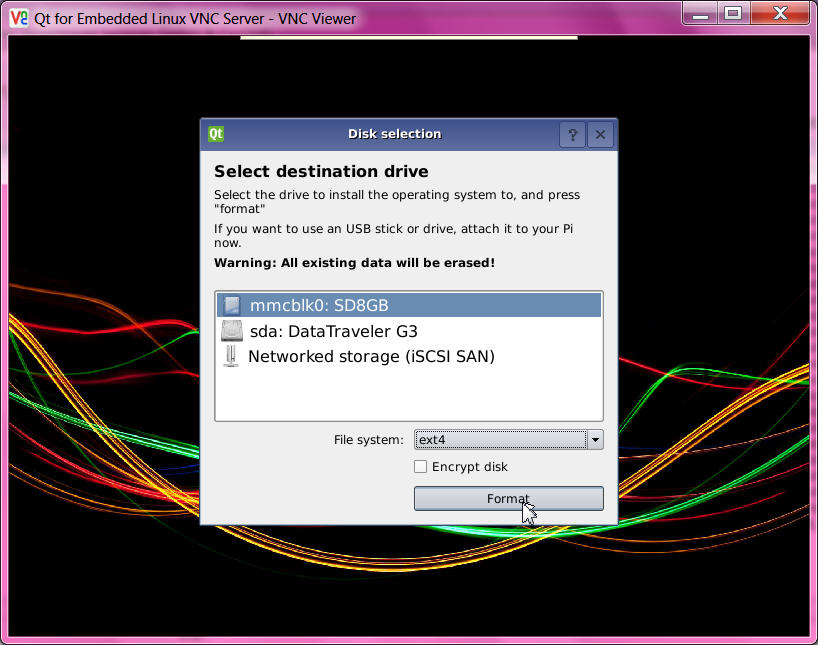

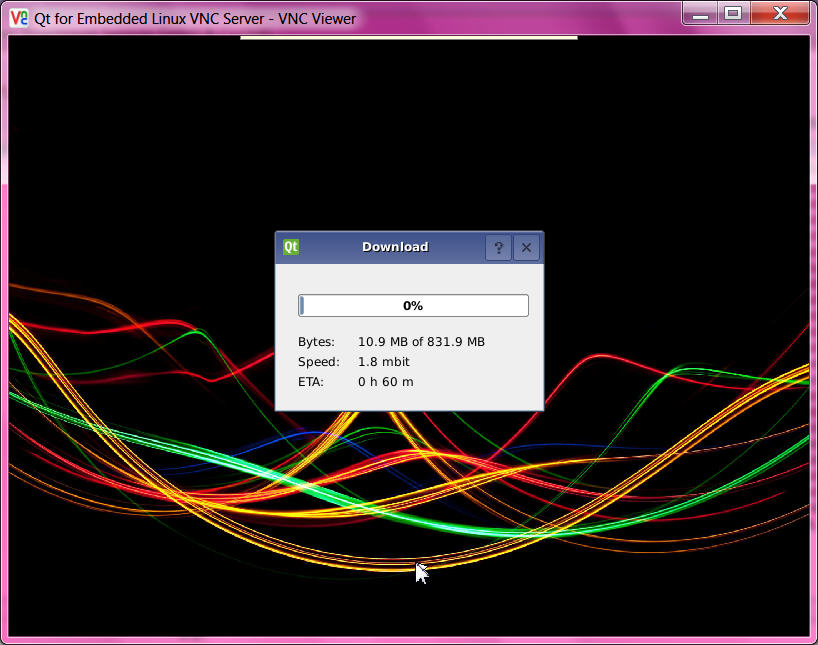
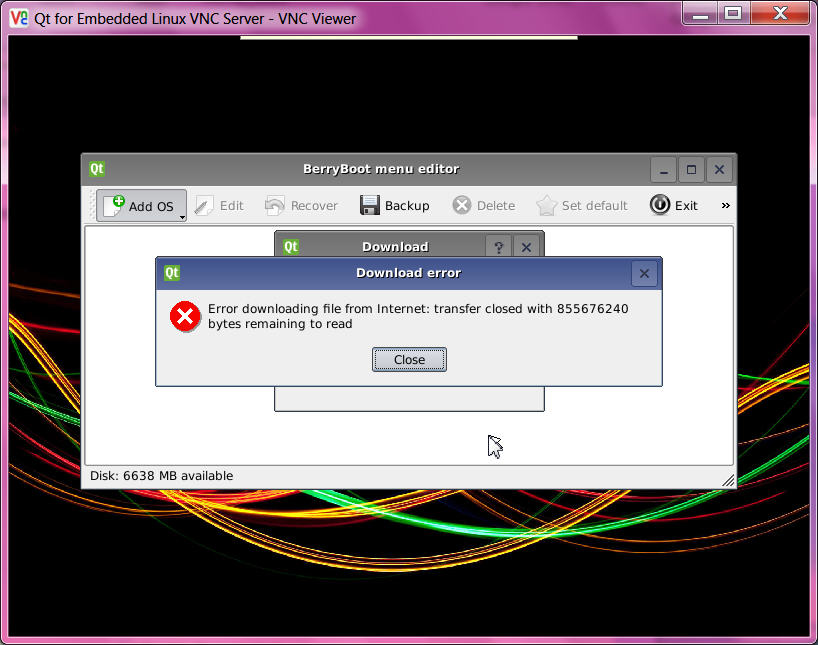

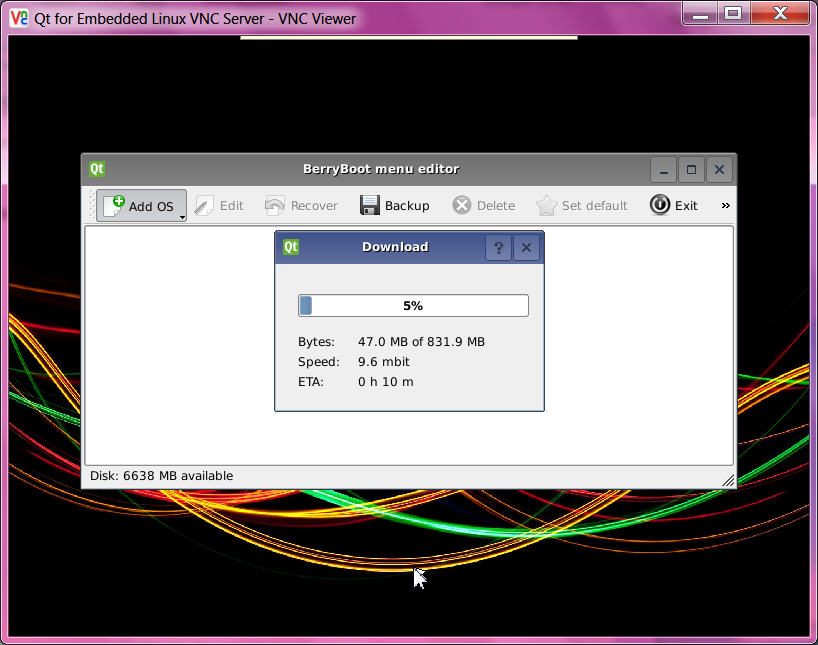
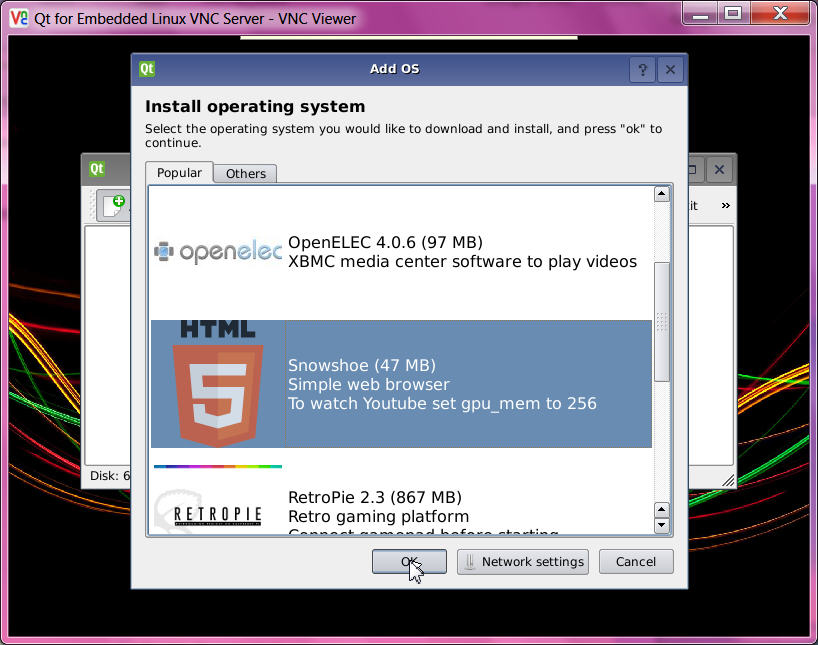

( a connection to that OS ( after berryboot menu) does not work ? because there is no VNC server installed ? on that system. But i see that it took the IP from berryboot setting.)
but i hoped i could download debian where with SSH enabled a headless setup can be performed.
ok i will try later again to download it ...
try again, still can not download, but i have a other idea,
there is still the USB stick in the HUB with old BERRYBOOT backups.
i forget how to restore so i have to read my old BLOG,
mouse down on [ADD OS] and wait for selection menu for restore from backup file on USB stick...
ok, i remembered that that is very fast. but still after reboot and wait can not login with putty.
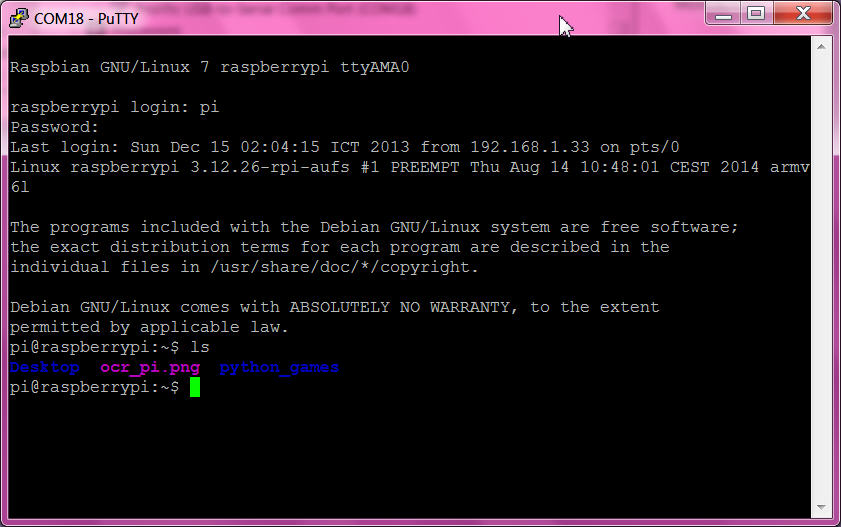
but this time the trick with the console cable worked and i could call
sudo raspi-config to enable SSH ( on that old raspbian ) ( there is a error when i try to enable camera? )
more info to the console cable and here.
so i also run a update / upgrade, no idea if i will end up with a updated 2013 or really get the same we now get with the 2014 system?
anyhow it takes a while, lots of new versions after a year??
ok, it looks more like the old system.
login from putty and VNC works now, so i shutdown and pull the console cable.
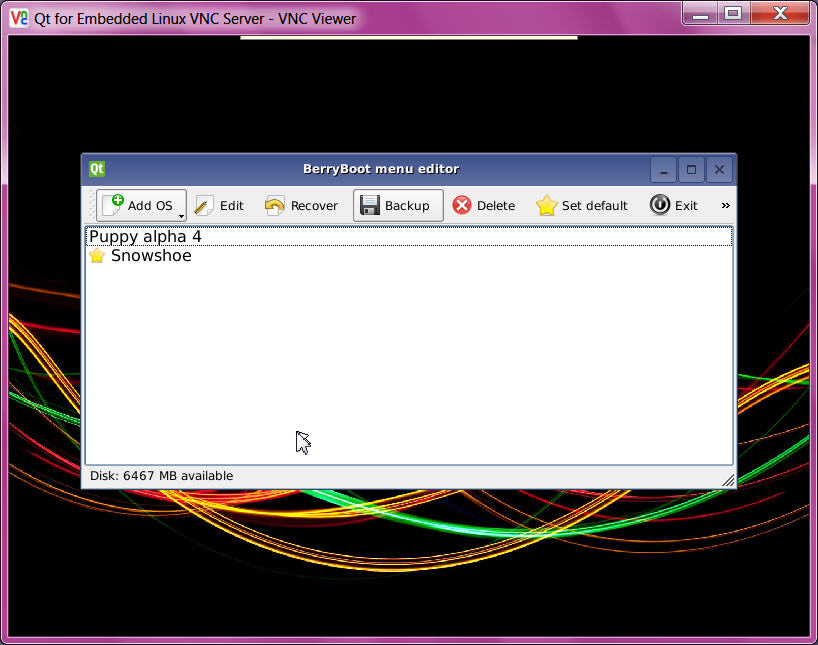

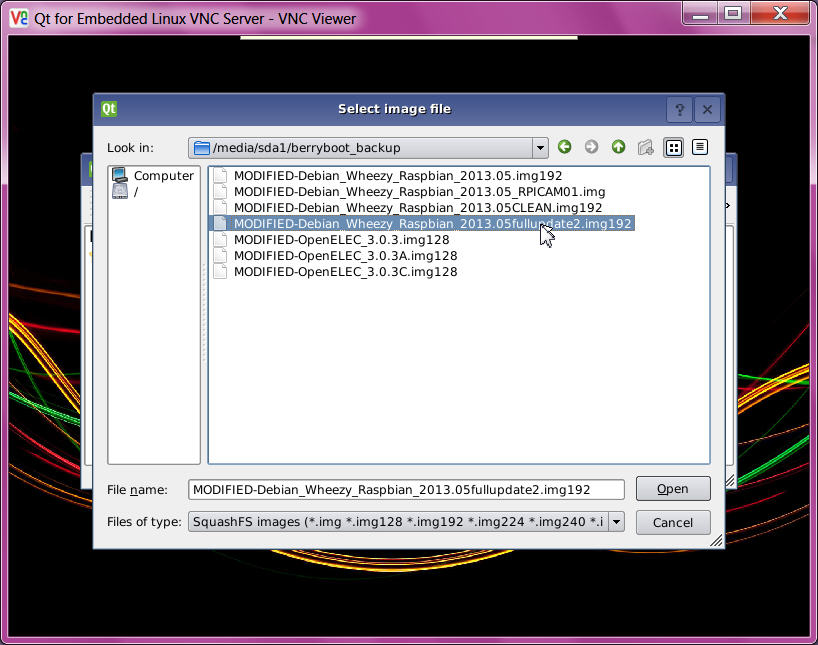

SO:
with a headless BERRYBOOT installation AND the MULTY OS selection AND the backup/restore of OS
( what even can be used for distribution / collaboration )
BERRYBOOT COULD BE THE WINNER ( bad luck that today the OS download not worked )( 17.8.2014 try download again but stop after 1 hour again, with still same number of bytes to read??? UFF 5th attempt worked)
but to play with many OS you first must be a expert? later the RPI must do one job only,
so i would say the WINNER is
the SSH enabled RASPIAN DEBIAN WHEEZY ( 2014...) standalone ZIP burned to a SDcard
follow up