
ARDUINO(.ORG) M0
115 ARDUINO(.ORG) M0
i had a situation where i was sponsored some hardware to play,
but here in a online shop the new Arduino MKR1000 was not available so i ended up with a
ARDUINO(.ORG) M0, see here
you see my writing, as i found out later it is a hardware from the original manufacturer in italy
what separated from the arduino.cc and now runs the arduino.org
even with a different IDE ...
anyhow i was interested to play with it.
first i downloaded that IDE, Arduino 1.7.9
search internet and see a confusing text here and was thinking, just plug it in and see:
USB cable ( mini like for leonardo ) and plug in a win7 ( 68 bit ) laptop, led blinking, screen say short: installing driver...and then
BLUE SCREEN
reboot... and here i am, angry, confused and worried. but i must try again.
connect board, ok
start IDE, select board M0 ok
not find any PORT
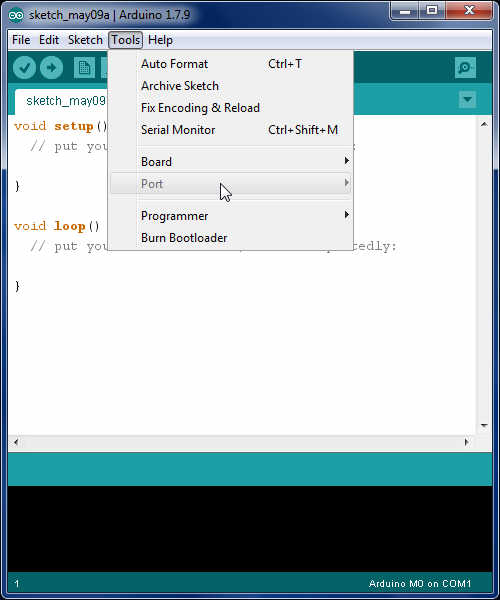
but system devicemanager see ARDUINO M0
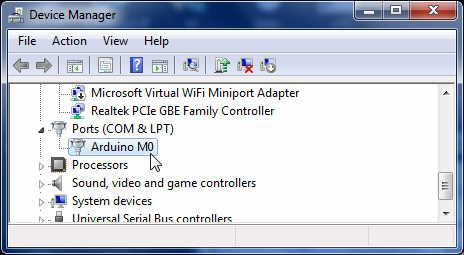
try update driver from IDE path /arduino-1.7.9/drivers/arduino.inf
well, BLUE SCREEN again
a look into the "old driver"zip not show something for M0.
need to read more and check with a other computer again (?not 64bit?).
OR, use ARDUINO.CC IDE 1.6.9 (hourly build) and load
arduino boards SAMD .. ZERO install
what asked me 2 times for a driver install OK
but same result, the port not show up in IDE.
now i try on a win 7 32bit ( SP0 )
good-- no blue screen
bad - unknown device
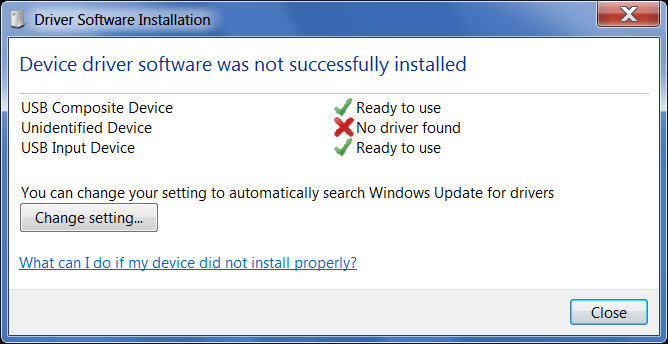
i play with manual installation...
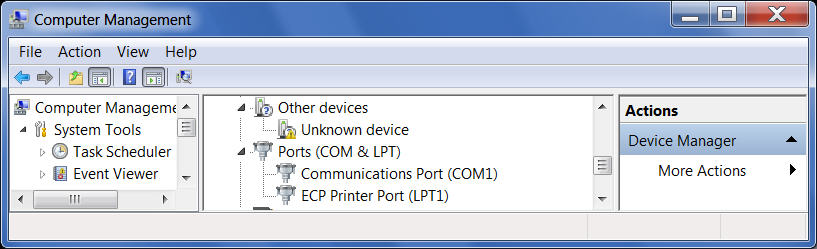
got some good info while pressing the reset button of the M0 board...
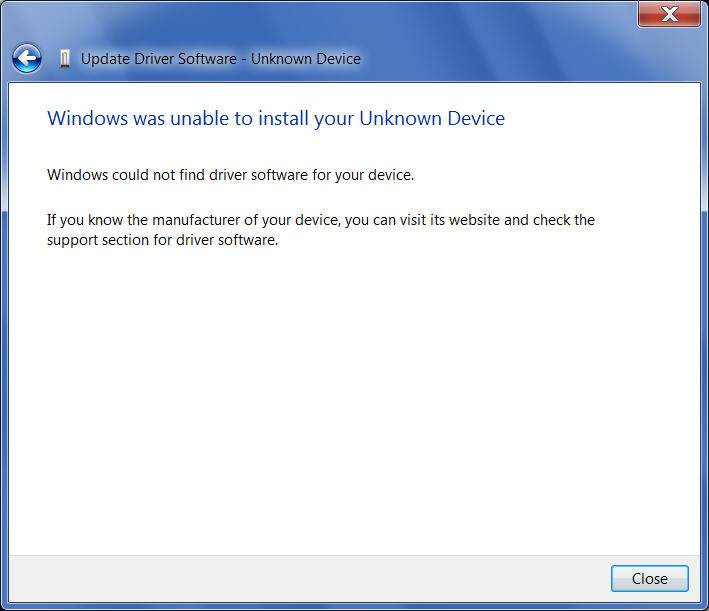
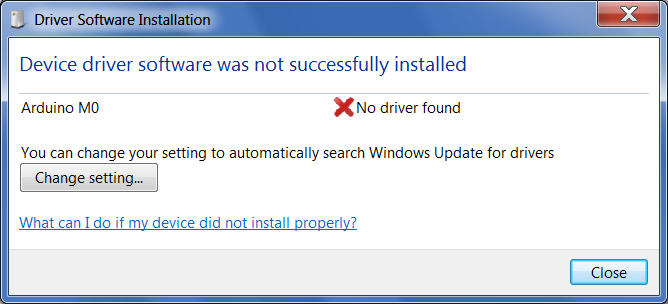
but over all not lucky.
update: 12/2016
here and here it looks like the problems between .CC and .ORG are solved,
( see also release notes )
so i try again using arduino IDE 1.8.0 using nightly version and run the board update
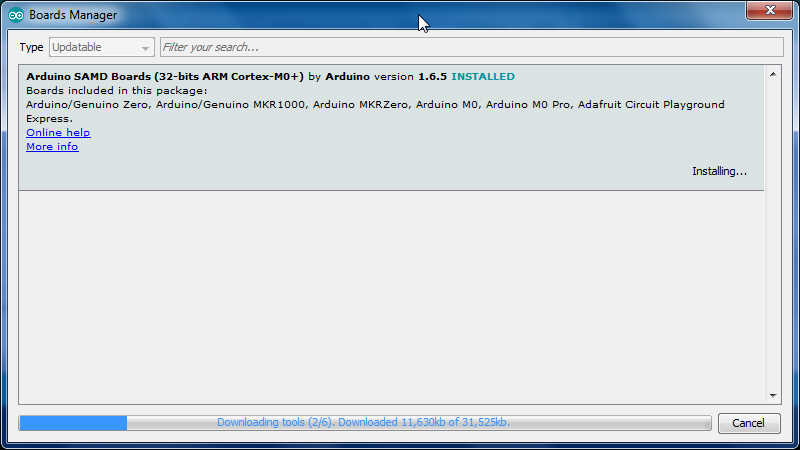
using the RESET button ( like a double click ) the port ( COM16 ) comes available for short time, so i can do
show board info and upload...
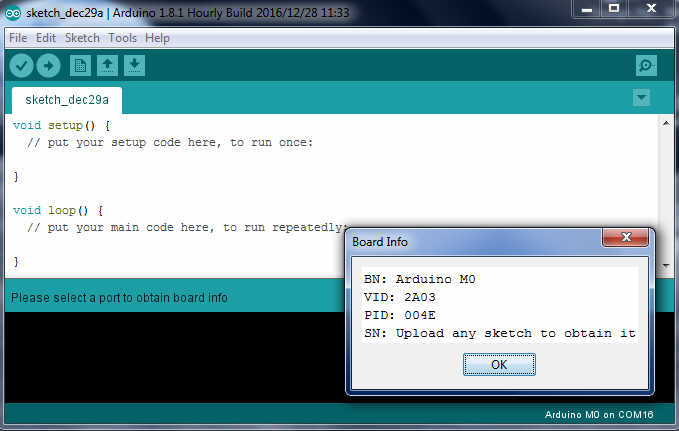
but as here i use my menu example for upload, it does not work in serial monitor as the connection ( via bootloader / native port ) is lost after some seconds.
i think i need to experiment about this info:
Serial port selection is also a bit tricky:
- - Serial will print to the uart (pins 0 and 1) on the M0
- - SerialUSB prints to the native (only) usb port on the M0
and use : while (!SerialUSB); in setup
here i see how to deal with this.
well, it did not work for me, the serialUSB ( begin and println ) i could compile and upload ( by play with the reset button ), but there never was anything in serial monitor ( or other terminal program ).
i should try pin 0 / 1 with a USB adapter later.