
SSD as tune up
109 SSD as tune up
i buy from JIB at the computer plaza north chiang mai
a San Disk Ultra II Solid State Drive 120GB
Read Speed 550 MB/s ; Write Speed 500 MB/s ; datasheet ; more
to tune up my old desktop PC ( or as drive for the new one ).
( recently it get very slow when i start programs... so again need to set up windows anyhow, what is more easy on a new / extra hard drive )
Idea is to use a old backup of the win7 i used to make with acronis, wonder if it works on a different drive?
-a- unpack
( remember for warranty need to keep box and bill )
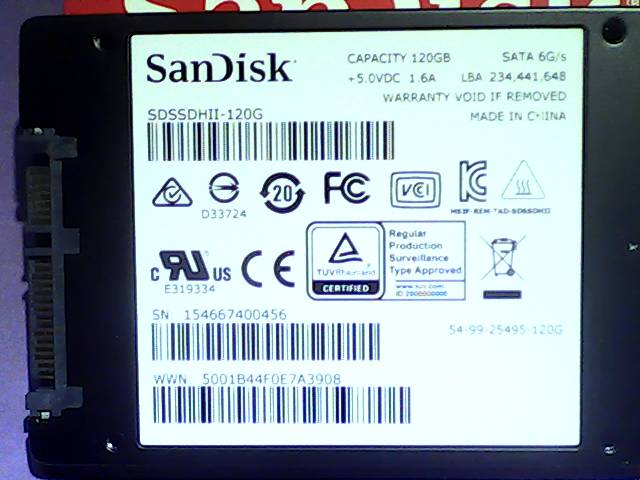
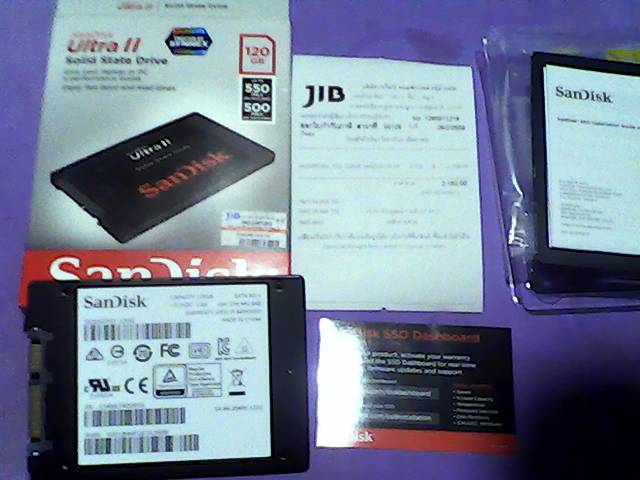
-b- drive check
power down PC, connect power and SATA to SDD to check if it works.
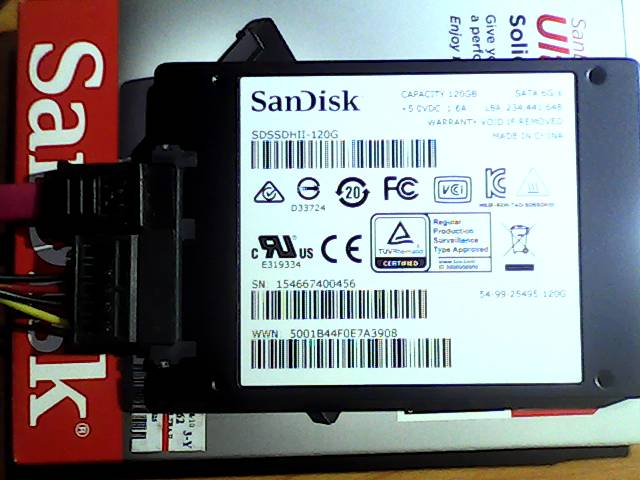
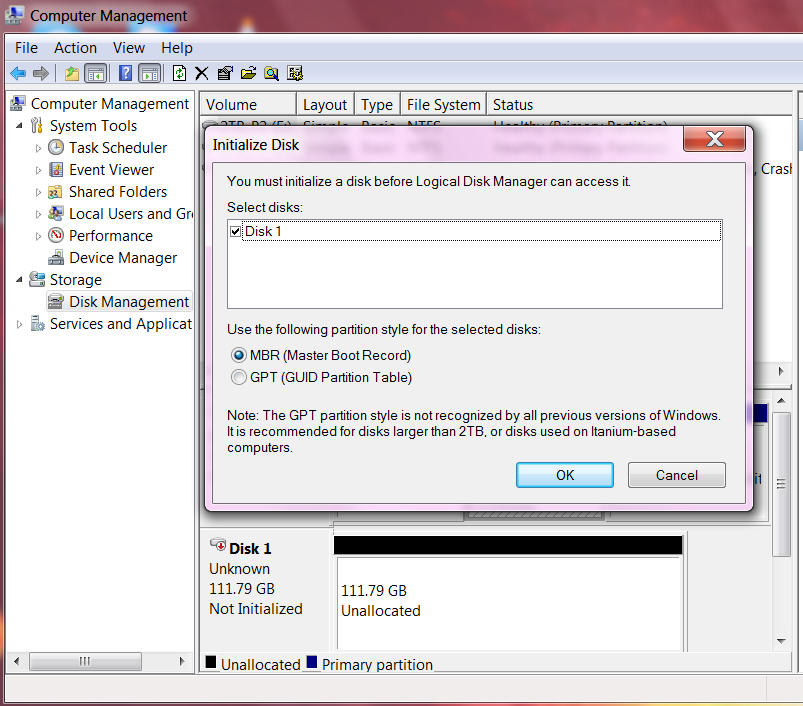
sadly i not see the drive under windows, but the "computer manager" "disk management" tells me it must be initialized first / means drive is read properly? / well i not want to change it.
-c- backup files??
where are the backups?
not lucky, i find them on this HD ( with the old windows partition )
a copy to a big USB stick not work because the acronis files ( *.tib ) are > 10GB
so need to do some backup to a external HD first.
Because for the write operation to the new SSD i want the old HD disconnected!
-d- acronis
i have a acronis USB boot stick (4GB),
and need the backup USB disk connected and the new
SATA SSD connected and the original boot HD ( SATA ) disconnected.
( ok go offline now )
boot acronis 1min
recovery menu 1min
restore from a ( 6 year old ) backup ( 10GB tib file for 50GB partition ) 12 min
install motherboard driver: ethernet OK, audio VIA not find the audio hardware???
install newest firefox, update profile via moz backup
( online again )
update existing and install new programs.
for the audio problem ( ? created by my restore ? ) i needed to "uninstall HD audio device"
scan hardware changes ( found the PCI sound on motherbord )
install motherboard VIA drivers
i do not know what that windows performance index is,
i rerun it and the score is still low 3.2 ( because of the old cpu and no graphic card )
but the "disk data transfer rate" change from 5.9 to 6.9 even the board has only SATA II.