
ARDUINO PROJECT: ETHERNET
ARDUINO PROJECT: ETHERNET
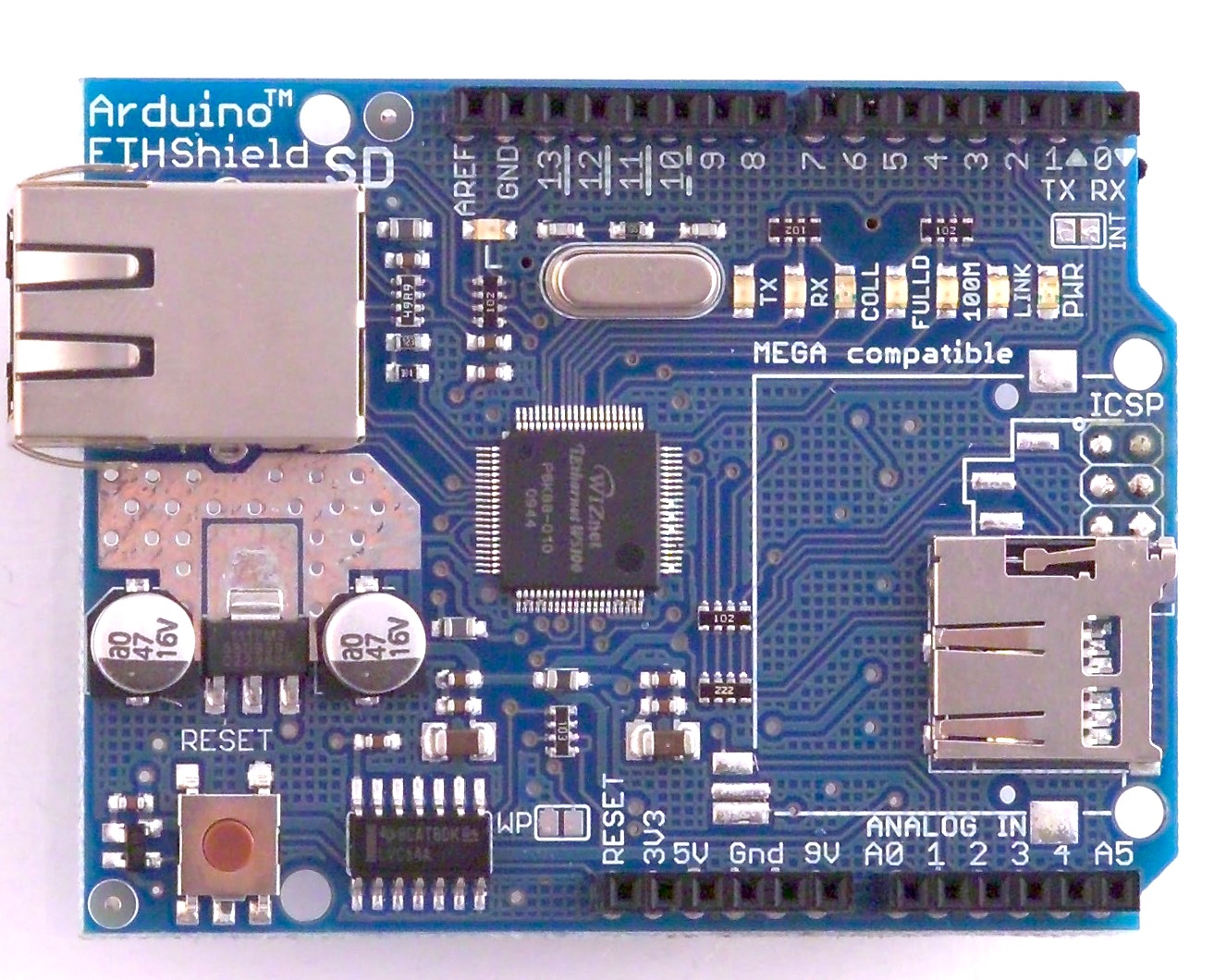
for the ARDUINO UNO board i test the ETHERNET shield v5.0
for 1630B , the original from italy
(while a PC PCI Lan card costs 200B)
it comes with ethernet RJ45 and with micro SD slot,
info
ETHERNET and SD CARD can not be used same time
W5100 and SD card using the SPI bus by pins 11, 12, and 13
pin 10 is used to select the W5100 ( must be inside ethernet library )
and pin 4 for the SD card
in FIREFOX Browser
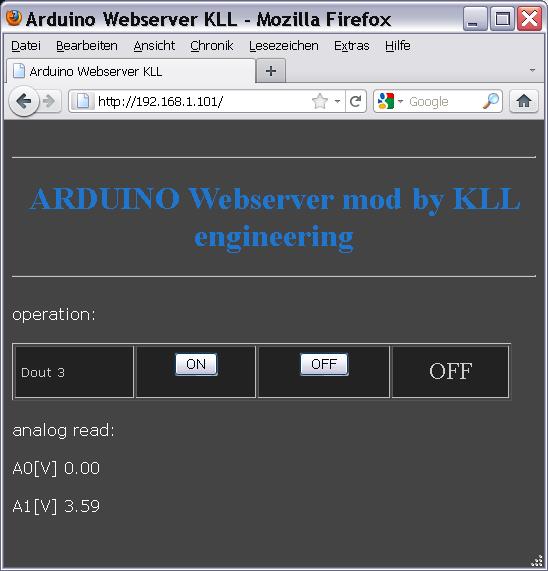
using it as a webserver i can show the measuring data in any browser( here A0, A1 )
and also operate the arduino outputs ( here Dout3 )
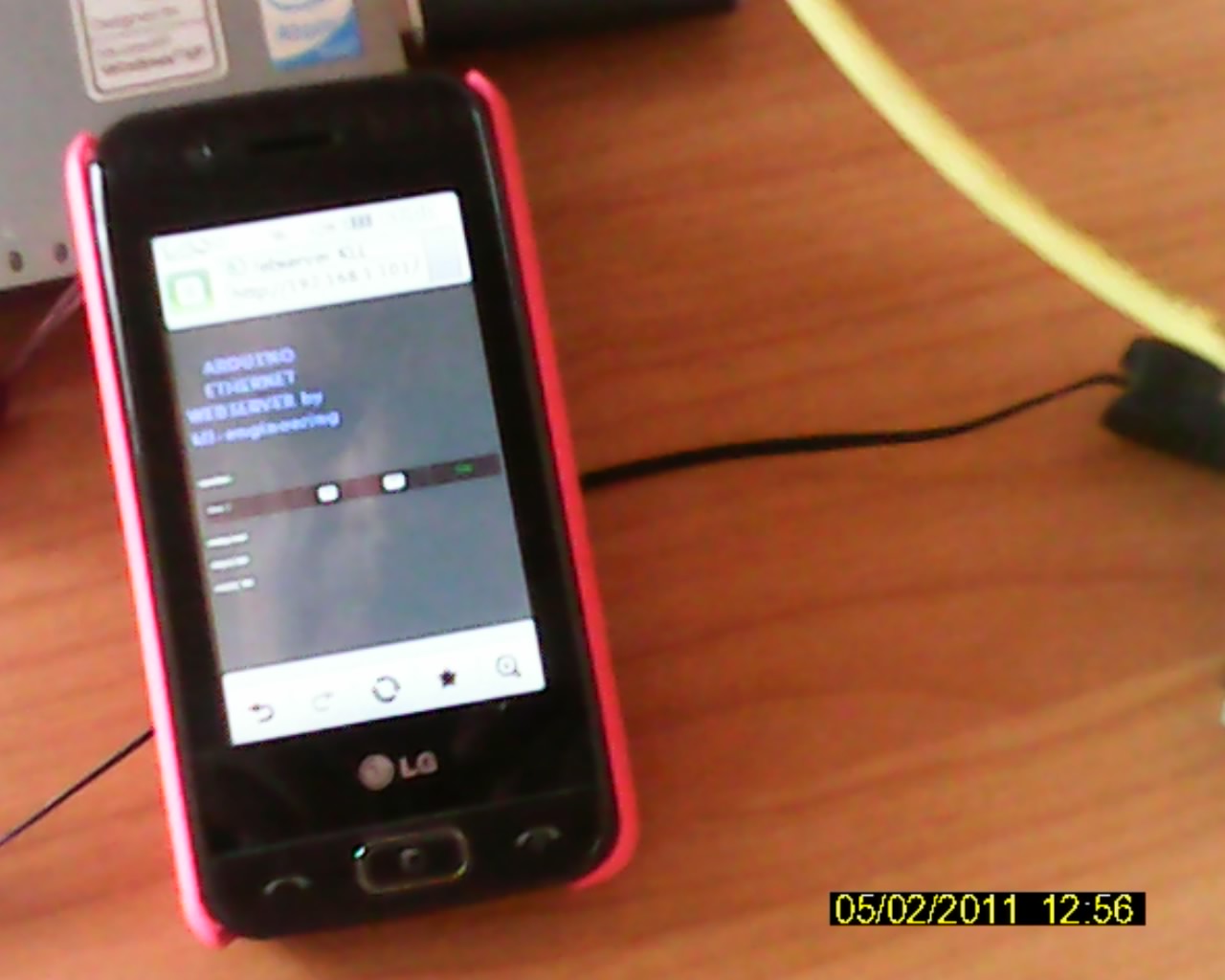
i tested my handy ( LG GT505 ) on WLAN operate that page
but had some problems, that browser always zoom IN / OUT only sometimes operate that buttons
a redesign with bigger buttons could help
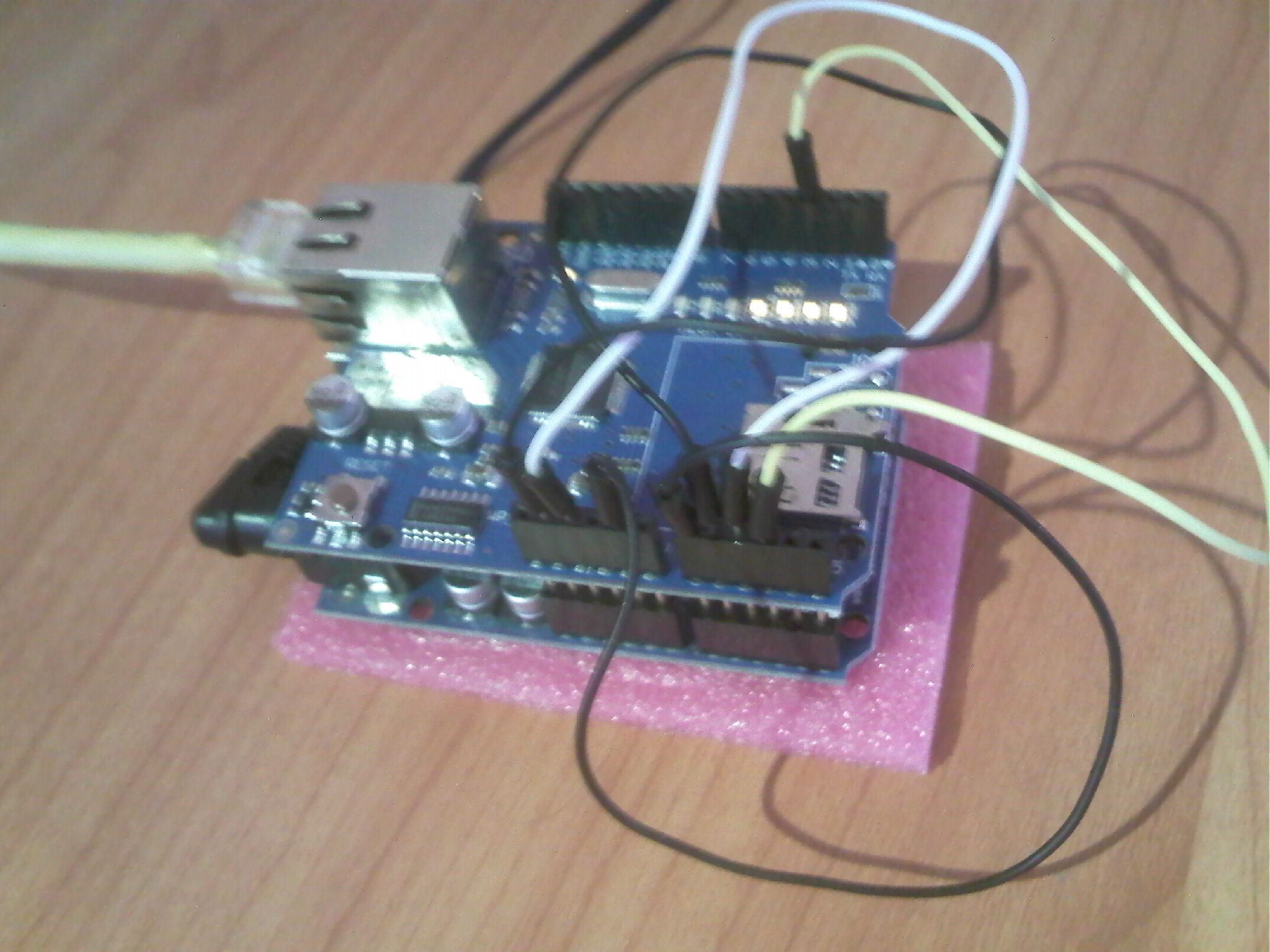
here the arduino with ethernet shield in action,
the jumperwires are to indicate measuring values like 5v,3V3, Do3
in rev 1.1
-- change design to smaller ( for handy )
-- only one button ( ON OR OFF )
-- include read of Din 6 and 7. ( my pushbuttons )
-- build in link to THIS BLOG
and change my router to allow NAT / DMZ IP ARDUINO
and make online connection by DYNDNS.ORG
to call it online: ARDUINO WEBSERVER
because the HTML code can get too big for the 2KB RAM it is better to store that strings in FLASH instead.
i found a good library that makes that easy
in rev 1.2
now use a main page, a login page, a measuring page
also the analog readings are calibrated using a readback of Vcc by internal 1V1 Aref
because when i run arduino and ethernet shield on USB netbook power,
Vcc is only 4.6V
for stand alone server use external 9VDC powersupply and see 5.03V
the code here.
after a info from arduino forum i tested again,
the code for set pinmode and digital.write to
pin10 ( ethernet enable )
pin 4 ( SD enable)
is only needed if u use both