
$ curl -s https://dataplicity.com/200dec48.sh | sudo sh
Welcome to the Dataplicity Shell Quick Install
This may take up to 15 minutes on some systems, but often < 30 seconds
[step 1 of 5] updating system...
Selecting previously unselected package python-medusa.
(Reading database ... 90322 files and directories currently installed.)
Unpacking python-medusa (from .python-medusa_1%3a0.5.4-7_all.deb) ...
Selecting previously unselected package python-meld3.
Unpacking python-meld3 (from .python-meld3_0.6.5-3.1_armhf.deb) ...
Selecting previously unselected package supervisor.
Unpacking supervisor (from .supervisor_3.0a8-1.1+deb7u1_all.deb) ...
Setting up python-medusa (1:0.5.4-7) ...
Setting up python-meld3 (0.6.5-3.1) ...
Setting up supervisor (3.0a8-1.1+deb7u1) ...
Starting supervisor: supervisord.
Processing triggers for python-support ...
Selecting previously unselected package libossp-uuid16.
(Reading database ... 90540 files and directories currently installed.)
Unpacking libossp-uuid16 (from .libossp-uuid16_1.6.2-1.3_armhf.deb) ...
Selecting previously unselected package uuid.
Unpacking uuid (from .uuid_1.6.2-1.3_armhf.deb) ...
Processing triggers for man-db ...
Setting up libossp-uuid16 (1.6.2-1.3) ...
Setting up uuid (1.6.2-1.3) ...
Selecting previously unselected package libexpat1-dev.
(Reading database ... 90554 files and directories currently installed.)
Unpacking libexpat1-dev (from .libexpat1-dev_2.1.0-1+deb7u2_armhf.deb) ...
Selecting previously unselected package libssl-dev.
Unpacking libssl-dev (from .libssl-dev_1.0.1e-2+rvt+deb7u17_armhf.deb) ...
Selecting previously unselected package libssl-doc.
Unpacking libssl-doc (from .libssl-doc_1.0.1e-2+rvt+deb7u17_all.deb) ...
Selecting previously unselected package python2.7-dev.
Unpacking python2.7-dev (from .python2.7-dev_2.7.3-6+deb7u2_armhf.deb) ...
Selecting previously unselected package python-dev.
Unpacking python-dev (from .python-dev_2.7.3-4+deb7u1_all.deb) ...
Processing triggers for man-db ...
Setting up libexpat1-dev (2.1.0-1+deb7u2) ...
Setting up libssl-dev (1.0.1e-2+rvt+deb7u17) ...
Setting up libssl-doc (1.0.1e-2+rvt+deb7u17) ...
Setting up python2.7-dev (2.7.3-6+deb7u2) ...
Setting up python-dev (2.7.3-4+deb7u1) ...
[step 2 of 5] installing Dataplicity...
id: dataplicity: No such user
/tmp/tmpp1s_A3/pip.zip/pip/_vendor/requests/packages/urllib3/util/ssl_.py:90: In
securePlatformWarning: A true SSLContext object is not available. This prevents
urllib3 from configuring SSL appropriately and may cause certain SSL connections
to fail. For more information, see https://urllib3.readthedocs.org/en/latest/se
curity.html#insecureplatformwarning.
Reading package lists... Done
Building dependency tree
Reading state information... Done
The following NEW packages will be installed:
python-psutil
0 upgraded, 1 newly installed, 0 to remove and 11 not upgraded.
Need to get 54.4 kB of archives.
After this operation, 264 kB of additional disk space will be used.
Get:1 http://mirrordirector.raspbian.org/raspbian/ wheezy/main python-psutil arm
hf 0.5.1-1 [54.4 kB]
Fetched 54.4 kB in 1s (29.9 kB/s)
Selecting previously unselected package python-psutil.
(Reading database ... 92106 files and directories currently installed.)
Unpacking python-psutil (from .python-psutil_0.5.1-1_armhf.deb) ...
Setting up python-psutil (0.5.1-1) ...
Processing triggers for python-support ...
[step 3 of 5] installing Tuxtunnel...
[step 4 of 5] registering device 'RPI2'...
[step 5 of 5] starting service...
Dataplicity Shell is now installed!
Your device will be >
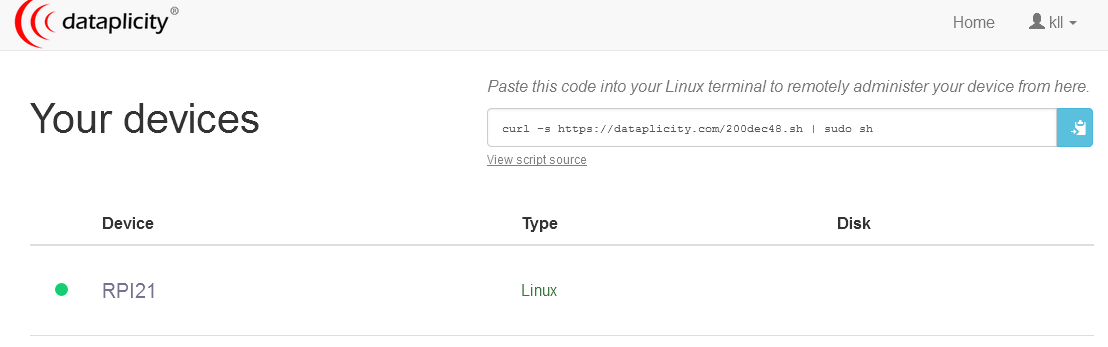
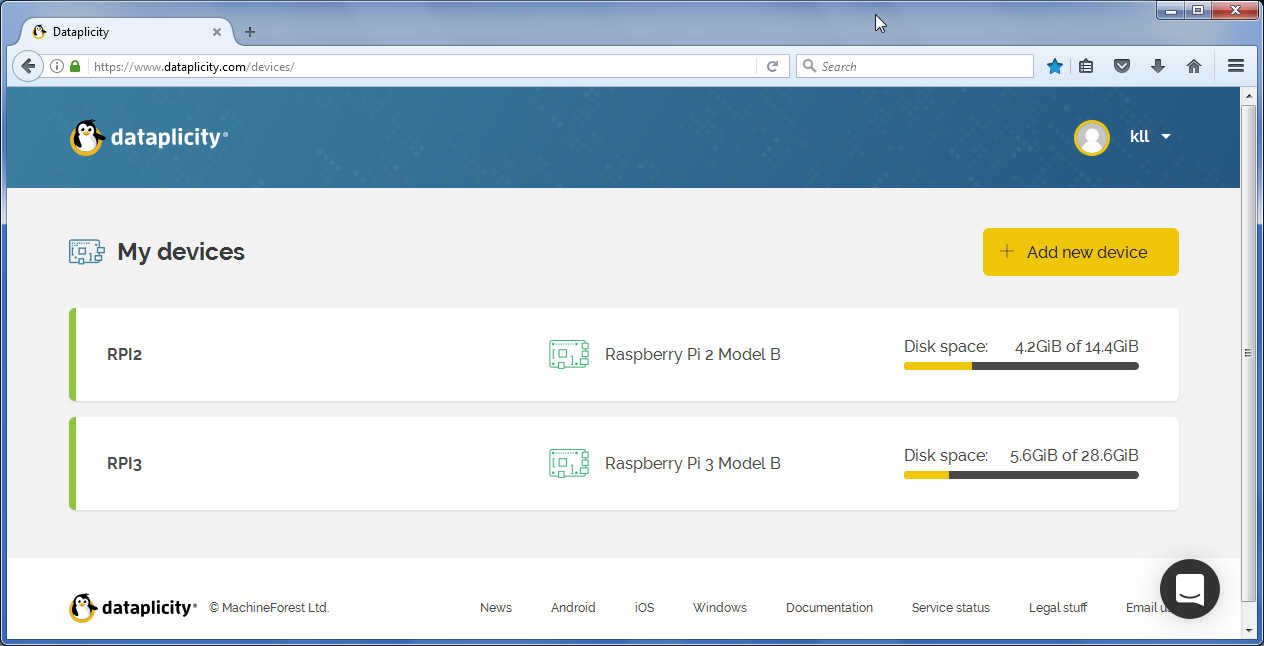
now when i look at the browser page i see a device RPI21 ( my RPI name is RPI2 )
and when i press a button what looks like a 'update' a terminal window opens.
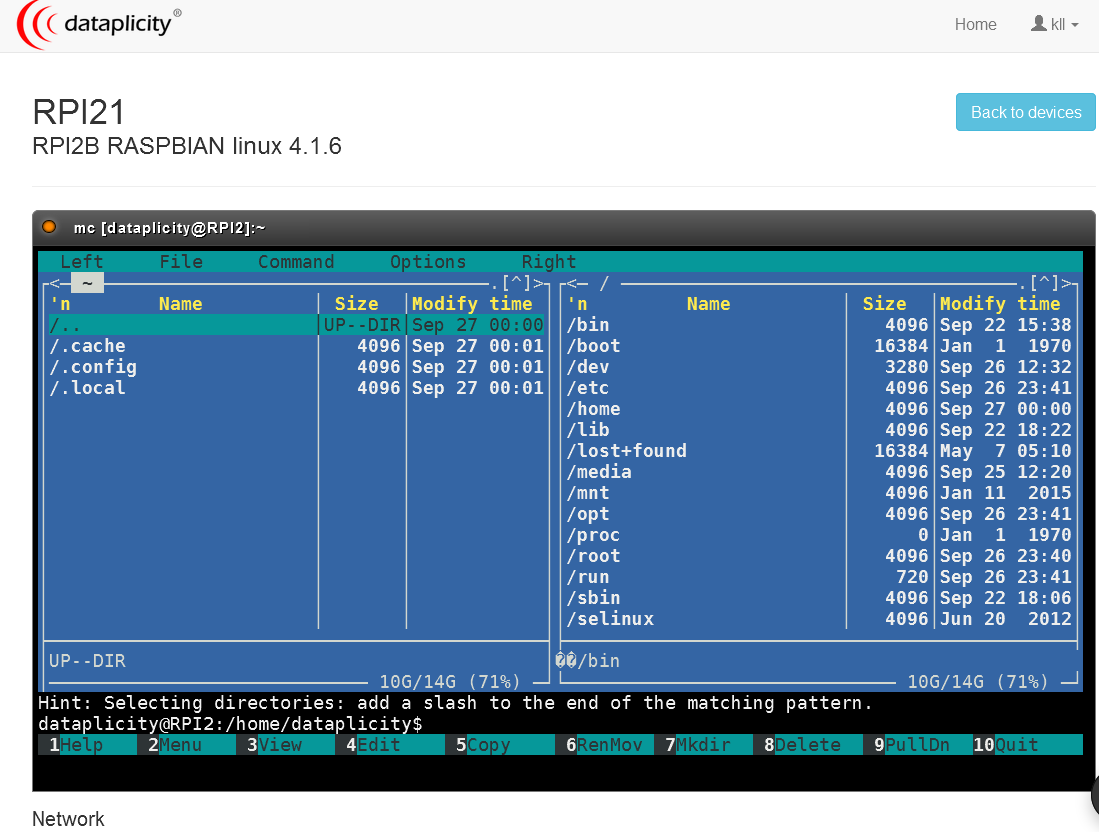
looks like the user creation for user 'dataplicity' is incomplete because a /home/dataplicity/ is missing what causes errors when i try to start 'mc'
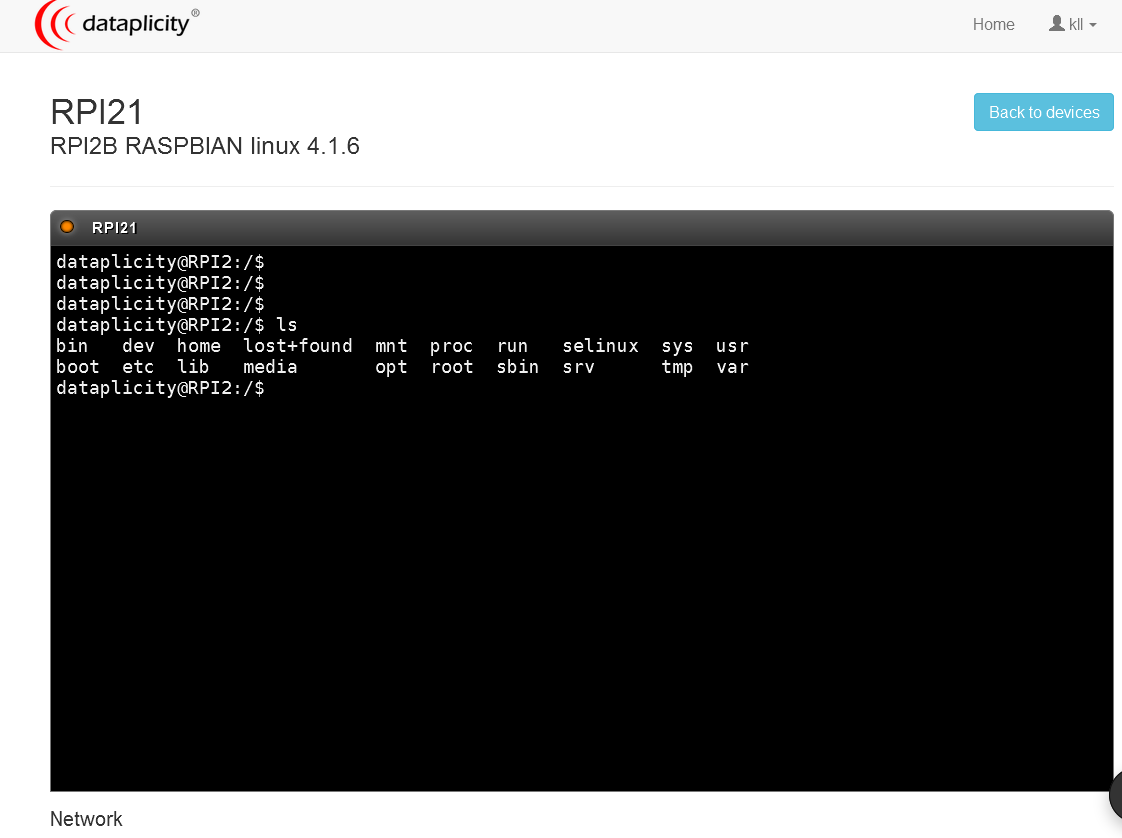
now i go in PUTTY as myuser
cd /home/
sudo mkdir dataplicity
sudo chown dataplicity:dataplicity dataplicity
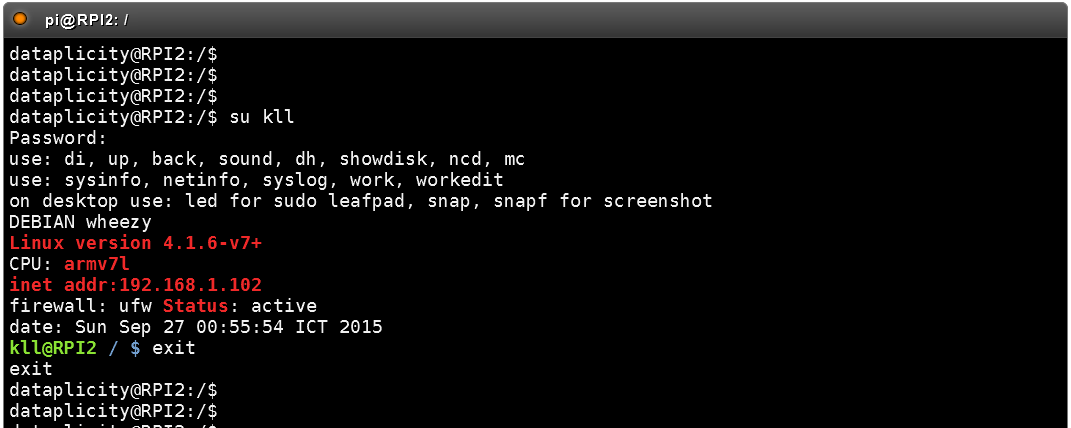
then i try a sudo xxx and am asked for a password?? it is not the login password to my account there??

ok, got a very fast answer back from forum
thanks @Elliot_M
so you need to su login as pi ( or your superuser ) with
su pi
( raspberry )
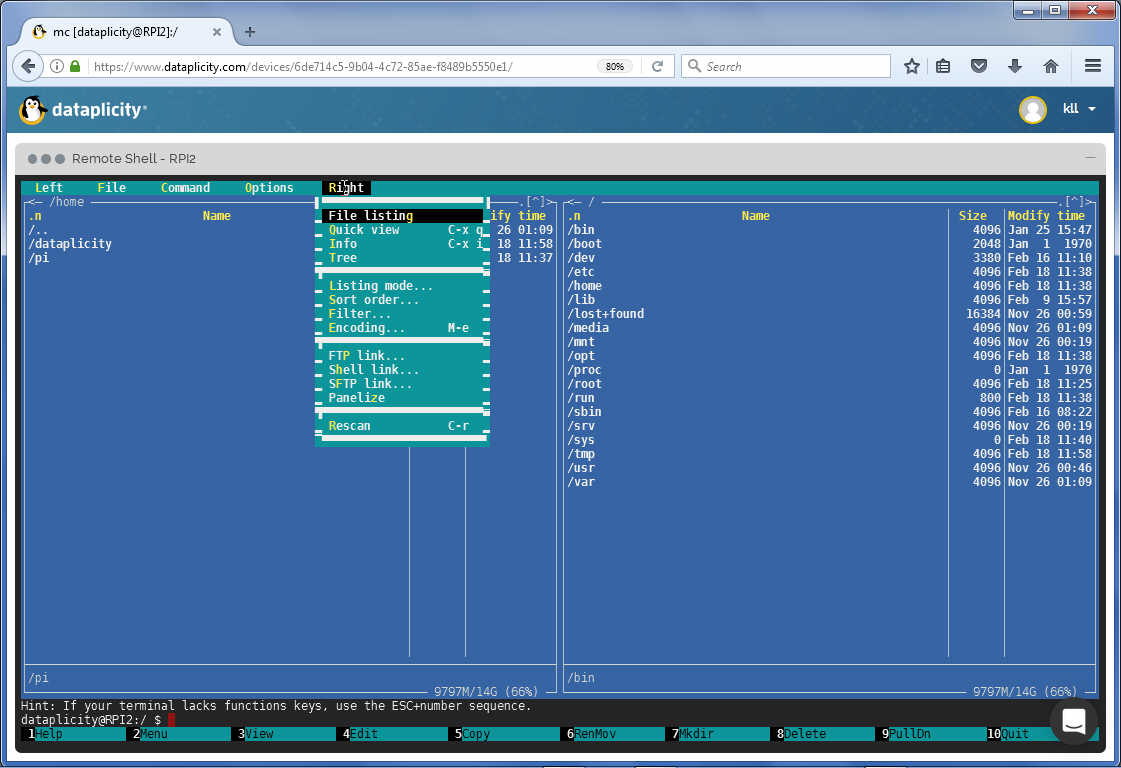
now i learned that with this i can open a terminal in my RPI via a browser, but i hope soon i can also open a desktop?
i play more with the user and miss the HOME
as the .bash_aliases not work
test by
printenv
change by
usermod -d /home/dataplicity dataplicity but does not work: it say "usermod no changes"
try change password
$ sudo passwd dataplicity
Enter new UNIX password:
Retype new UNIX password:
passwd: password updated successfully
Enter new UNIX password:
Retype new UNIX password:
passwd: password updated successfully
it did not ask for login? but also not show the prompt, so i typed the new password and it worked.
at second login not needed the password again / was the user overwritten?
$ sudo chage -l dataplicity
Last password change : Sep 27, 2015
Password expires : never
Password inactive : never
Account expires : never
Minimum number of days between password change : 0
Maximum number of days between password change : 99999
Number of days of warning before password expires : 7
$
well, i should have checked that before i changed the password, anyhow this also not works. Last password change : Sep 27, 2015
Password expires : never
Password inactive : never
Account expires : never
Minimum number of days between password change : 0
Maximum number of days between password change : 99999
Number of days of warning before password expires : 7
$
also the mc not run again,
so this dataplicity user is a very strange user.
dataplicity.com update 18-02-2017
getting one of that emails from dataplicity.com i want try it again and see for new features.
i tested a RPI2 and a RPI3 with updated raspbian and could not install. but with the help of Elliot /email/online chat now i am connected again.
-a- requirements:
a raspberry pi connected to the internet
( i work headless RPI3 with power-supply via WIFI )
-b- start browser to
dataplicity.com
( get account / verify email... )
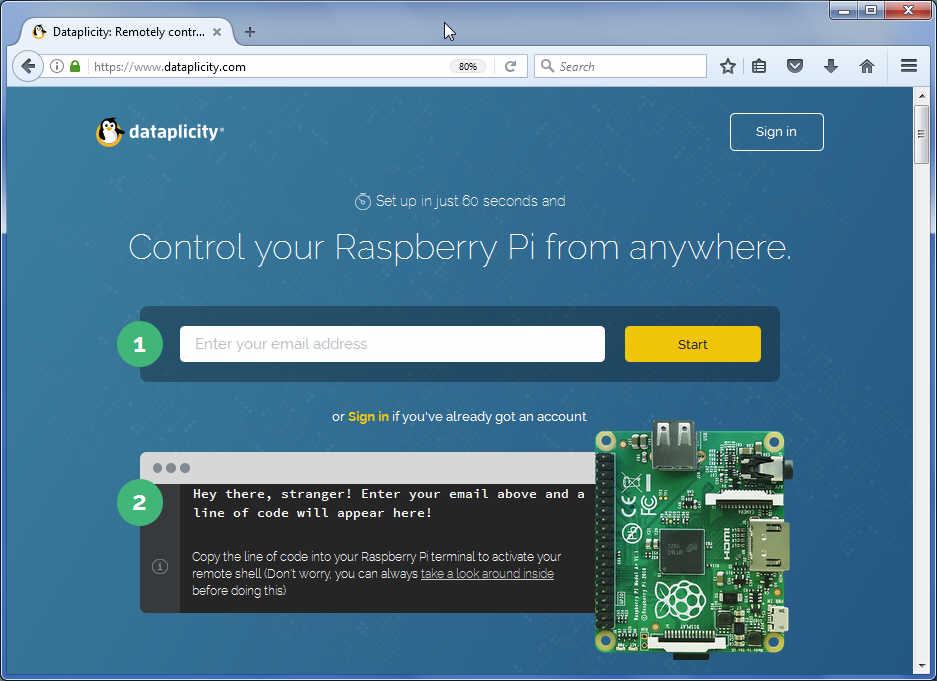
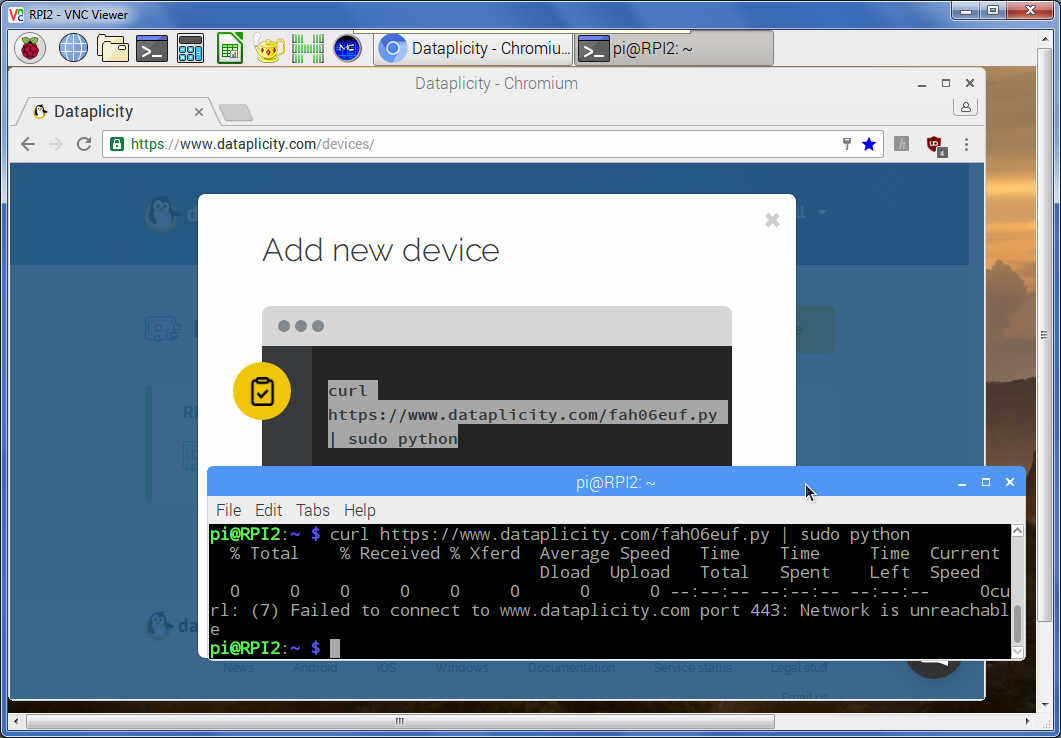
+ add new device and see a CLI you should execute from terminal
curl https://www.dataplicity.com/fah06euf.py | sudo python
what ended on 2 RPI in a error.
now acc Elliot here the manual procedure:
sudo apt-get install -y supervisor
wget https://www.dataplicity.com/fah06euf.py
sudo python fah06euf.py
wget https://www.dataplicity.com/fah06euf.py
sudo python fah06euf.py
to have your usual environment ( like my .bash_aliases ..)
su pi
after i am up to date and connected again i look for the new stuff:
WORMHOLE ...
example wormhole remote VNC
we have VNC already, so start at NOVNC
sudo apt-get install git websockify
git clone git://github.com/kanaka/noVNC #12MB
cd noVNC
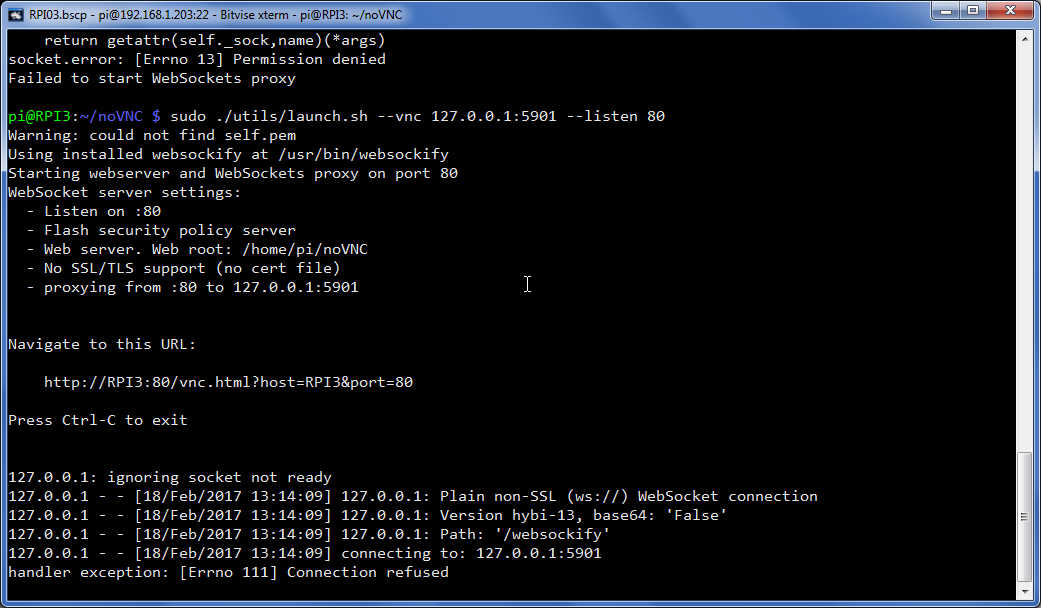
./utils/launch.sh --vnc 127.0.0.1:5901 --listen 80
error but with sudo better
sudo ./utils/launch.sh --vnc 127.0.0.1:5901 --listen 80
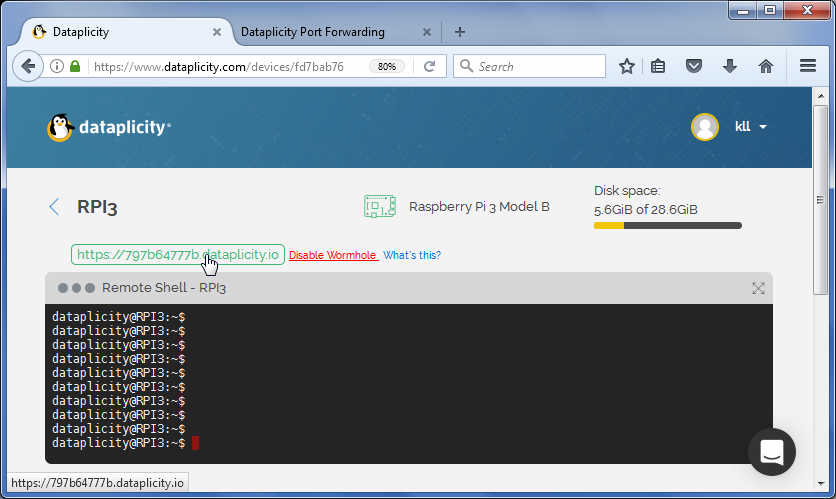
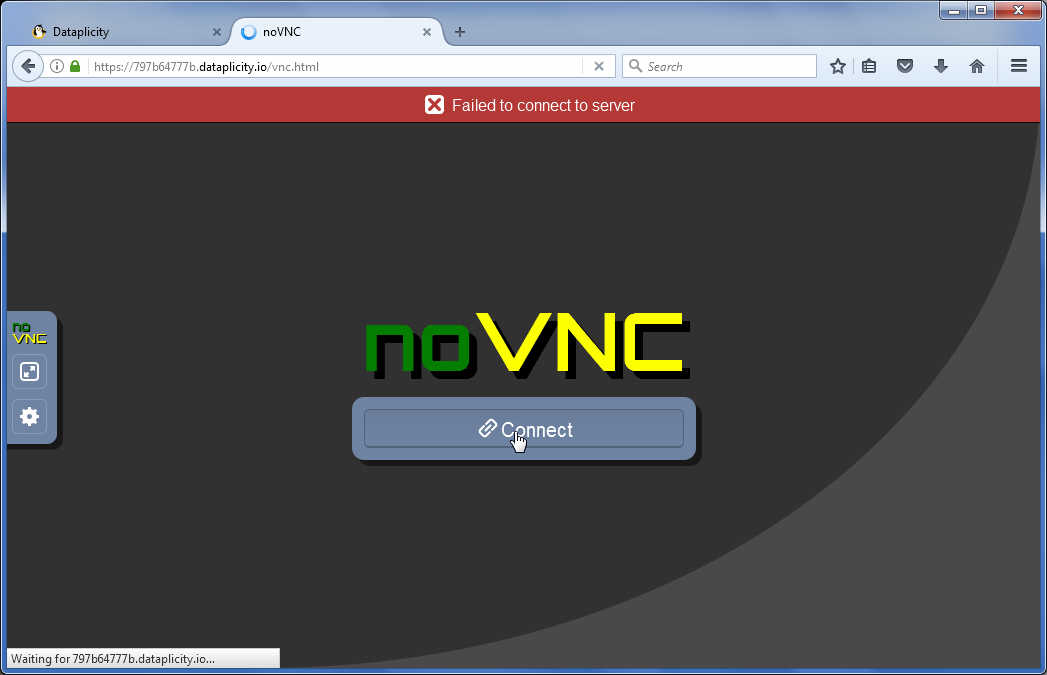
but today is not a lucky day, possibly need some changes for the now pre installed real VNC.
as there is a other example using python and Flask and see also raspberrypi.org
i want test that, comparing it with my recent play with node.js...
first i just follow the flask web page example, i found about the port command,
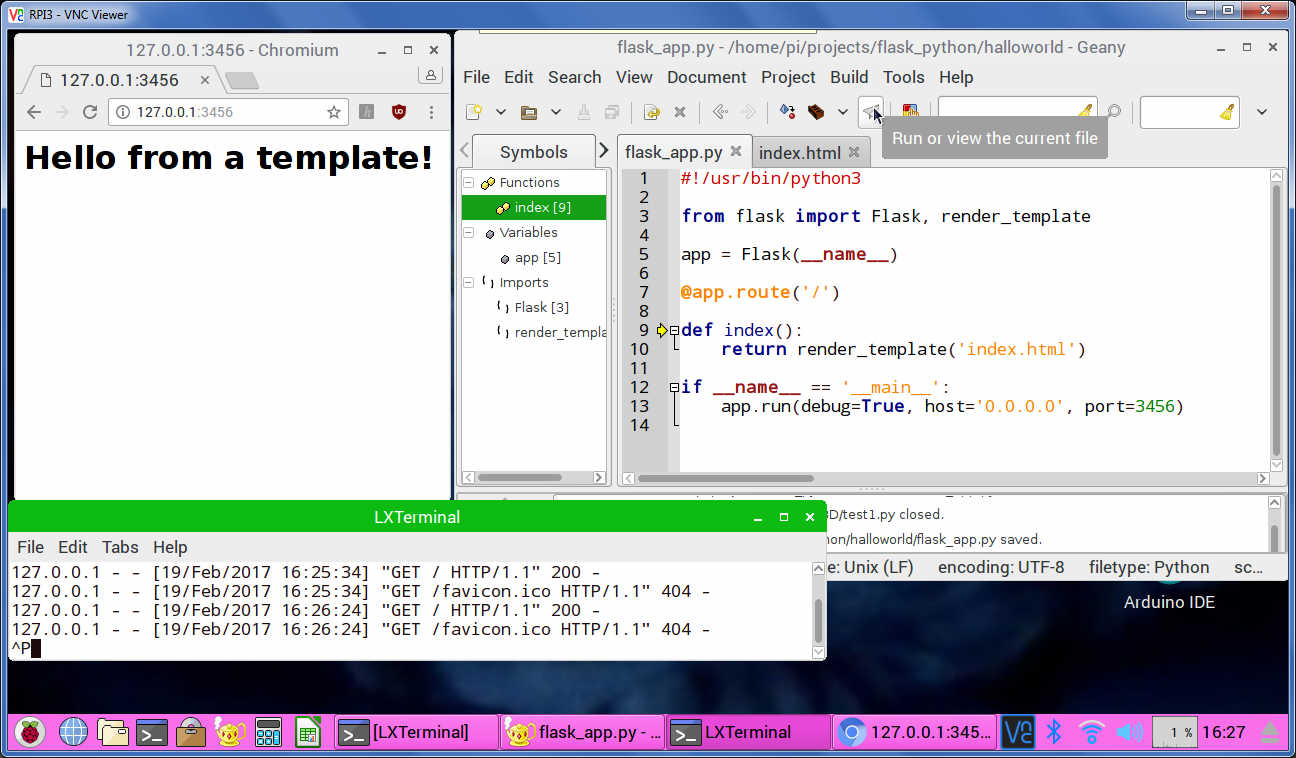
and learned that i need start with "sudo python3 ..." if i want use port 80 ( instead 3456 )
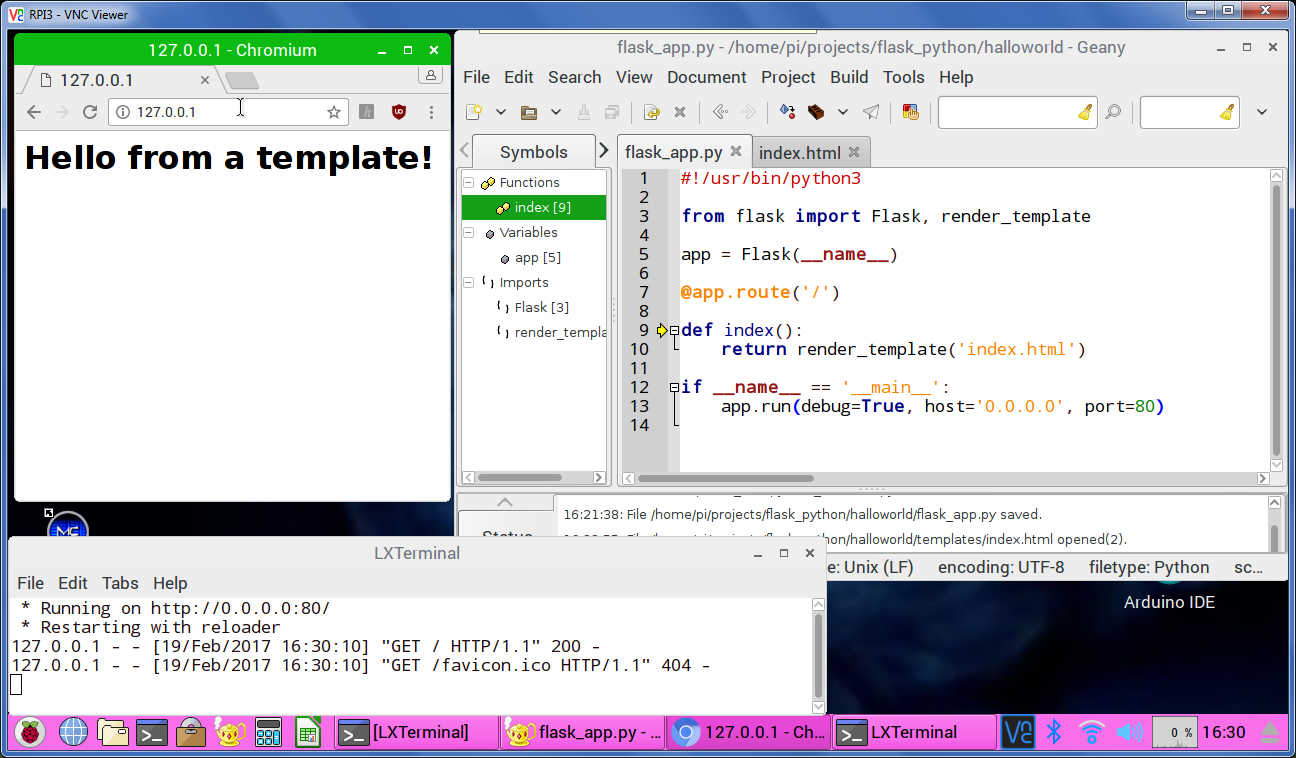
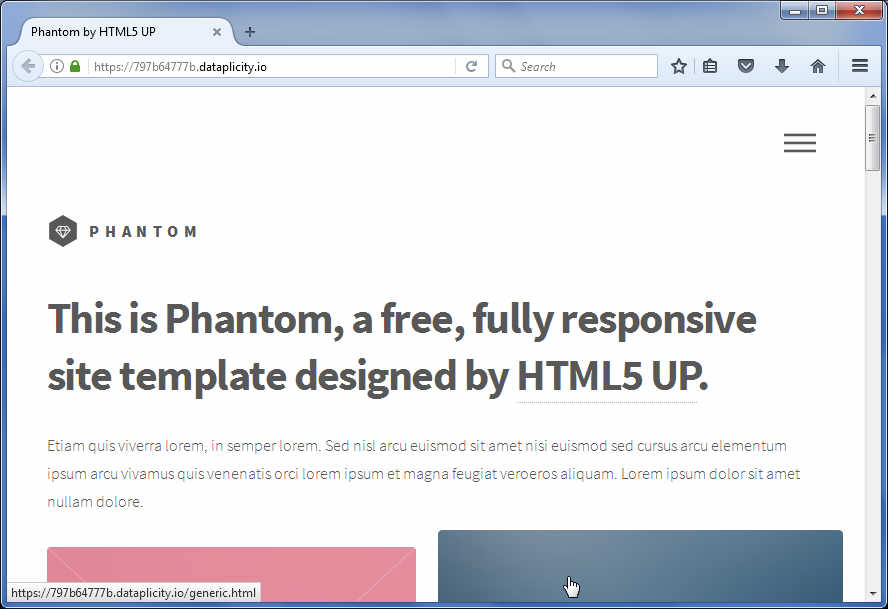
and loading some nice template from html5up.net and show via dataplicity wormhole
weaved.com
next i want test the
weaved.com
register/make a account here
UPDATE: pricing !!
see here for RPI
run
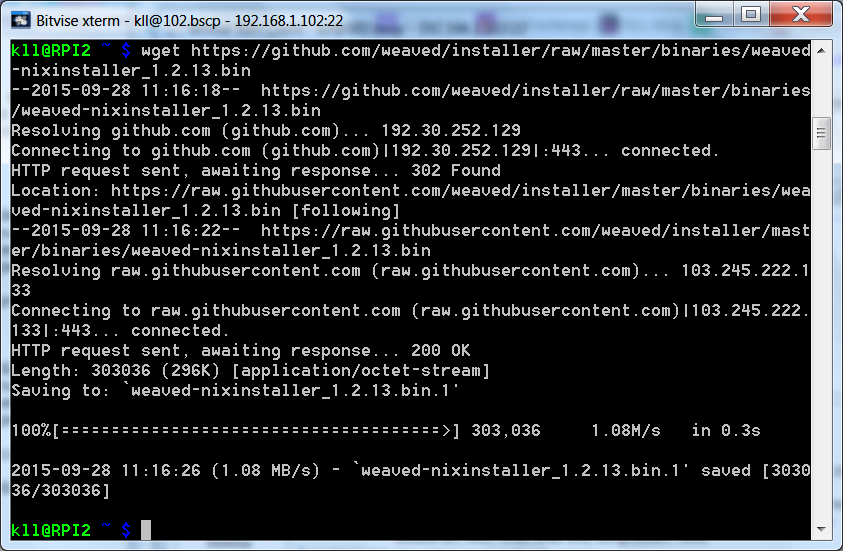
wget https://github.com/weaved/installer/raw/master/binaries/weaved-nixinstaller_1.2.13.bin
chmod +x weaved-nixinstaller_1.2.13.bin
./weaved-nixinstaller_1.2.13.bin
you can select different / multiple service:
SSH on port 22
Web (http) on port 80
WebIOPi on port 8000
VNC on port 5091 (tested with tightvncserver)
A custom TCP service on your port of choice
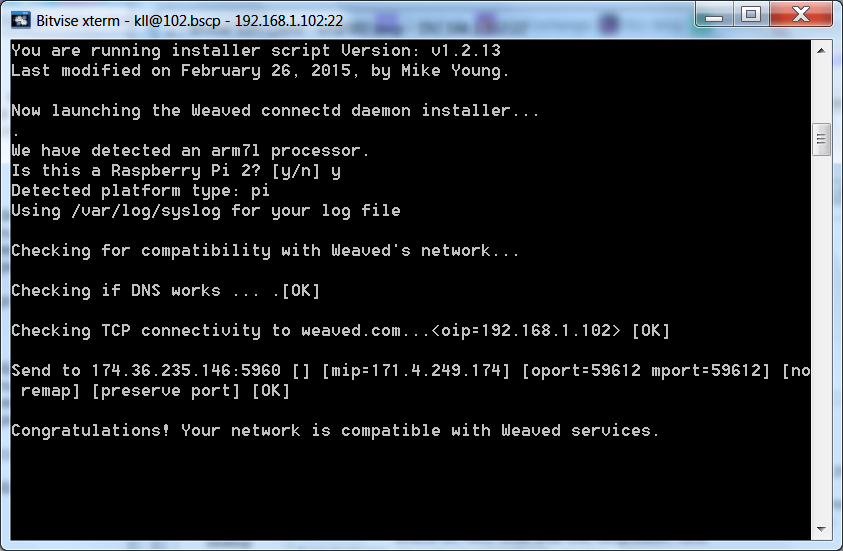
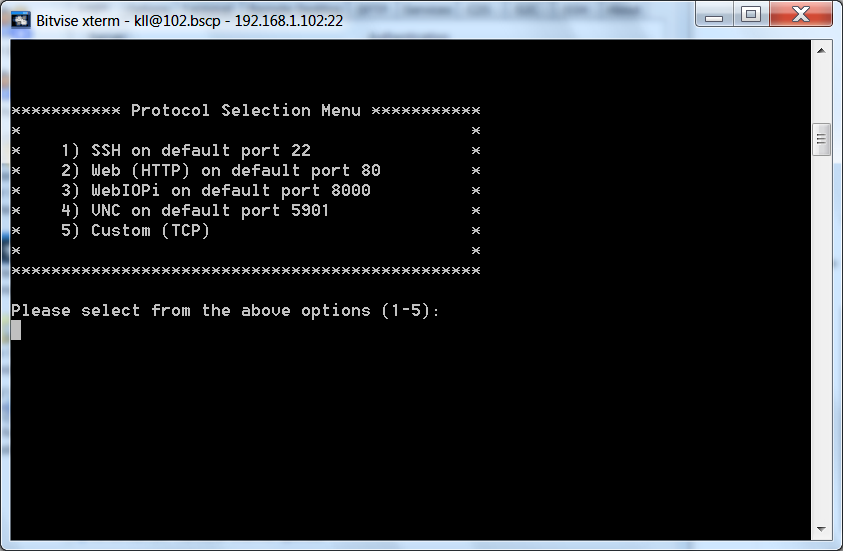
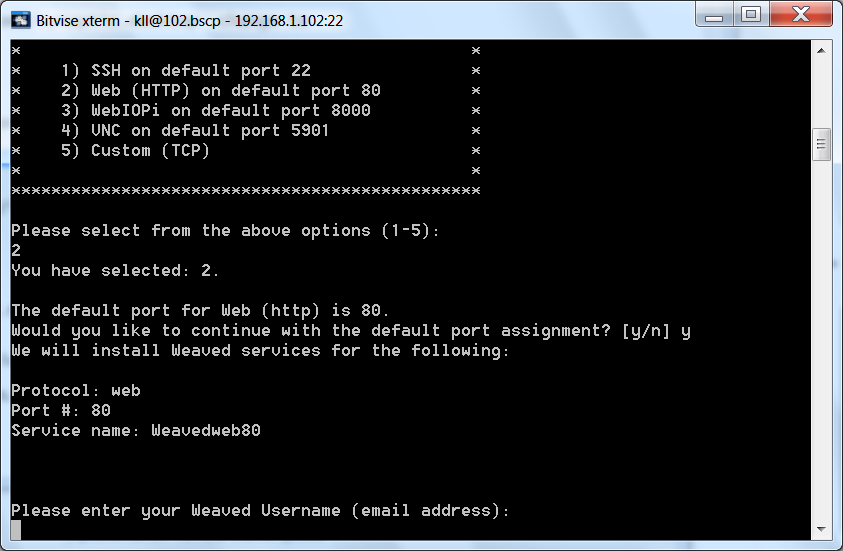
give email and password from your weaved account and find your device:
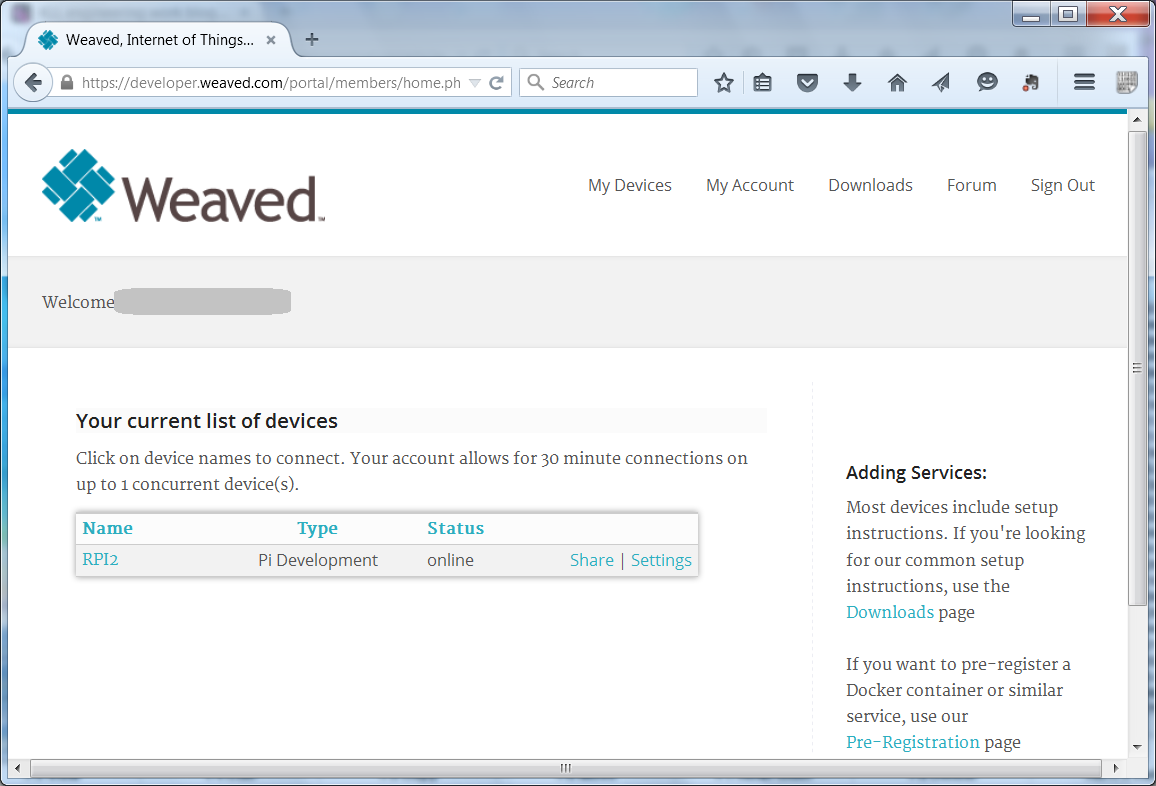
as i try for webserver ( what would be a kind of useless / or maybe very private / website )
need to check on that [share] button
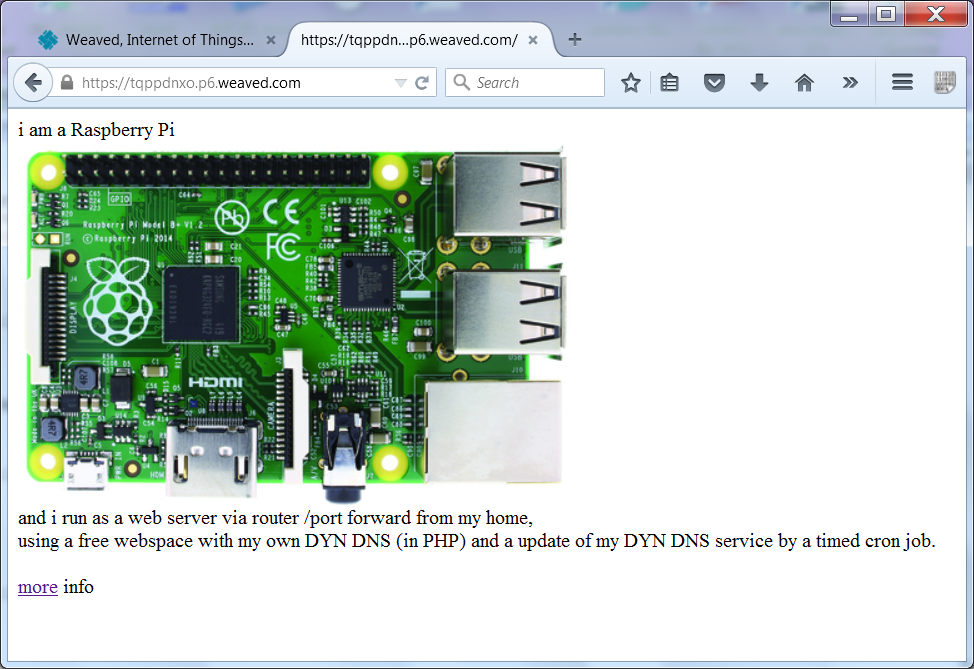
pls. note the limitations for the
FREE ACCOUNT
30 min , one device
UPDATE:
i used that SD card and run a manual upgrade to JESSIE
resulting in a 6.5GB used /dev/root/ system
( while the new JESSIE image is only 4.2GB / without my installations )
anyhow:
Weaved still runs but the "homepage" i made is gone?
ok, its a apache change:
copy /var/www/ to var/www/html/
Dataplicity terminal also ok
weaved.com update 18-02-2017
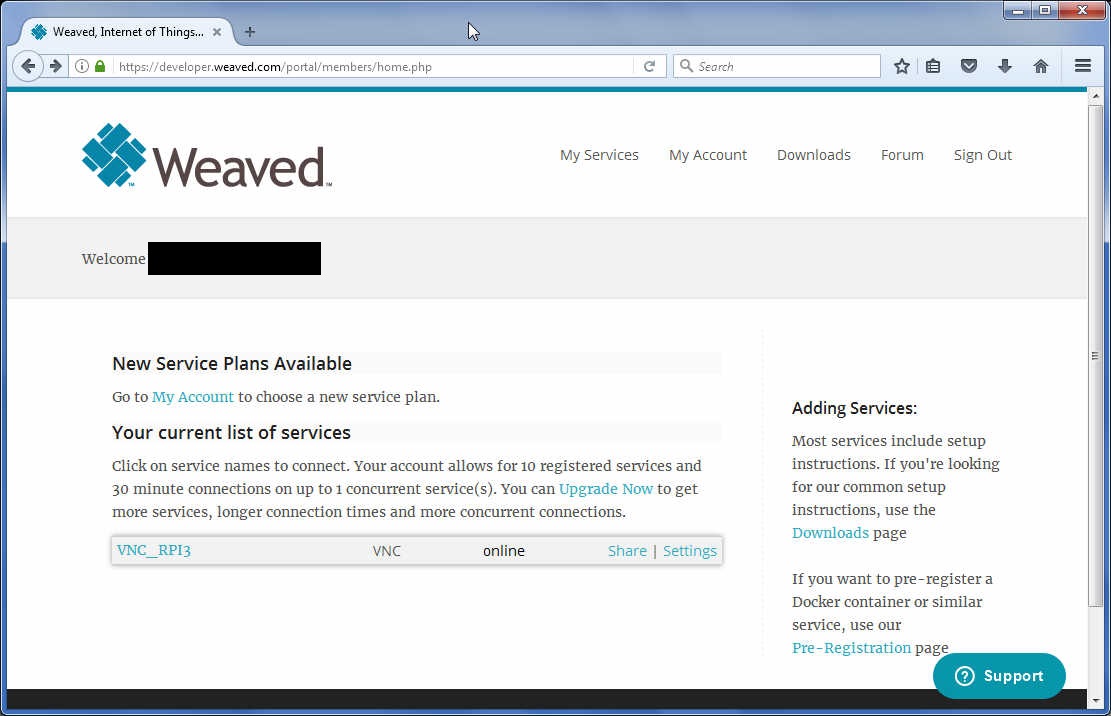
also want to test install of weaved, this time also for the new real VNC
install for RPI here
sudo apt-get update
sudo apt-get install weavedconnectd
sudo weavedinstaller
email
password
RPI3
1
3
n
5900
VNC_RPI3
4
sudo apt-get install weavedconnectd
sudo weavedinstaller
password
RPI3
1
3
n
5900
VNC_RPI3
4
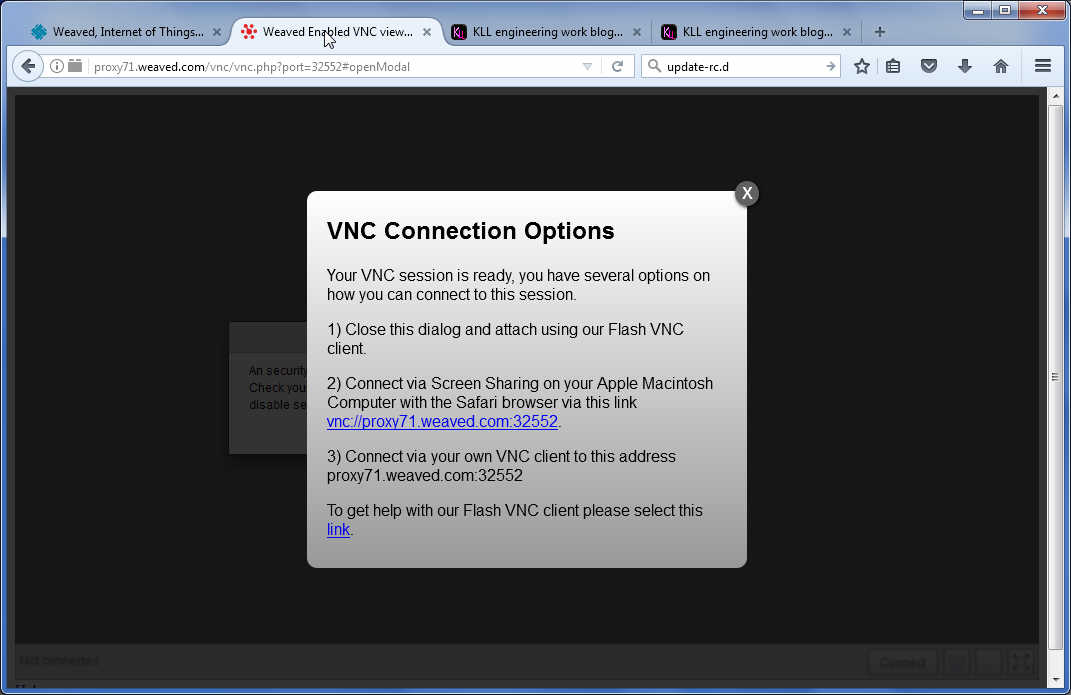
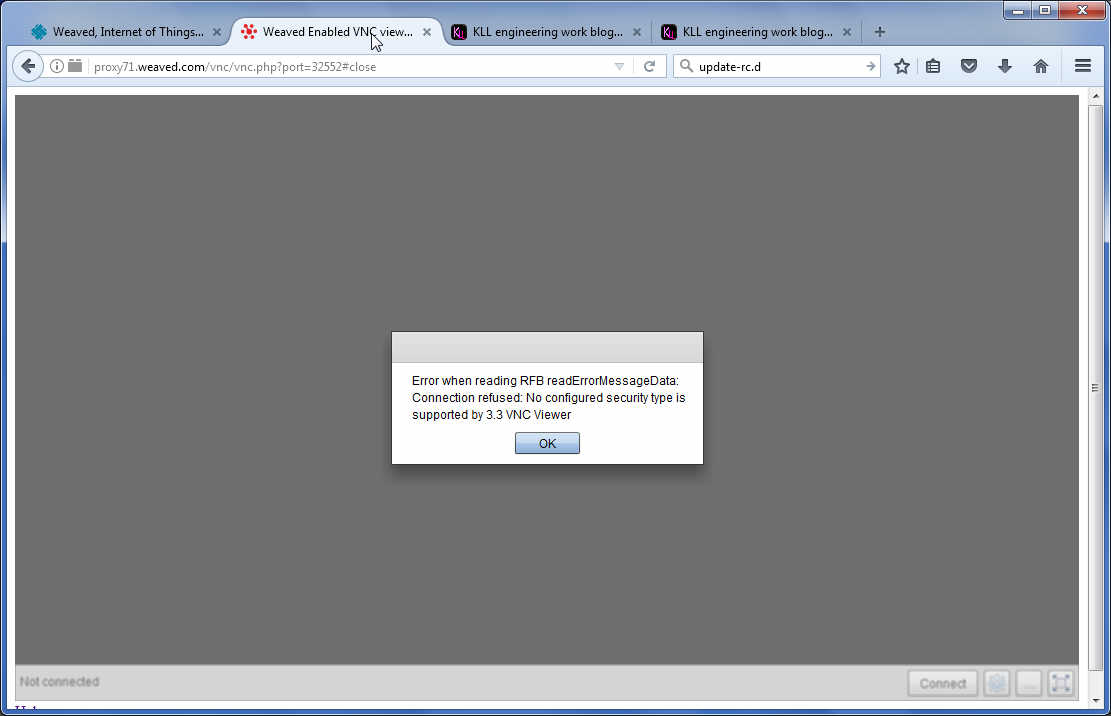
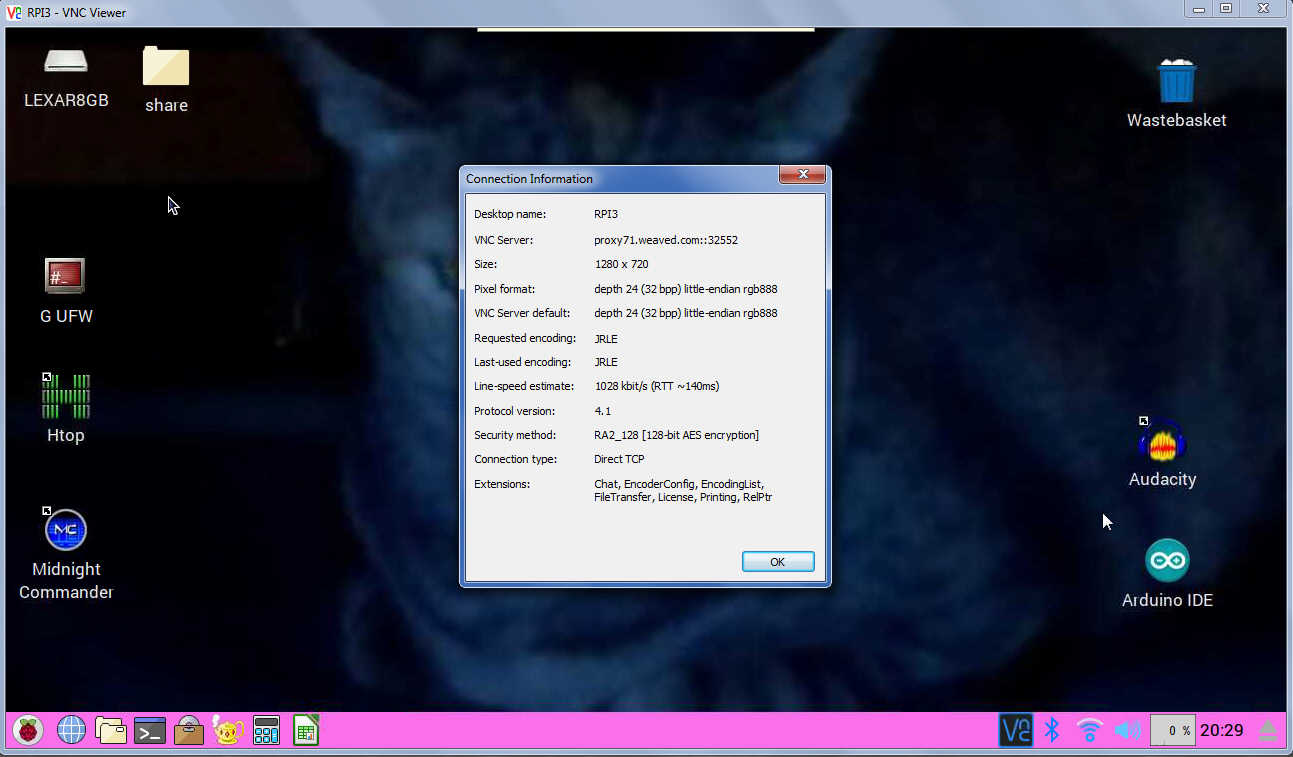
the option with the online vnc not worked, but with my local vnc viewer and the proxy thing worked.
now you reach weaved.com by remot3.it
real VNC connect? forum